Paste markdown, download a styled PDF.
Markdown to PDF renders standard markdown — headings, lists, code blocks, blockquotes, links, horizontal rules, and GFM tables — into styled HTML you can preview live and print to PDF using your browser.
Six style themes control typography for preview and PDF output: Default, Serif, Compact, Mono, Book, and GitHub. Pick the one that fits your content before downloading.
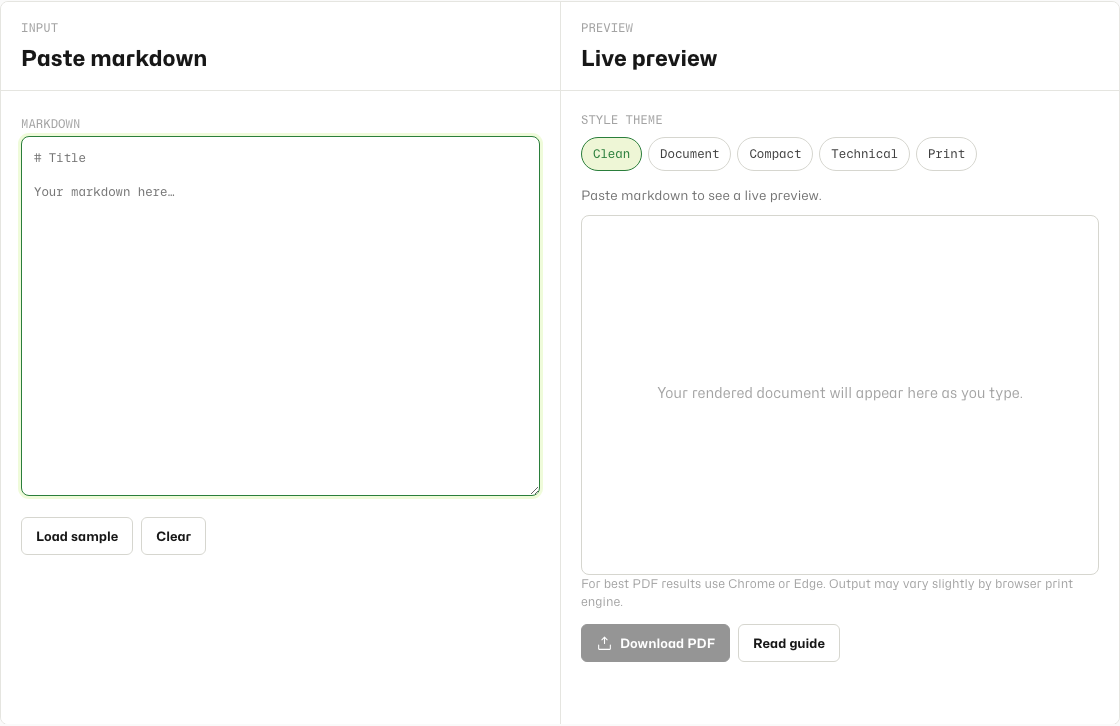
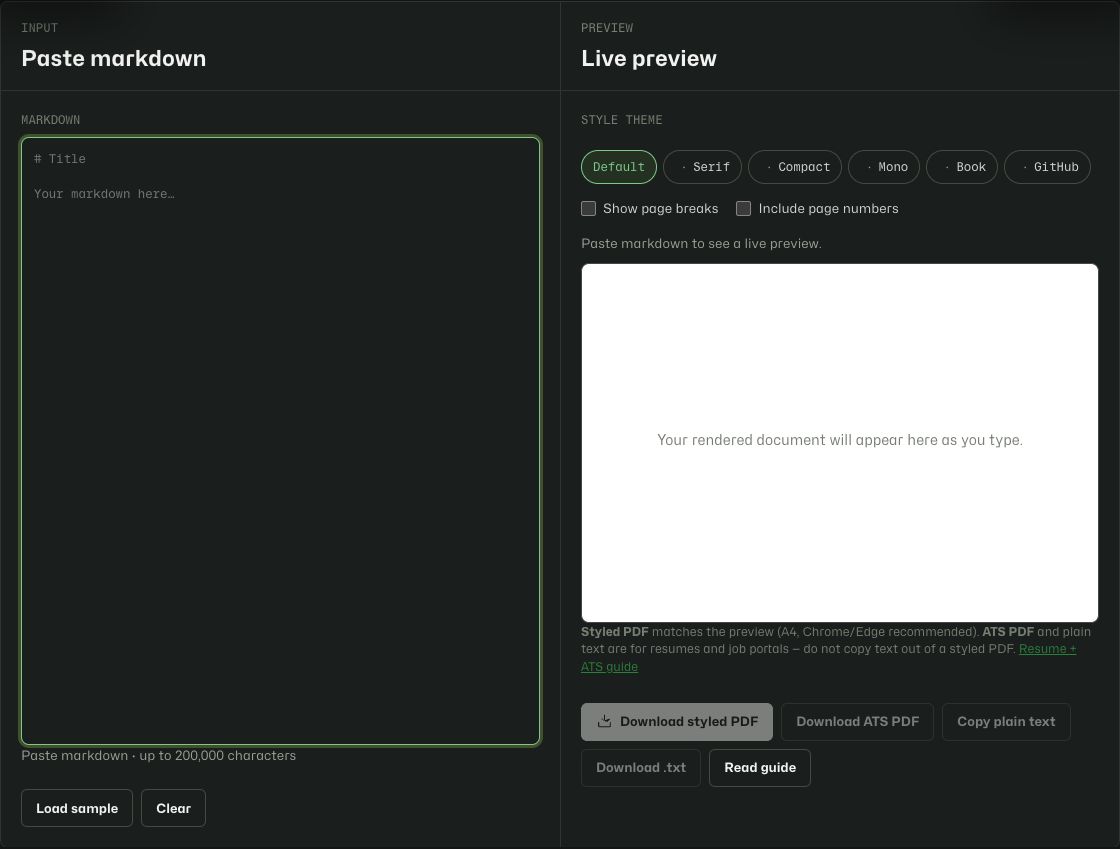
Convert and download in under a minute.
- Open Markdown to PDF.
- Paste or type your markdown into the input panel.
- Review the live preview, pick a style theme chip, and optionally toggle page breaks or page numbers.
- Click Download PDF, confirm A4 paper size, and save from your browser print dialog.
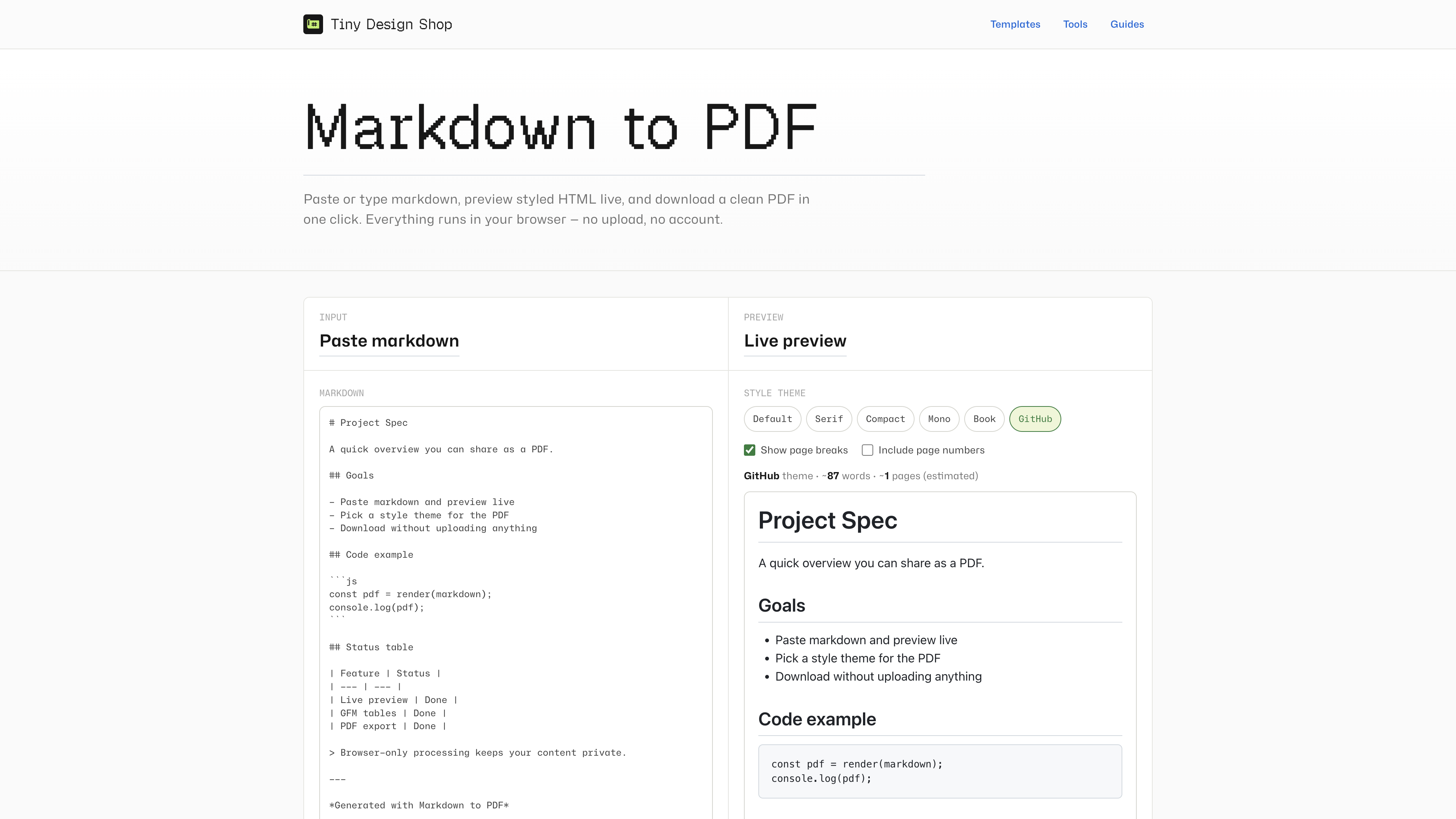
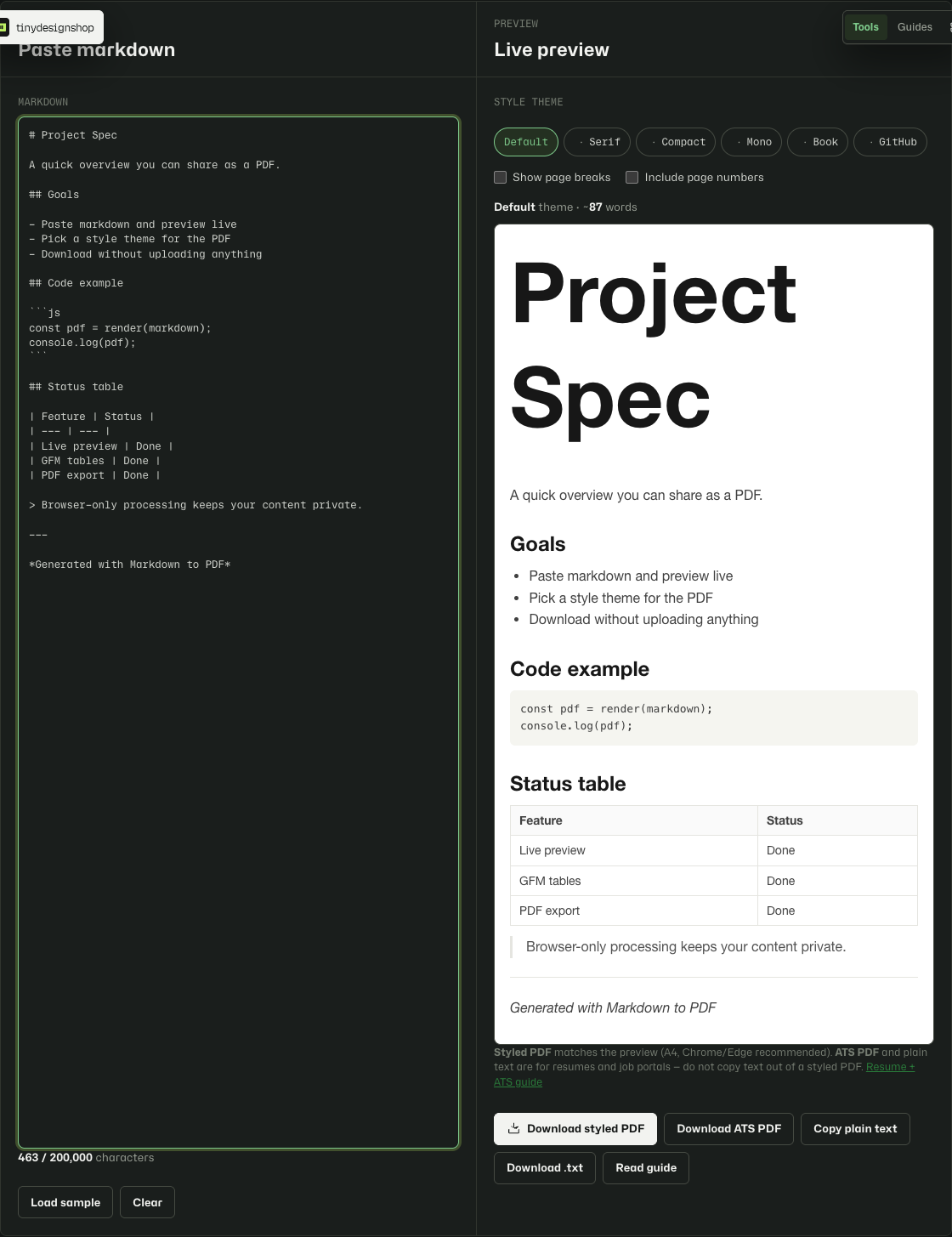
Six print-ready themes.
- Default — system sans-serif, good default for specs and general docs.
- Serif — Georgia serif with hanging blockquotes for reports and proposals.
- Compact — tighter spacing for changelogs and dense references.
- Mono — monospace throughout, ~65ch column, typewriter-on-paper feel.
- Book — Palatino serif for essays and long-form reading on paper.
- GitHub — README-style system sans with h1/h2 borders and GitHub link blue.
What to expect from browser PDF export.
- PDF output uses your browser print engine — appearance may vary slightly between Chrome, Edge, and Safari.
- Embedded images work only when the markdown already contains a data URL. Remote image URLs are not fetched in v1.
- PDFs export as A4 only. Confirm paper size in the print dialog if your browser default is Letter.
- Input is capped at 200,000 characters to keep preview and export responsive.
- Page break preview is estimated — actual PDF page breaks may differ slightly. Page numbers work best in Chrome and Edge.
- For best results use Chrome or Edge. Choose Save as PDF in the print dialog.
Applying with a markdown resume?
Styled PDF export uses browser print — great for sharing, bad for ATS copy/paste. Do not copy text out of a styled PDF; use Copy plain text, Download .txt, or Download ATS PDF in the tool instead.
Read the markdown resume for ATS guide or the styled PDF vs ATS export comparison for the full workflow.
Browser-local only.
Your markdown stays on your device. Rendering and PDF generation run entirely in your browser. The tool saves your last draft and theme choice in local storage on this browser only. Nothing is sent to Tiny Design Shop servers.