What a Carrd waitlist page should do.
Visitors should understand the product in seconds, see one visual proof point, and submit email without scrolling past distractions. Pick a waitlist template from the waitlist picks or the Templates of Carrd catalog, then customize with the steps below.
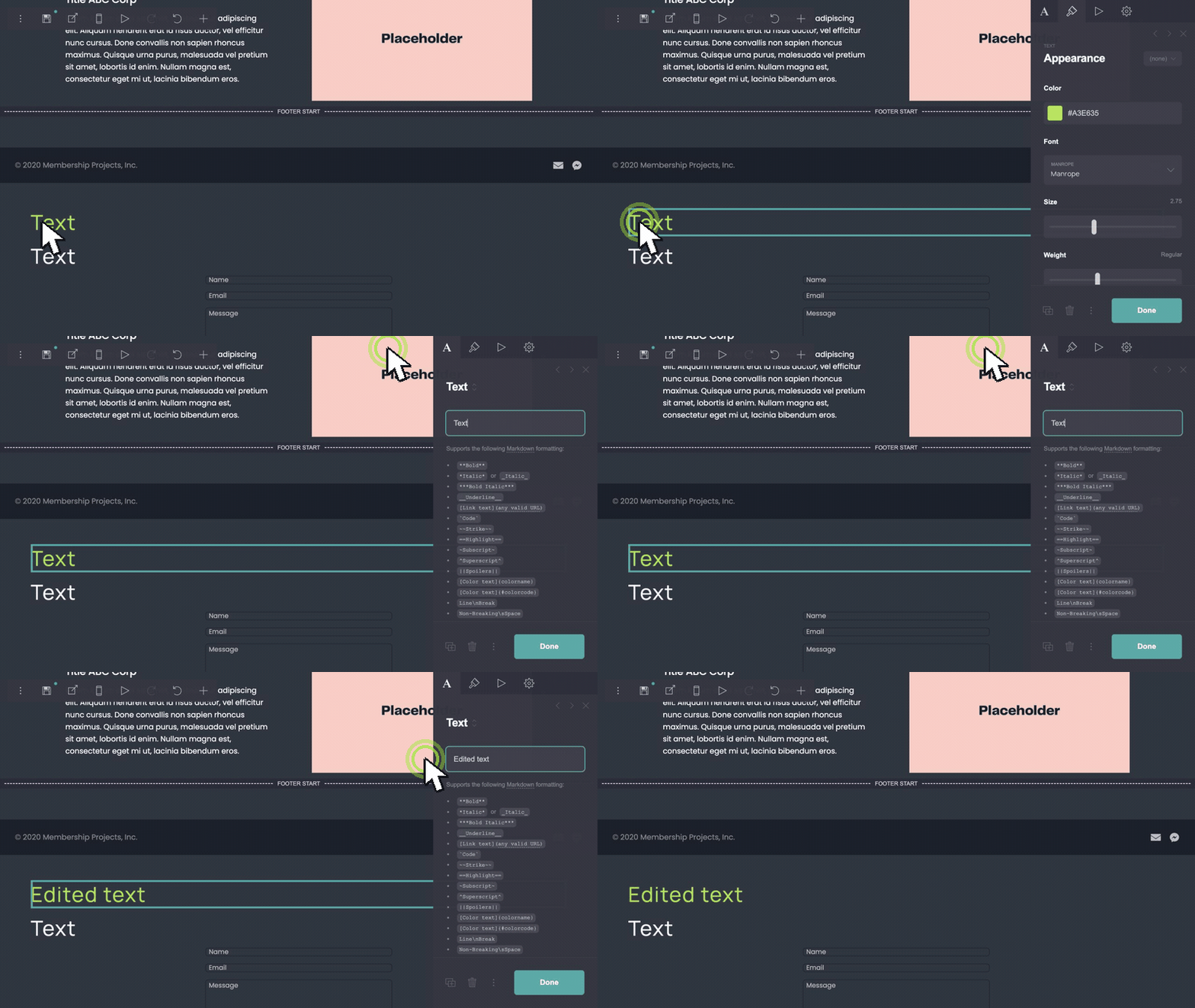
Edit headline and signup copy.
Replace placeholder headline, subtext, and button label with your launch promise. State what subscribers get — early access, beta invite, or launch day pricing — in one short line above the form.
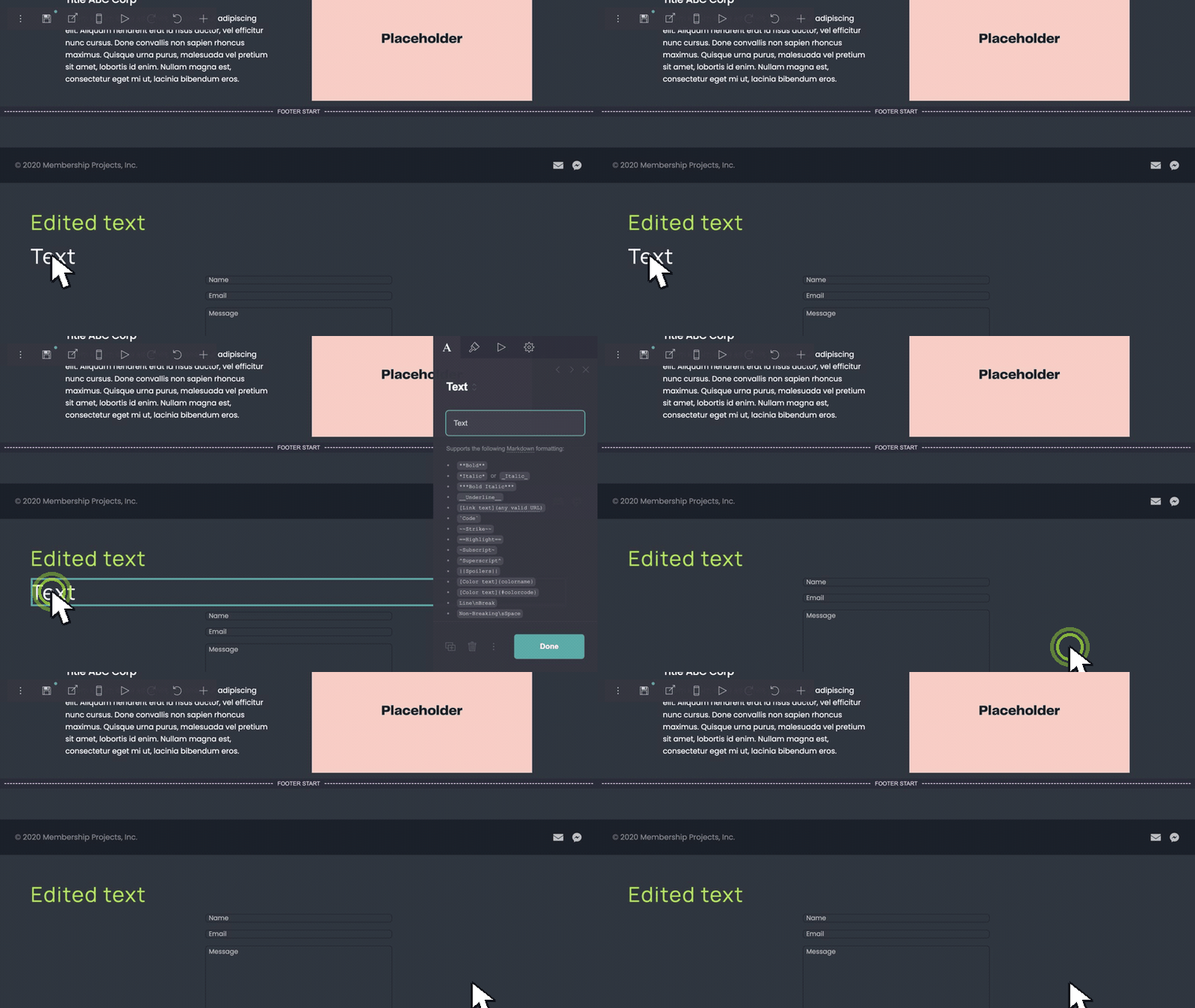
Remove extra sections.
Strip footer links, secondary CTAs, or proof blocks that pull focus from the form. A pre-launch page can be shorter than a full landing.
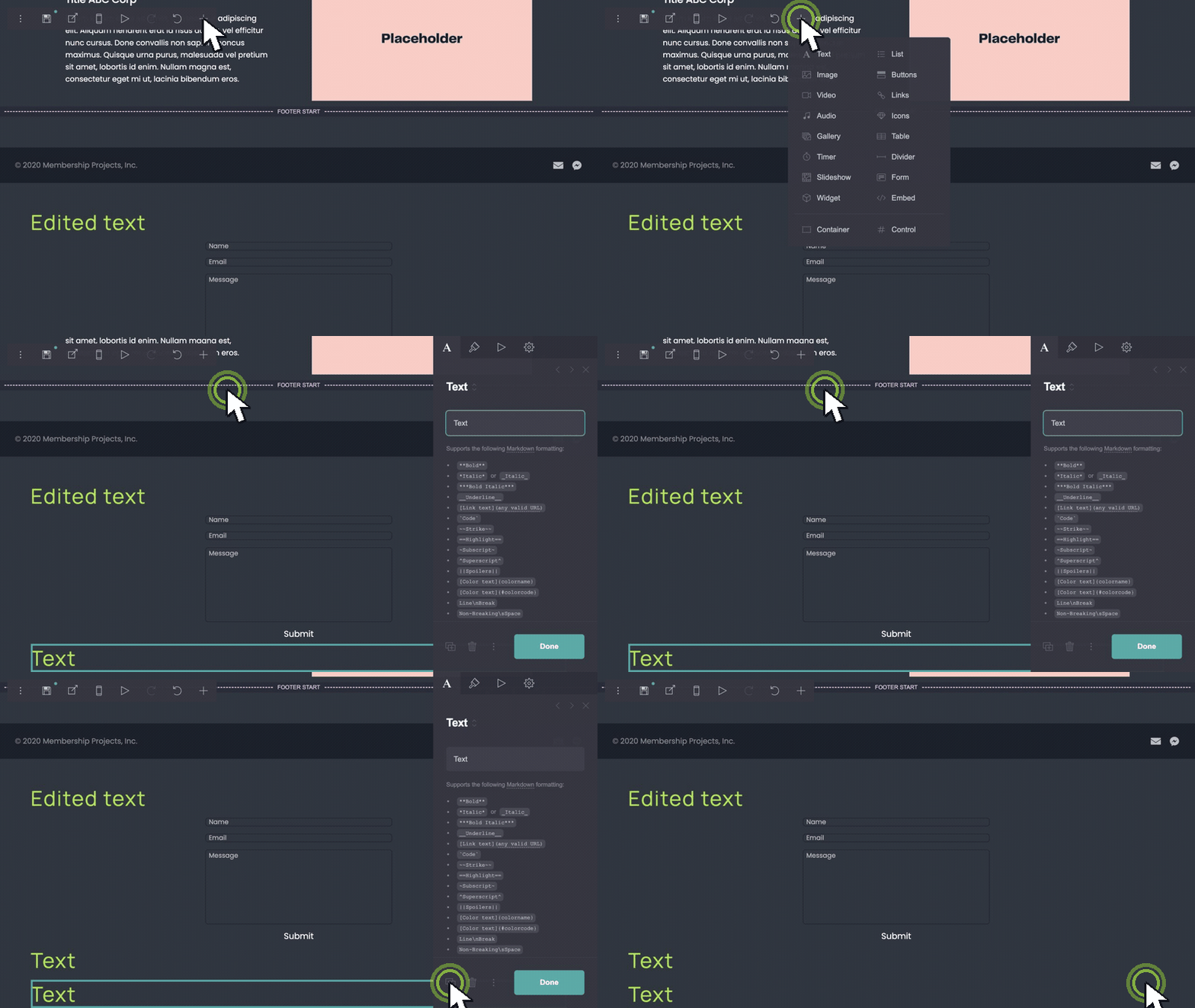
Add screenshot or proof rows.
Duplicate an image row to show product UI, mockups, or social proof logos. Archen and similar templates are built for screenshot stacks — duplicate rows until the preview feels credible.
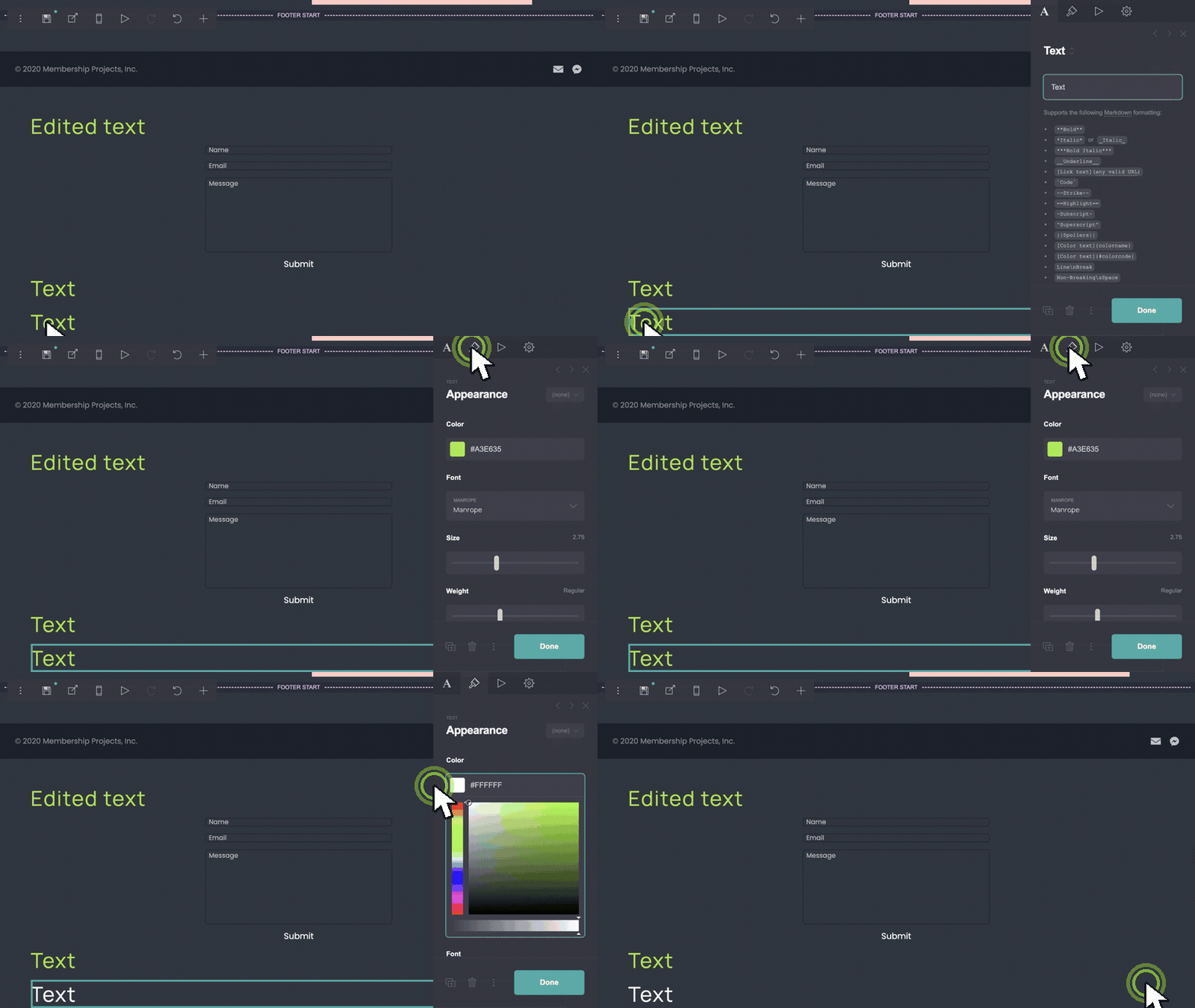
Match brand colors.
Update background, button, and text colors to your palette. Keep the submit button high contrast so the form stays obvious on mobile.
Connect the signup form.
Select the form element and choose your provider in Carrd — Mailchimp, ConvertKit, or Carrd’s built-in form handling. Test submit on the published URL before you share the link.
Carrd’s form docs cover provider setup and field mapping: carrd.co/docs/forms.
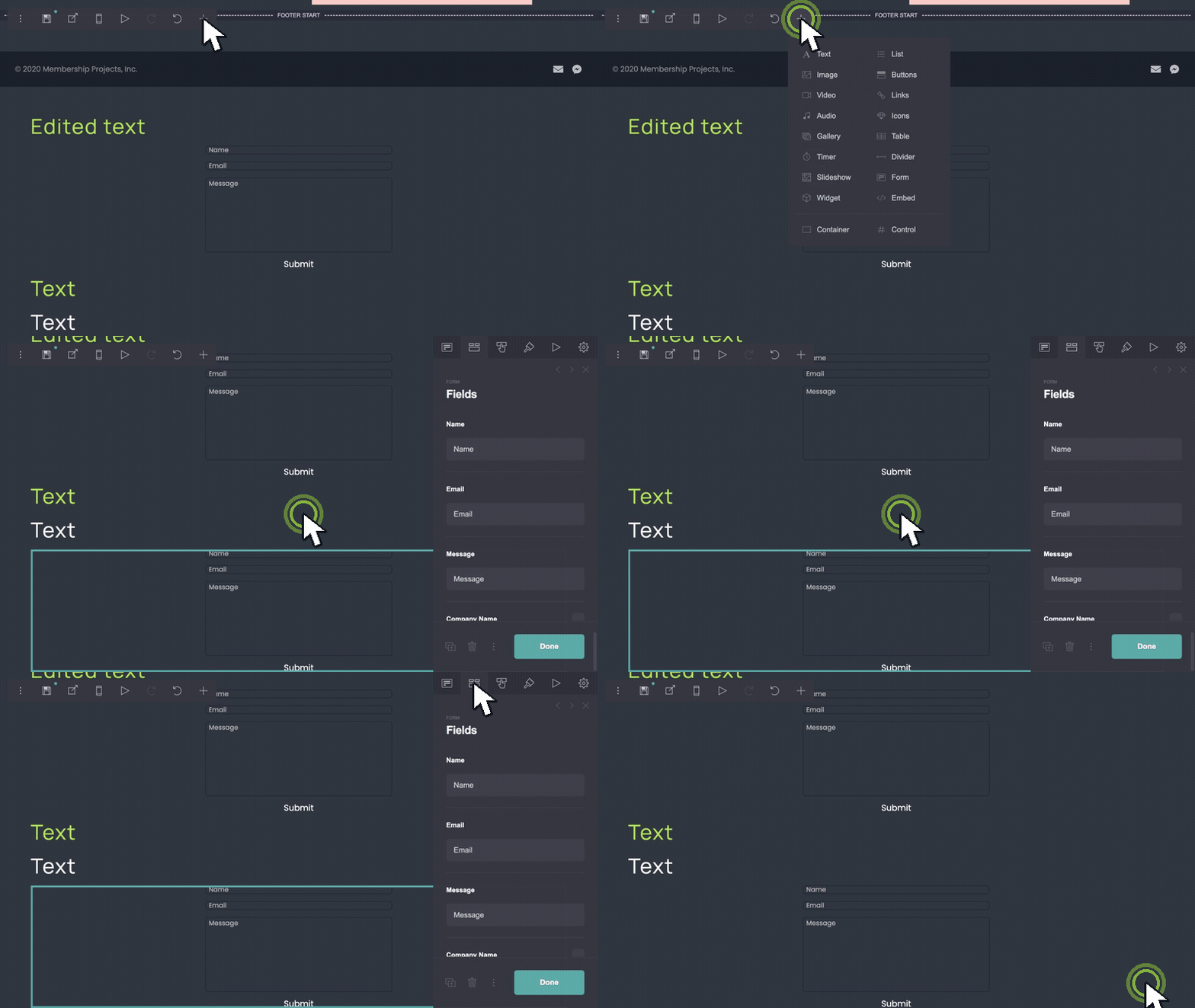
Customize in five edits.
- Edit headline and signup copy for your launch promise.
- Remove extra sections that pull focus from the form.
- Duplicate screenshot rows to show product UI or proof.
- Update background, button, and text colors to your brand.
- Connect the signup form to Mailchimp, ConvertKit, or Carrd forms.