Present the HTML file you already have
You can present a supported HTML deck online without installing a presentation app, creating a Tiny Design Shop account, or buying a subscription. Upload one HTML file, complete the bot check, and open its temporary presenter link. A phone can control slides and display embedded notes while the presenter stays open.
You still need the actual file, an internet connection, and a browser on each device. An AI preview link, a Canva design link, and a Figma Slides file are not HTML uploads.
Prepare one complete file
Use a self-contained .html or .htm file below 2 MB with its important assets embedded. If you only have an outline, follow the AI slide-creation guide. If you want to check the presenter first, download the example deck.
Open the file locally and test the first, middle, and last slides. PowerPoint, PDF, ZIP archives, and folders cannot be uploaded as decks. Renaming a file to .html does not convert it.
Create a temporary session
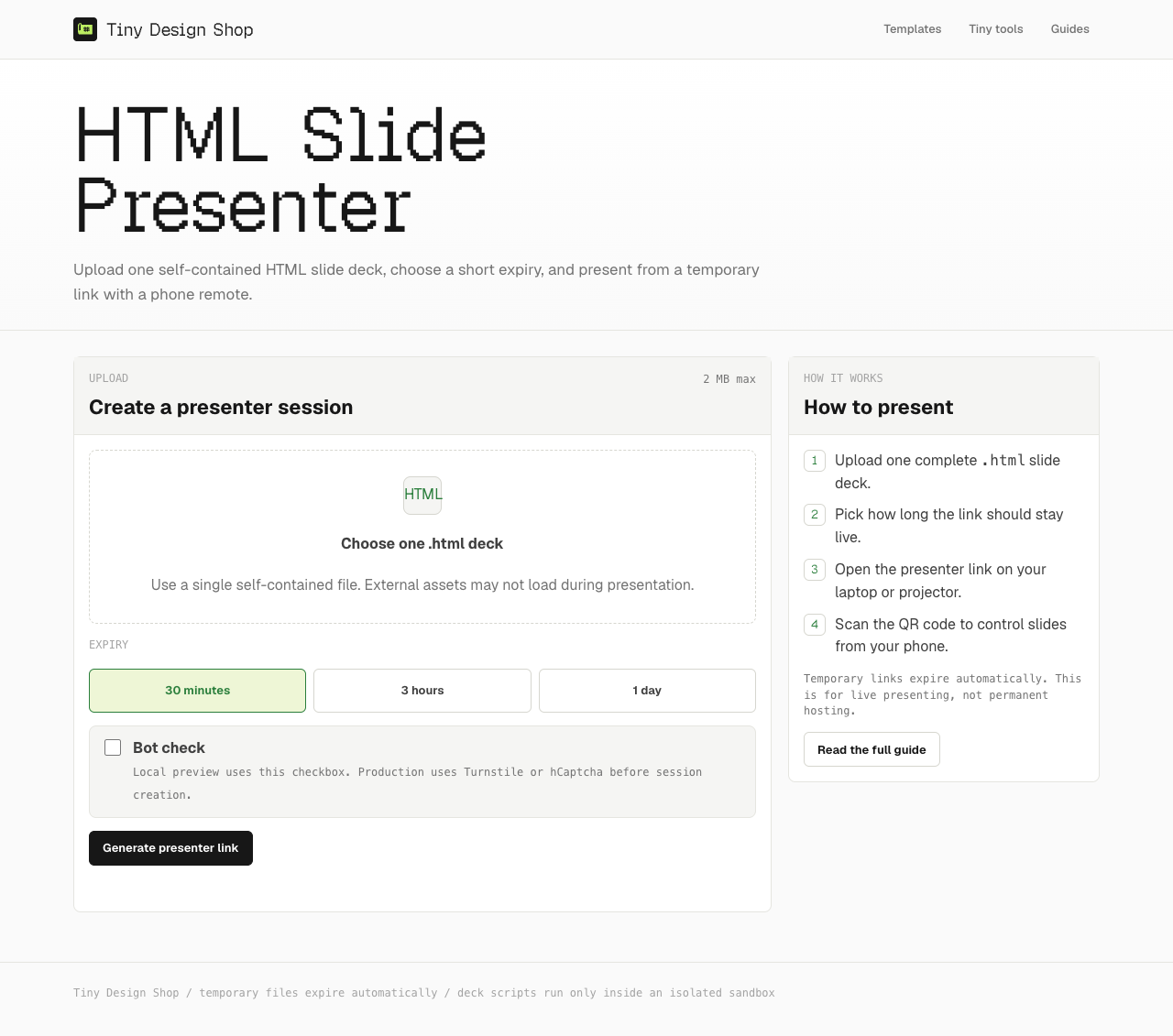
- Open HTML Slide Presenter and select the file.
- Choose 30 minutes, 3 hours, or 1 day; include setup and questions in that time.
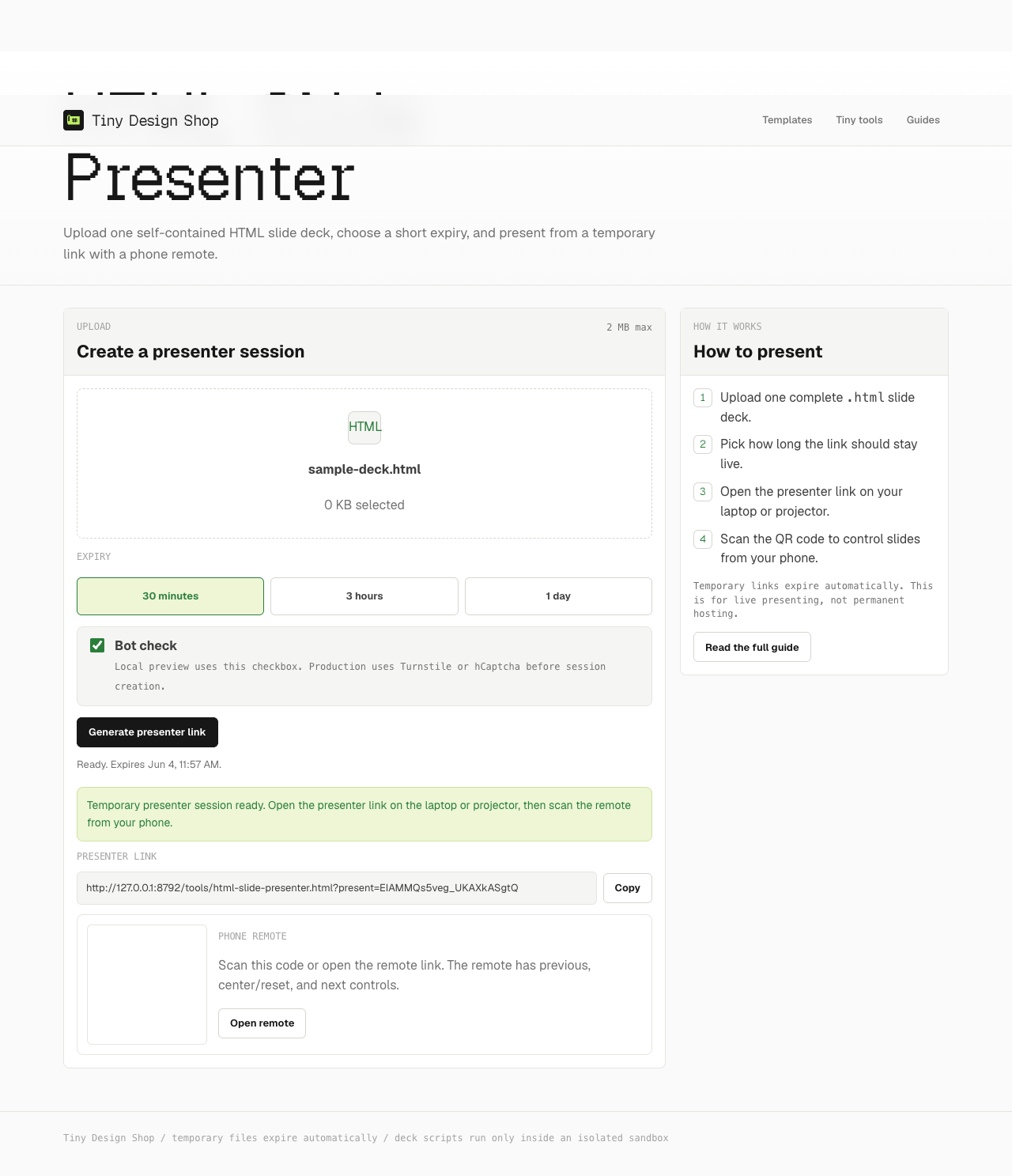
- Complete the bot check and create the presentation session.
- Open the presenter link on the laptop or display device.
- Scan the remote QR with your phone, then advance a slide to check the connection.
What “no subscription” includes
The free presenter includes a temporary session, navigation, and a phone remote with supported embedded notes. There is no Tiny Design Shop account dashboard or ongoing hosting subscription to manage.
Creating a deck elsewhere is a separate step. Claude, ChatGPT, and other AI tools may require sign-in and impose generation or file limits. The presenter also does not provide a collaborative slide editor or convert native presentation files.
Online session or local browser?
| Workflow | Best for | Tradeoff |
|---|---|---|
| Open the HTML locally | A talk from one laptop, including offline | No upload; use the deck’s own controls and keep notes separately. |
| Temporary online presenter | A phone remote and embedded notes | Requires internet; links stop working when the session expires. |
| Permanent web hosting | A deck that readers should revisit later | You manage hosting, access, updates, and deletion. |
For editing and collaboration options, see the PowerPoint, Canva, and Figma Slides comparison.
Expiry, access, and a backup
This is an upload service: your HTML file leaves your device. Treat presenter and remote links as access links and share them only with people who need them. Notes are embedded in the file, so they are not a separate confidential document.
After expiry, upload again to create a new session. Keep your original HTML file; open it locally if internet access fails. The phone-remote guide covers pairing and connection recovery.