When a PNG beats a PDF or paste.
Slack threads, LinkedIn posts, and design reviews often need a visual snippet — not a file attachment or raw markdown. Markdown to Image renders your text into a styled card you can drop anywhere images are accepted.
Four style themes control typography for preview and PNG output: Default, Serif, Mono, and GitHub. Pick the look that fits your channel before downloading.
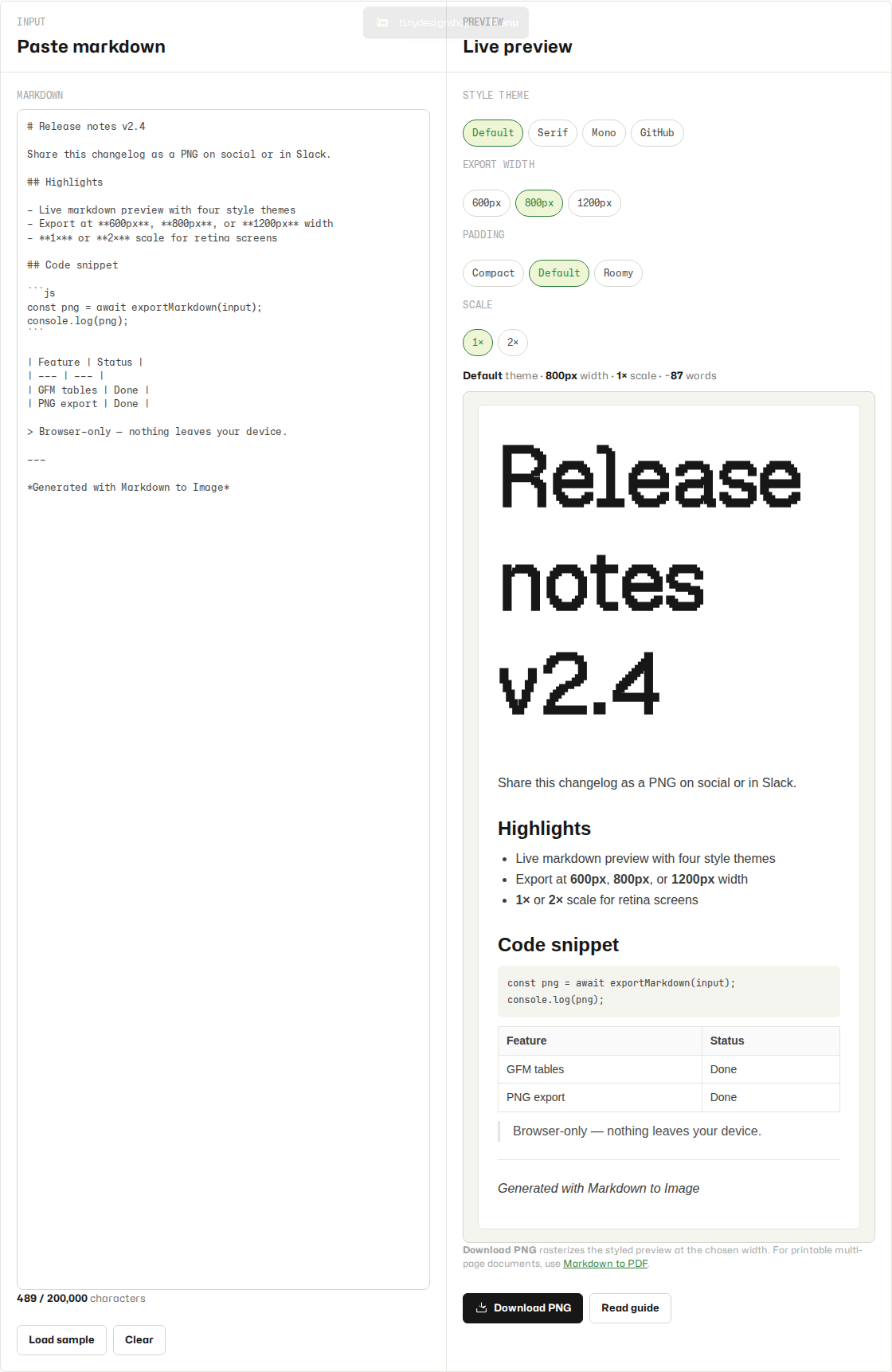
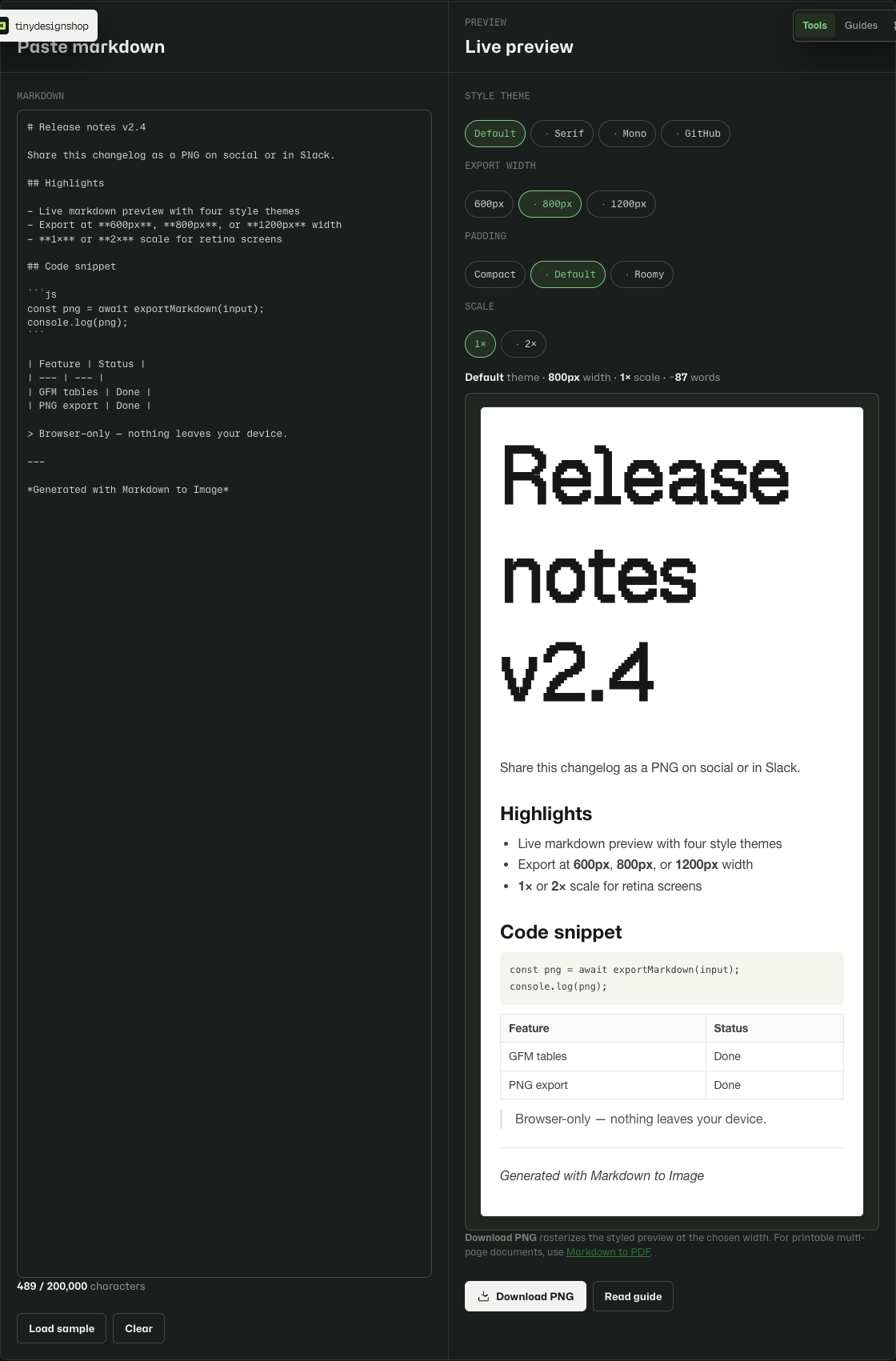
Convert and download in under a minute.
- Open Markdown to Image.
- Paste or type your markdown into the input panel.
- Review the live preview, pick a style theme chip, and choose an output width preset.
- Click Download PNG and save the rasterized image from your browser.
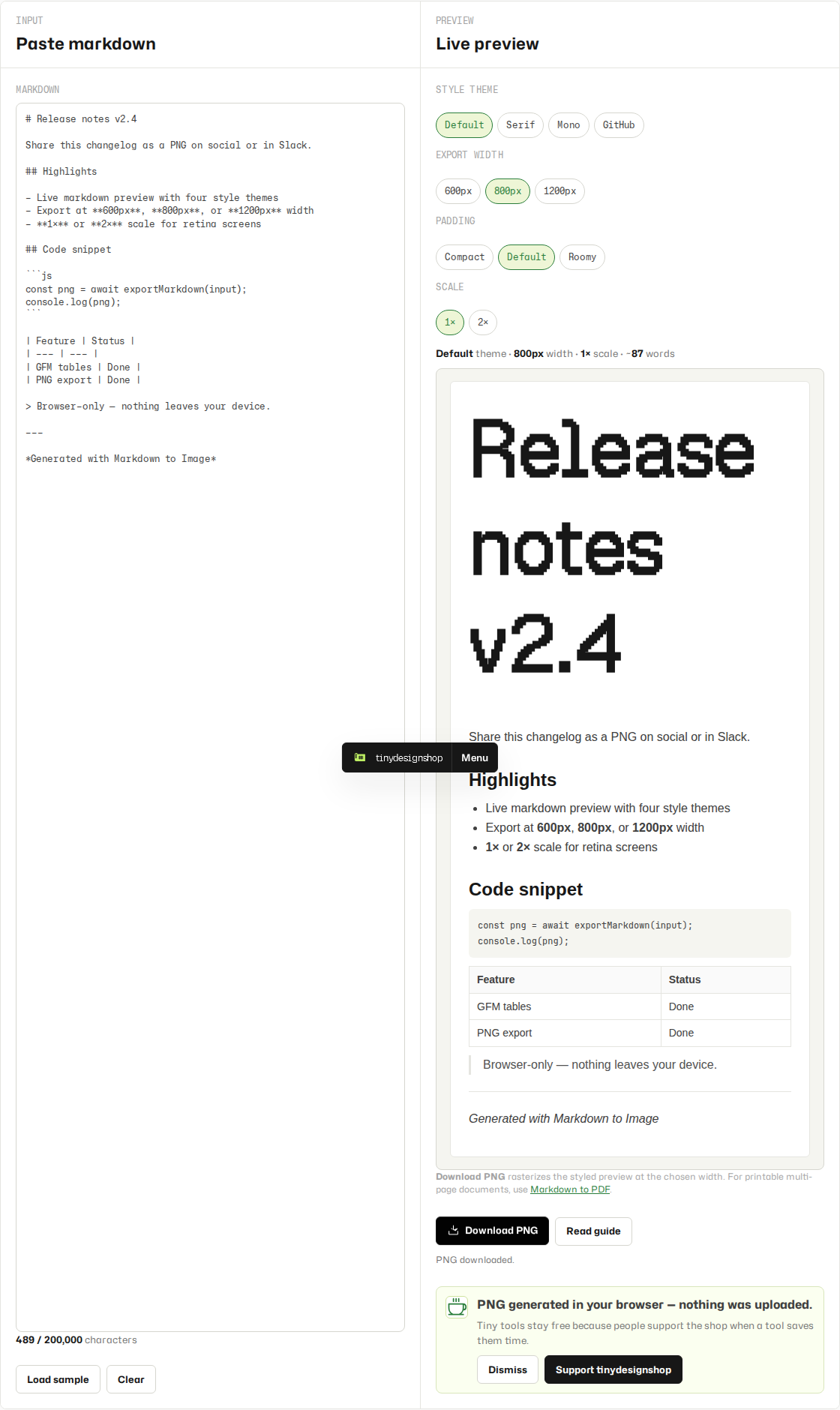
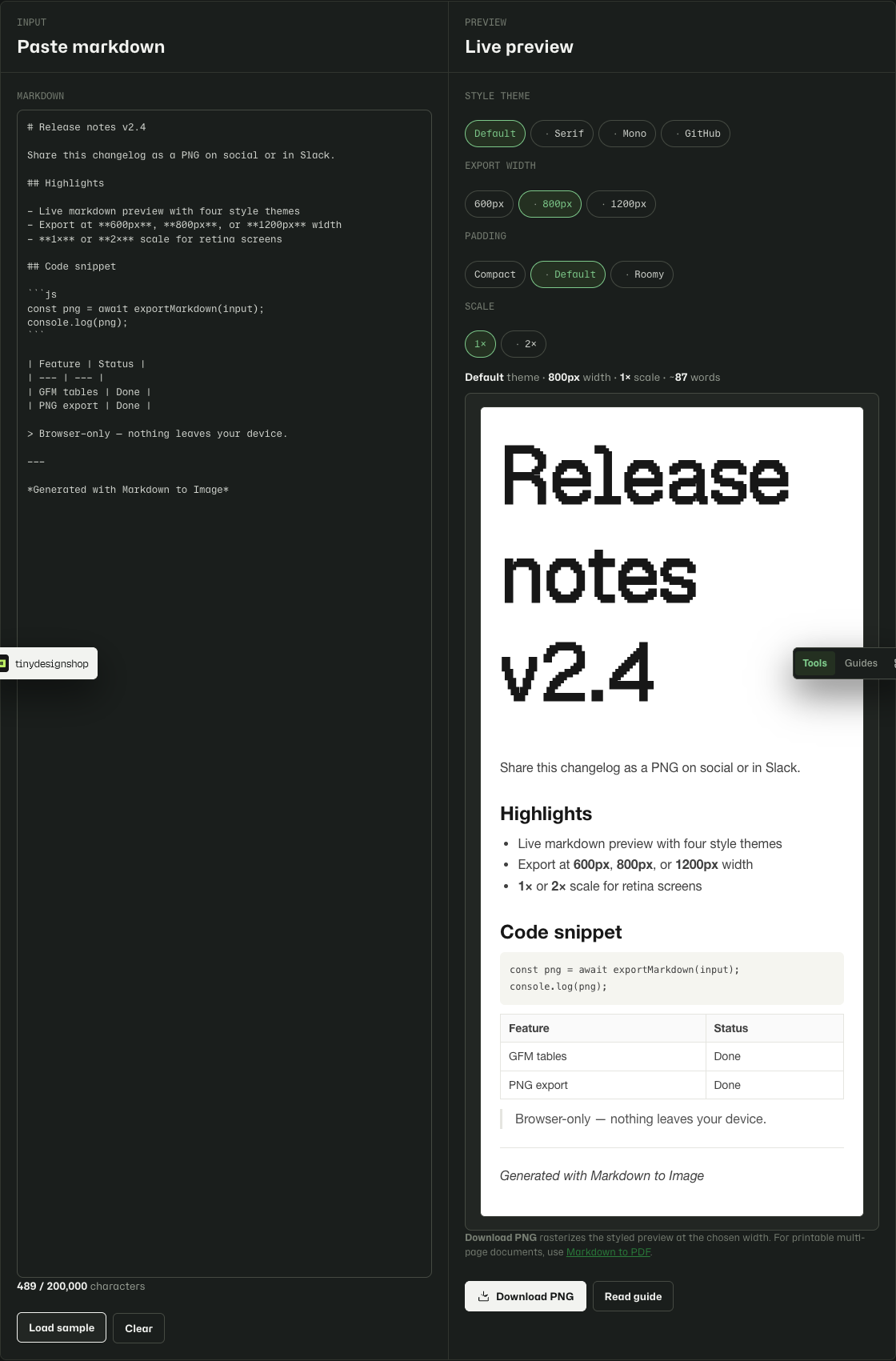
Four share-ready themes.
- Default — system sans-serif, good default for specs and general docs.
- Serif — Georgia serif with hanging blockquotes for reports and proposals.
- Mono — monospace throughout, ~65ch column, typewriter-on-paper feel.
- GitHub — README-style system sans with h1/h2 borders and GitHub link blue.
What to expect from browser PNG export.
- Export is PNG only in v1 — no JPEG, WebP, or SVG download.
- Image height is automatic — it grows with your content; there is no fixed canvas height.
- Embedded images work only when the markdown already contains a data URL. Remote image URLs are not fetched in v1.
- PNG output uses your browser raster engine — appearance may vary slightly between Chrome, Edge, and Safari.
Browser-local only.
Your markdown stays on your device. Rendering and PNG generation run entirely in your browser. The tool saves your last draft and theme choice in local storage on this browser only. Nothing is sent to Tiny Design Shop servers.