兩種工具,一套工作流程。
Responsive Preview tool 在相同來源時提供三個並排即時 iframe 與同步捲動——貼上任何 URL,即可同時操作三個視窗。/responsive-preview Cursor 指令加入 AI 層:在三個視埠截圖、回報版面問題,並連回即時檢視器。
搭配使用:檢視器視覺發現問題,指令取得結構化 pass/warn/fail 稽核,再請 Claude 修復。
貼上 URL,比較三種寬度。
開啟 tinydesignshop.com/tools/responsive-preview,貼上 URL,點擊 Preview。三個 iframe 載入——Mobile 390px、Tablet 820px、Desktop 1280px。
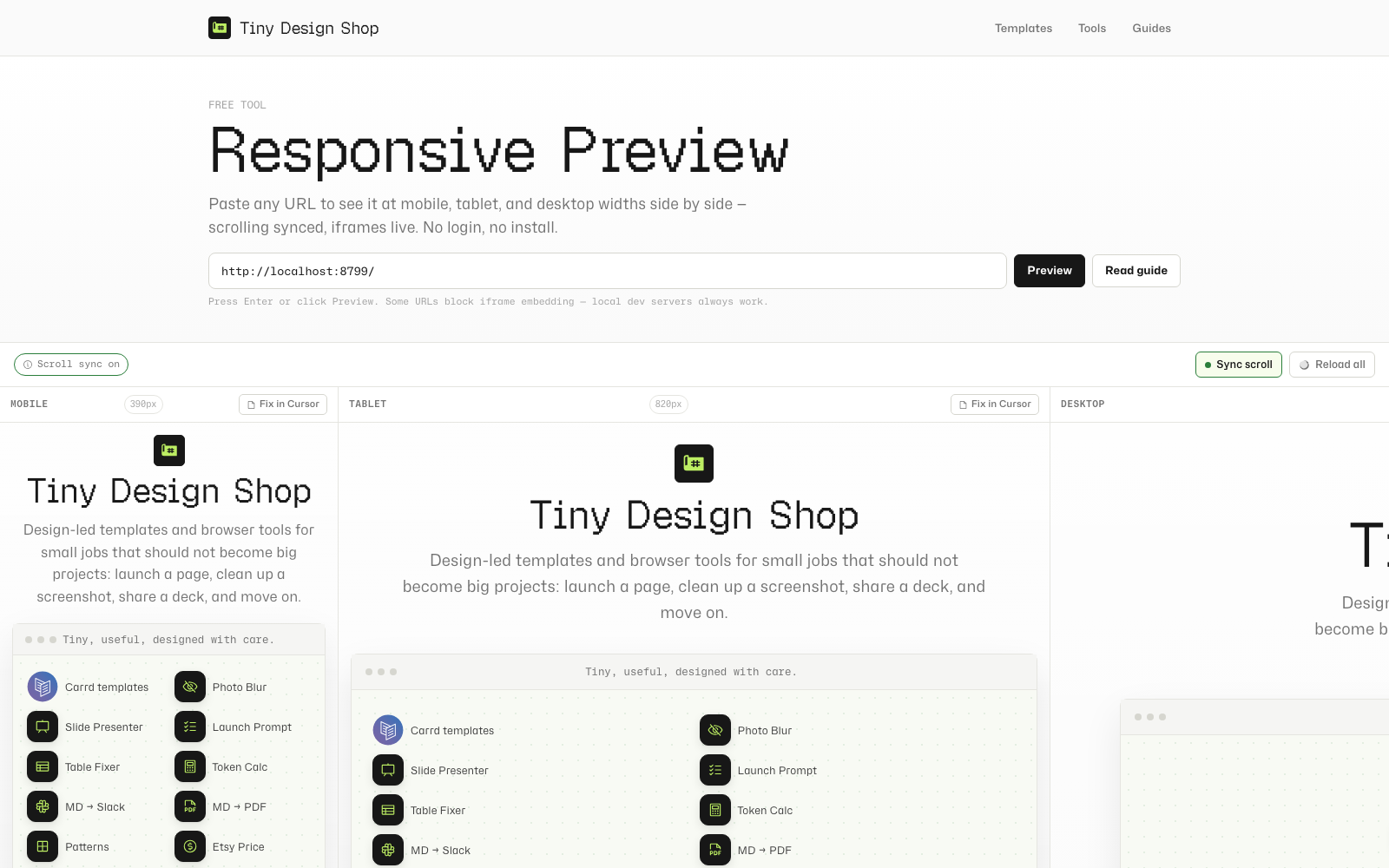
Synced scrolling works when the viewer and target URL are same-origin (for example, local viewer at localhost:8787 previewing localhost:8787/tools/my-page). When you scroll one frame, the others follow. Cross-origin previews still render — sync is unavailable and the toolbar chip says so.
Reload all (or press R) refreshes all three frames at once — useful after saving a code change.
書籤或分享直接連結:點擊 Preview 後,網址列會更新為含 ?url= 參數,可複製。

/responsive-preview 斜線指令。
這是 Cursor 斜線指令——在聊天輸入 /responsive-preview 時,指示 Claude 執行響應式稽核的 Markdown 檔。
設定(只需一次)
- 開啟 Responsive Preview Cursor Command 工具,下載或複製指令檔
- 複製到專案的
.cursor/commands/資料夾(若不存在請建立) - 啟動本地開發伺服器(本 repo 請在
site/執行npm run dev:html-presenter) - 在任意 Cursor 聊天輸入
/responsive-preview
功能
Claude 使用 Claude Preview MCP 在 Mobile(390px)、Tablet(820px)、Desktop(1280px)截圖。接著在溢位、導覽收合、文字可讀性、圖片尺寸、固定元素五個維度執行結構化檢查,為各視埠標記 pass、warn 或 fail。最後提供連結,在您的 URL 開啟即時並排檢視器。
預覽特定頁面
以路徑為引數:/responsive-preview tools/my-tool 預覽 localhost:8787/tools/my-tool。無引數時預設為根路徑。
使用 Fix in Cursor 與 Design Mode。
檢視器每個框架都有 Fix in Cursor 按鈕。點擊可將結構化上下文區塊複製到剪貼簿:
[Responsive issue at Mobile · 390px]
Page: http://localhost:8787/tools/my-tool
Viewport: 390px
---
Describe the issue here, then use Cursor Design Mode to annotate the element.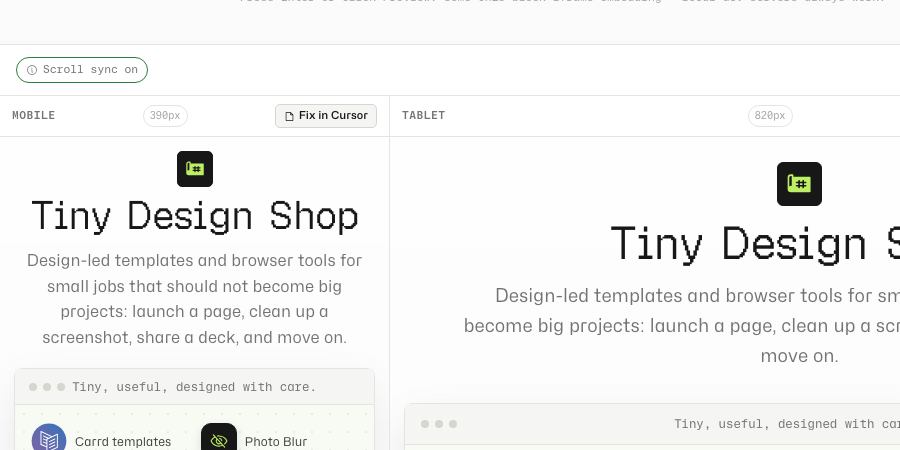
貼到 Cursor 聊天。切換到 Cursor 內建瀏覽器,導向同一頁面,使用 Design Mode——點選元素、框選區域,或口述變更。Cursor 擷取元素的 xpath、計算樣式與截圖,連同您貼上的上下文一併送給 Claude。
空白框架、同步限制與可分享連結。
- Iframe blocked: 許多網站設定
X-Frame-Options或Content-Security-Policy: frame-ancestors阻擋嵌入。Google、Twitter 與多數需登入的 SaaS 也會阻擋。本地開發伺服器一律可用。外部網站請改用/responsive-preview取得 AI 截圖。 - Scroll sync unavailable: 跨來源載入(例如正式檢視器 + localhost 目標)仍可渲染,但無法注入捲動轉送腳本。本地開發請用
localhost:8787/tools/responsive-preview的本地檢視器。 - Fix in Cursor: 點擊有問題框架下方的按鈕。將複製的區塊貼到聊天,再以 Design Mode 標註,讓代理知道要修哪個元素。
- Shareable preview links: 點擊 Preview 後,頁面 URL 含
?url=——從網址列複製即可書籤或分享。 - Privacy: 您輸入的 URL 直接在瀏覽器 iframe 載入。不會經過 TDS 伺服器。
瀏覽器本地檢視器,本地 MCP 稽核。
檢視器直接將 URL 載入瀏覽器 iframe——不會經過 TDS 伺服器。捲動同步完全在頁面 JavaScript 執行。/responsive-preview 指令透過 Cursor 工作階段中的 Claude Preview MCP 本地執行。