何時該購買 Product Landing Page。
當您需要在單一 Carrd 網站上呈現可信的產品故事時使用:主視覺、功能列表、信任證明和 FAQ。適合早期驗證、副業專案和 SaaS 推介,區塊已預先配置,無需從零堆疊元素。
從 Templates of Carrd 目錄或 登陸頁精選清單 購買,複製到您的 Carrd 帳號,再依下方步驟編輯。
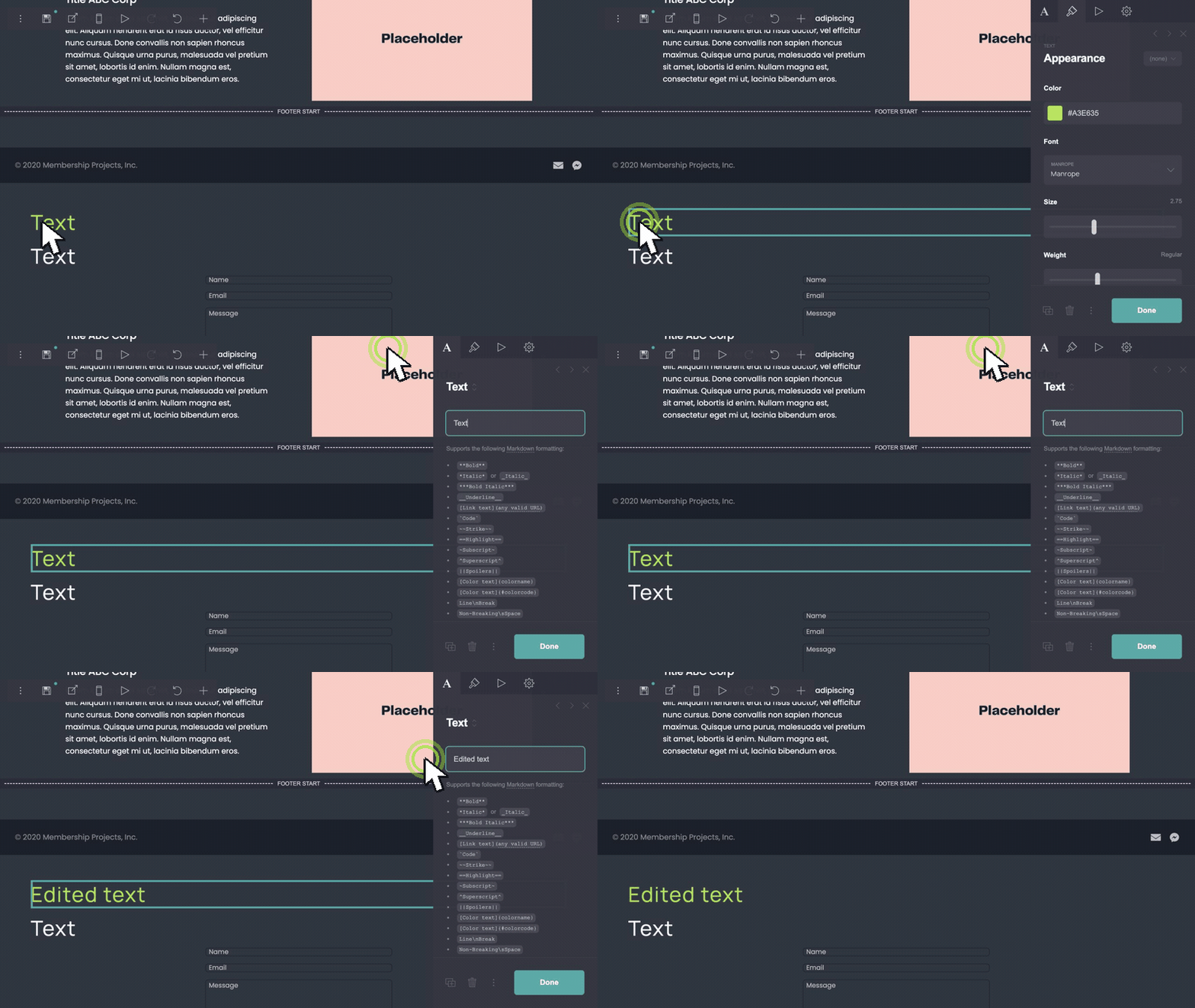
編輯標題和內文。
在 Carrd 編輯器中雙擊任何文字區塊。將佔位標題、副文案和功能列替換為您的產品名稱和價值主張。每行保留一個重點,確保行動版堆疊可讀。
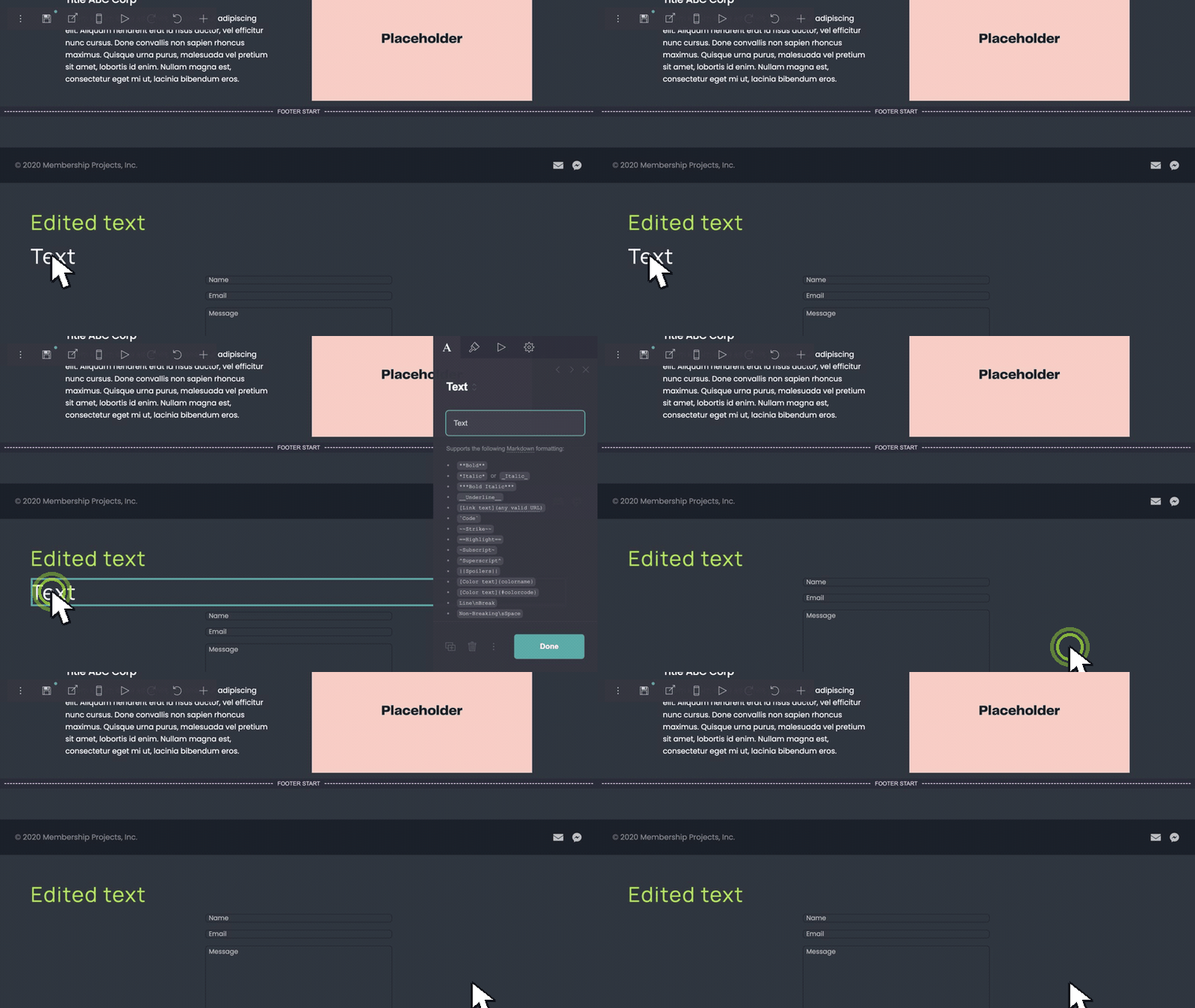
移除不需要的區塊。
選取要刪除的區塊或容器 — FAQ 列、推薦語或額外功能欄 — 然後刪除。從演示結構出發,逐步精簡至符合您的發布範圍。
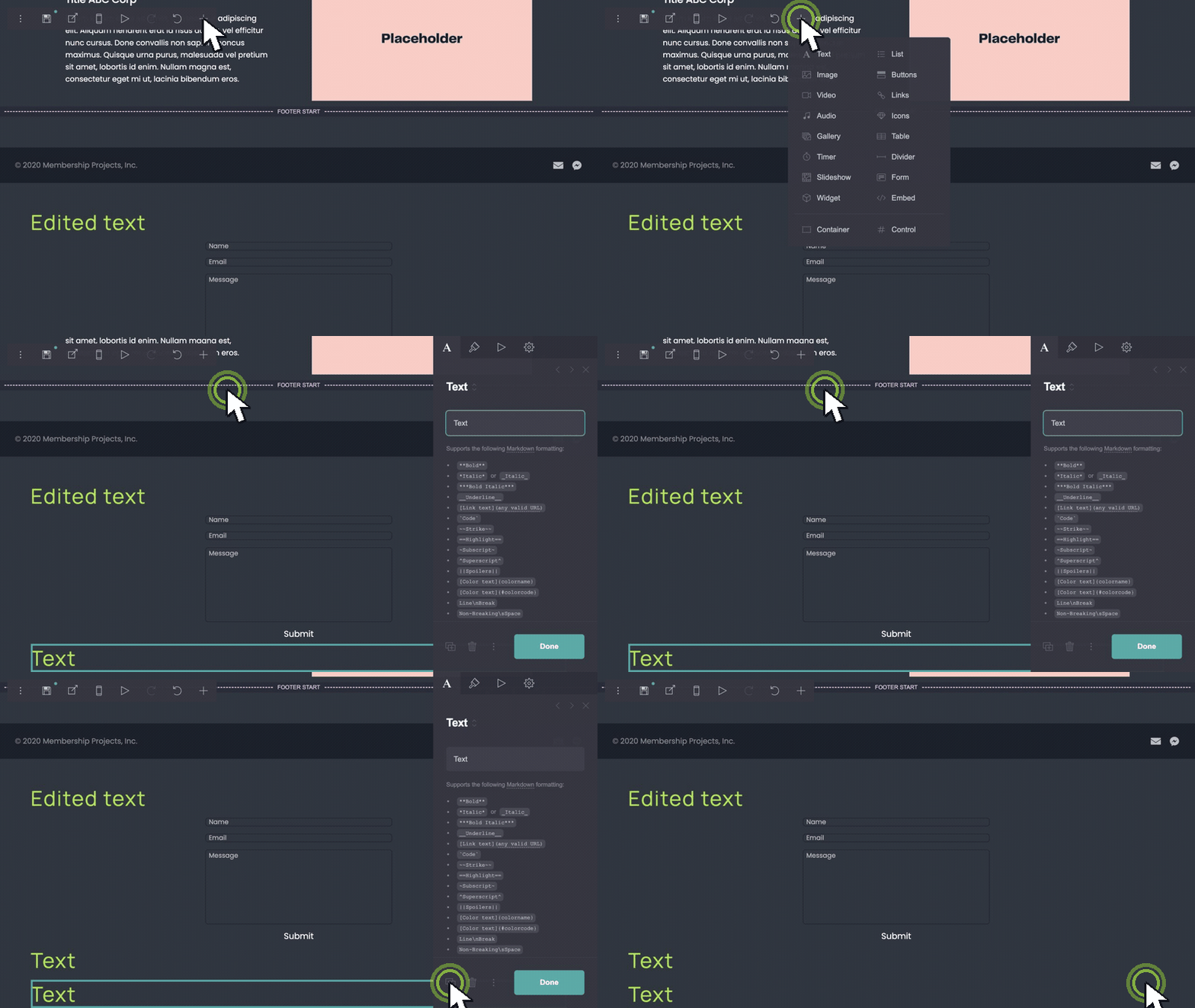
複製區塊以新增更多項目。
需要另一個功能列或推薦語?選取該列、複製,再編輯文案和圖片。Carrd 會保持間距一致,重複區塊仍對齊。
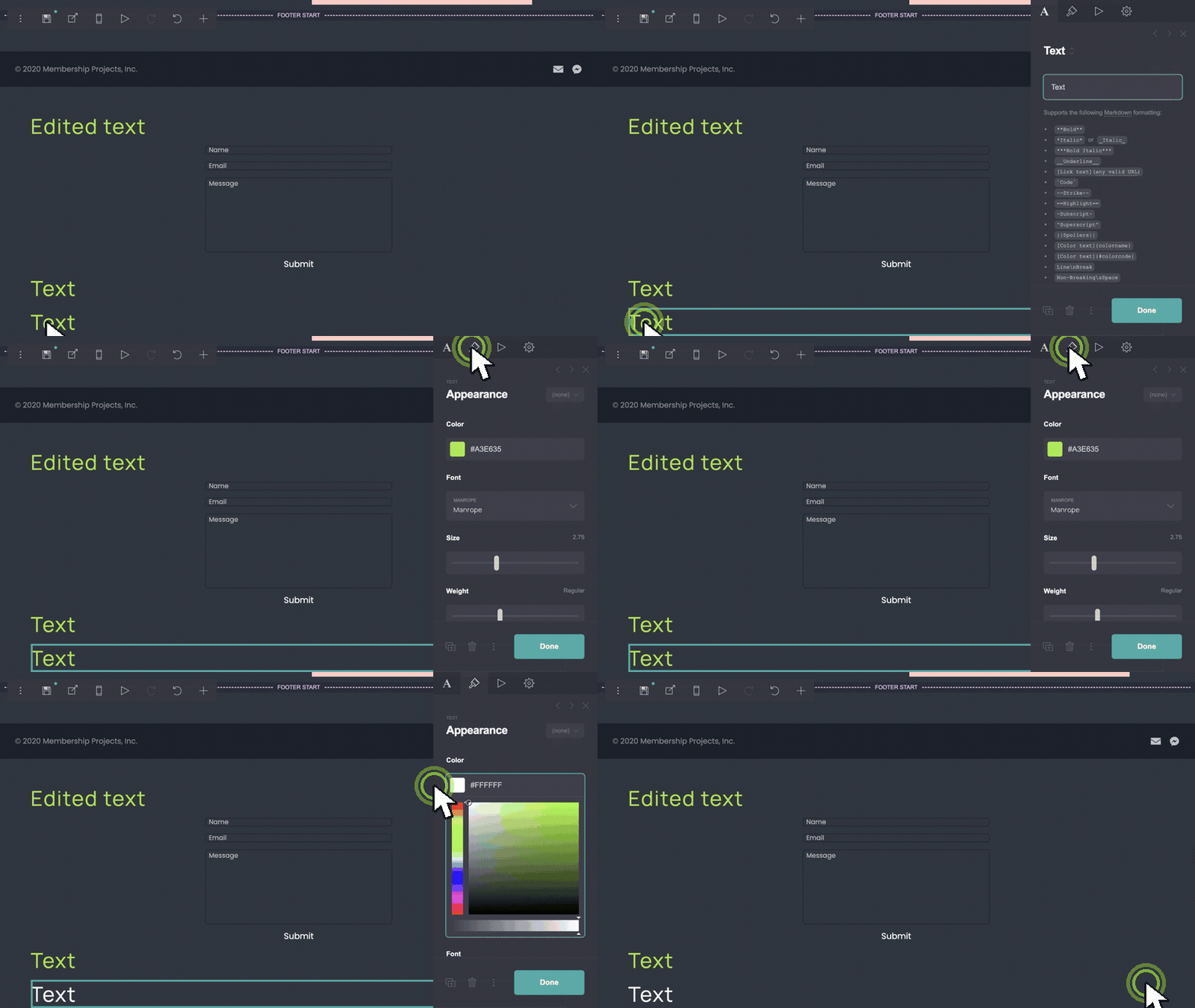
套用品牌色彩。
開啟背景、按鈕和文字的顏色控制。將預設色盤替換為您的品牌色碼。同時更新 CTA 按鈕填色和連結顏色,讓頁面風格一致。
與此範本搭配的素材。
- coolors.co — quick palette ideas before you enter hex values in Carrd.
- unsplash.com — hero and feature photography without a stock subscription.
- phosphoricons.com — simple icons if you replace default marks in image blocks.
何時該購買 Product Landing Page。
- 在 Carrd 編輯器中直接編輯標題和內文。
- 刪除 v1 不需要的區塊。
- 複製功能列或推薦語列以新增更多項目。
- 更新背景、按鈕和文字色彩以符合品牌。