Product Landing Page가 맞는 구매일 때.
하나의 Carrd 사이트에서 신뢰할 수 있는 제품 스토리가 필요할 때 사용하세요: 히어로, 기능 목록, 소셜 프루프, FAQ. 요소를 처음부터 쌓는 대신 섹션이 미리 연결되어 있어 초기 검증, 사이드 프로젝트, SaaS 피치에 잘 맞아요.
Templates of Carrd 카탈로그나 랜딩 페이지 추천 목록에서 구매하고, Carrd 계정에 복제한 뒤 아래 편집 단계를 따르세요.
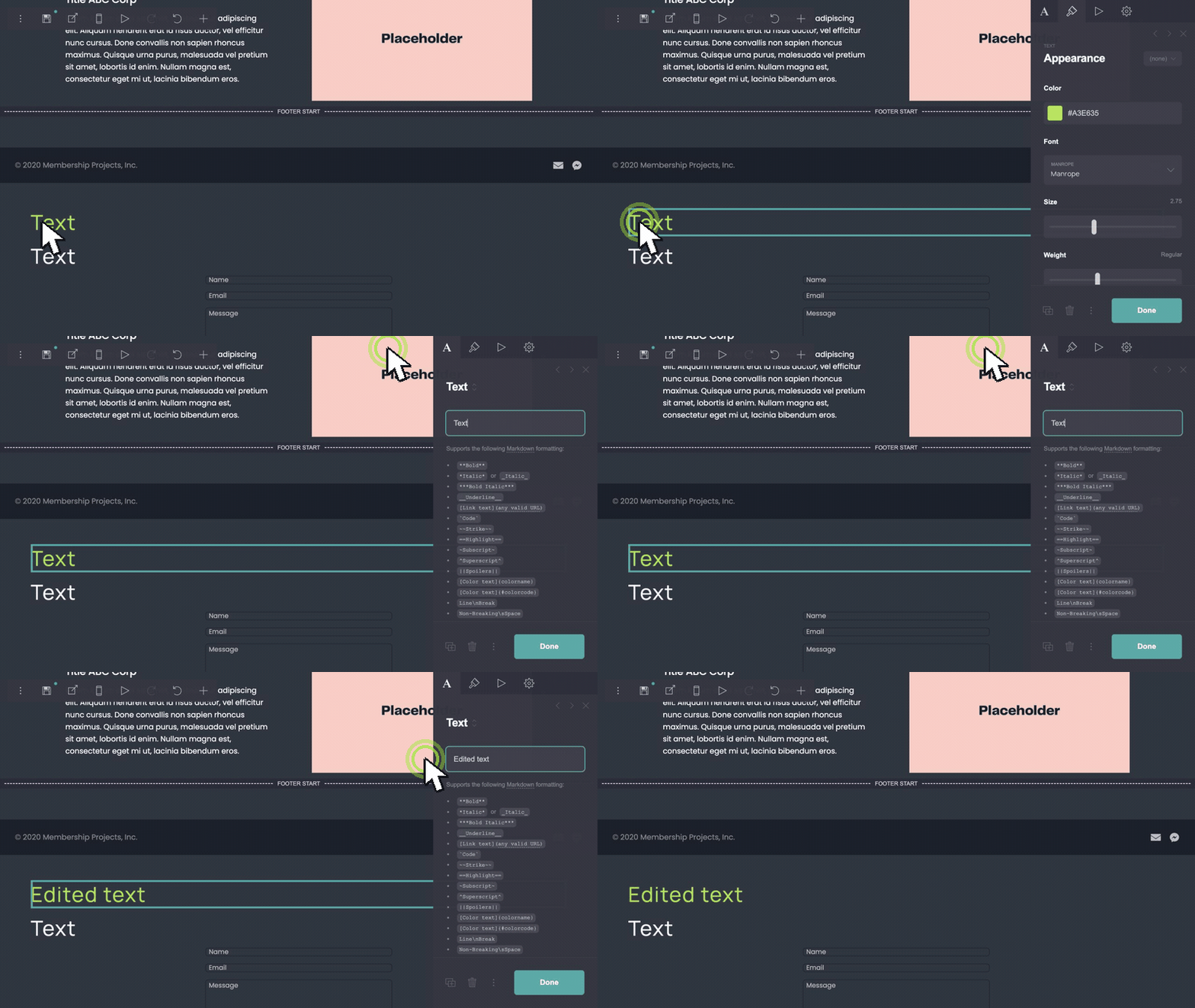
헤드라인과 본문 카피 편집.
Carrd 빌더에서 텍스트 블록을 더블클릭하세요. 플레이스홀더 헤드라인, 서브카피, 기능 줄을 제품명과 가치 제안으로 바꾸세요. 모바일 스택이 읽기 쉽도록 한 줄에 하나의 아이디어만 유지하세요.
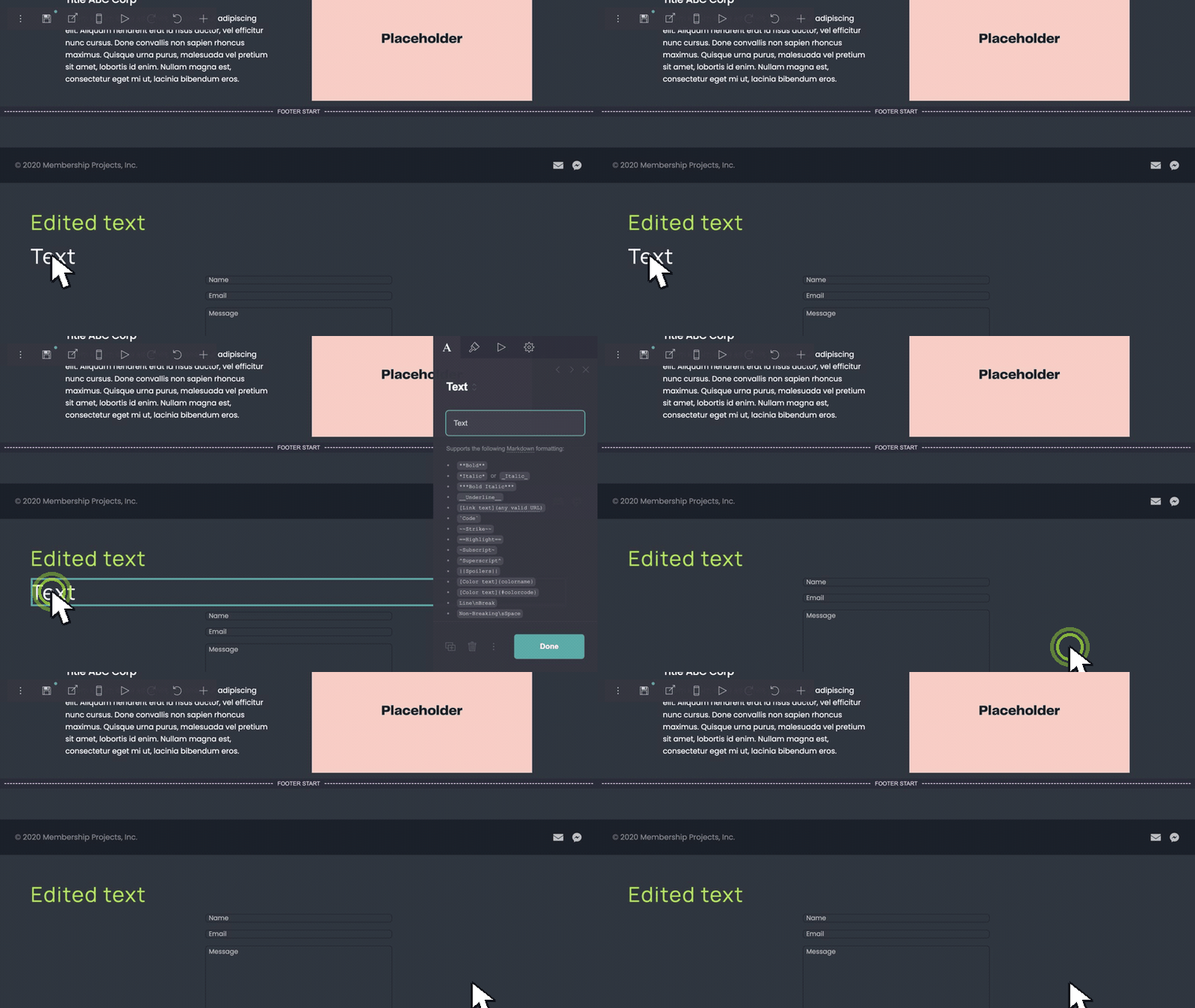
필요 없는 섹션 제거.
지울 블록이나 컨테이너 — FAQ 행, 후기, 추가 기능 열 — 을 선택해 삭제하세요. 데모 구조에서 시작해 출시 범위에 맞을 때까지 줄이세요.
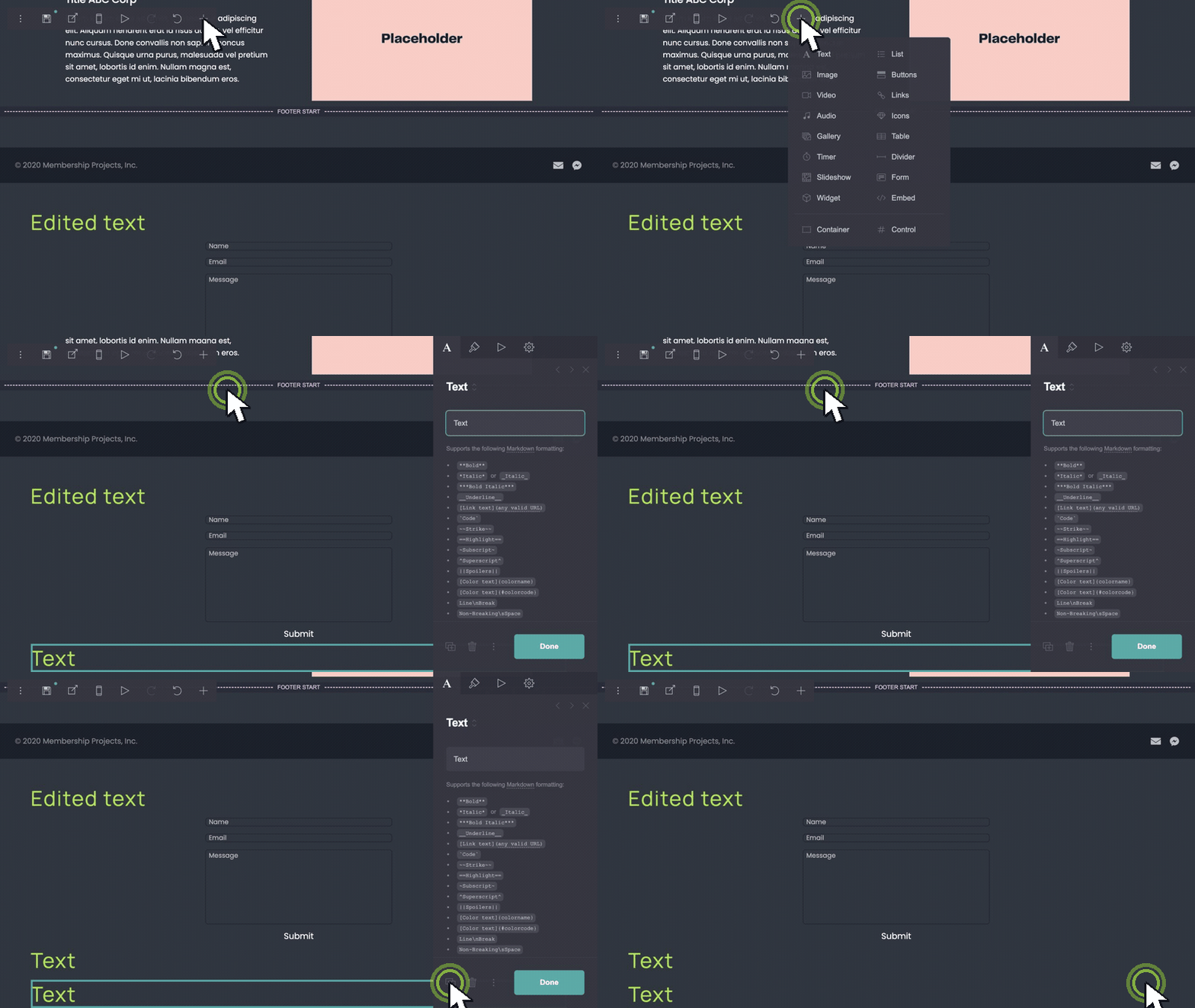
블록을 복제해 항목 추가.
기능 행이나 후기를 하나 더 필요하신가요? 행을 선택해 복제한 뒤 카피와 이미지를 편집하세요. Carrd가 간격을 일정하게 유지해 반복 섹션도 정렬됩니다.
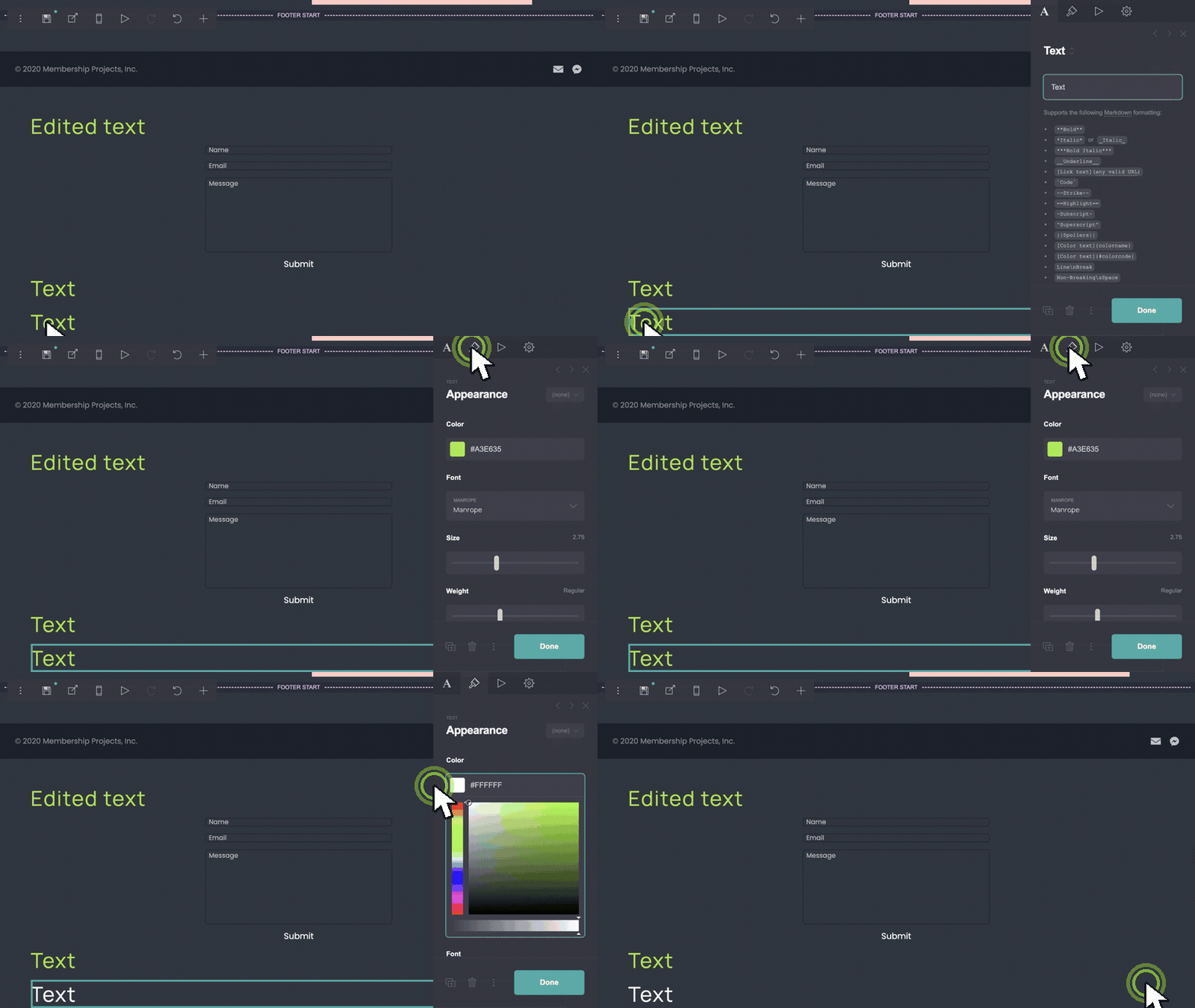
브랜드 색상에 맞추기.
배경, 버튼, 텍스트 색상 컨트롤을 여세요. 기본 팔레트를 브랜드 hex 값으로 바꾸세요. CTA 버튼 채우기와 링크 색상을 함께 업데이트해 페이지가 의도적으로 느껴지게 하세요.
이 템플릿과 잘 어울리는 에셋.
- coolors.co — quick palette ideas before you enter hex values in Carrd.
- unsplash.com — hero and feature photography without a stock subscription.
- phosphoricons.com — simple icons if you replace default marks in image blocks.
Product Landing Page가 맞는 구매일 때.
- Carrd 빌더에서 헤드라인과 본문 카피를 인라인으로 편집하세요.
- v1에 필요 없는 섹션을 삭제하세요.
- 기능 행이나 후기 행을 복제해 항목을 추가하세요.
- 배경, 버튼, 텍스트 색상을 브랜드에 맞게 업데이트하세요.