When Product Landing Page is the right buy.
Use it when you need a credible product story on one Carrd site: hero, feature list, social proof, and FAQ. It fits early validation, side projects, and SaaS pitches where you want sections pre-wired instead of stacking elements from scratch.
Buy from the Templates of Carrd catalog or the landing page picks list, duplicate into your Carrd account, then follow the edits below.
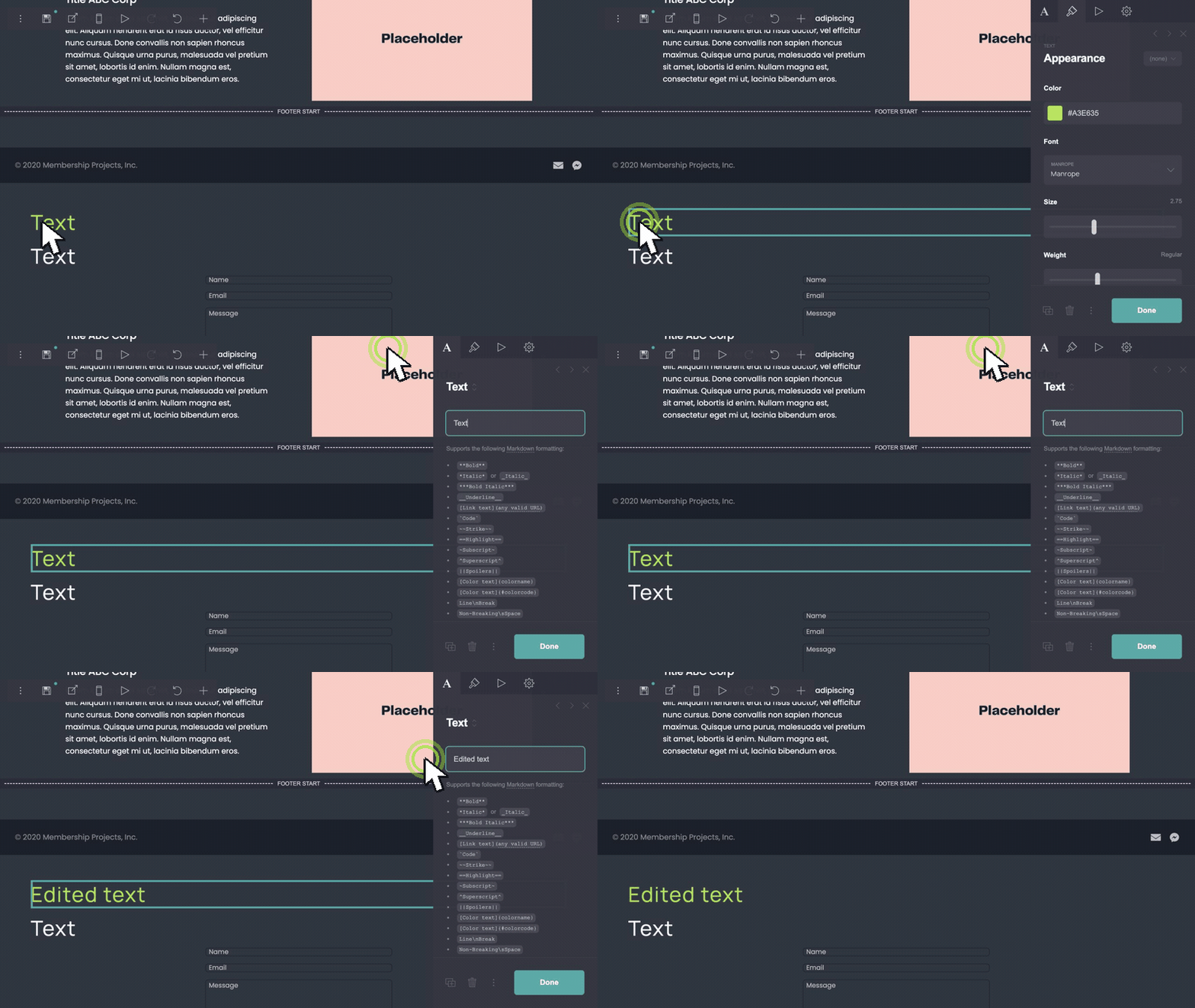
Edit headline and body copy.
Double-click any text block in the Carrd builder. Replace the placeholder headline, subcopy, and feature lines with your product name and value props. Keep one idea per line so mobile stacks stay readable.
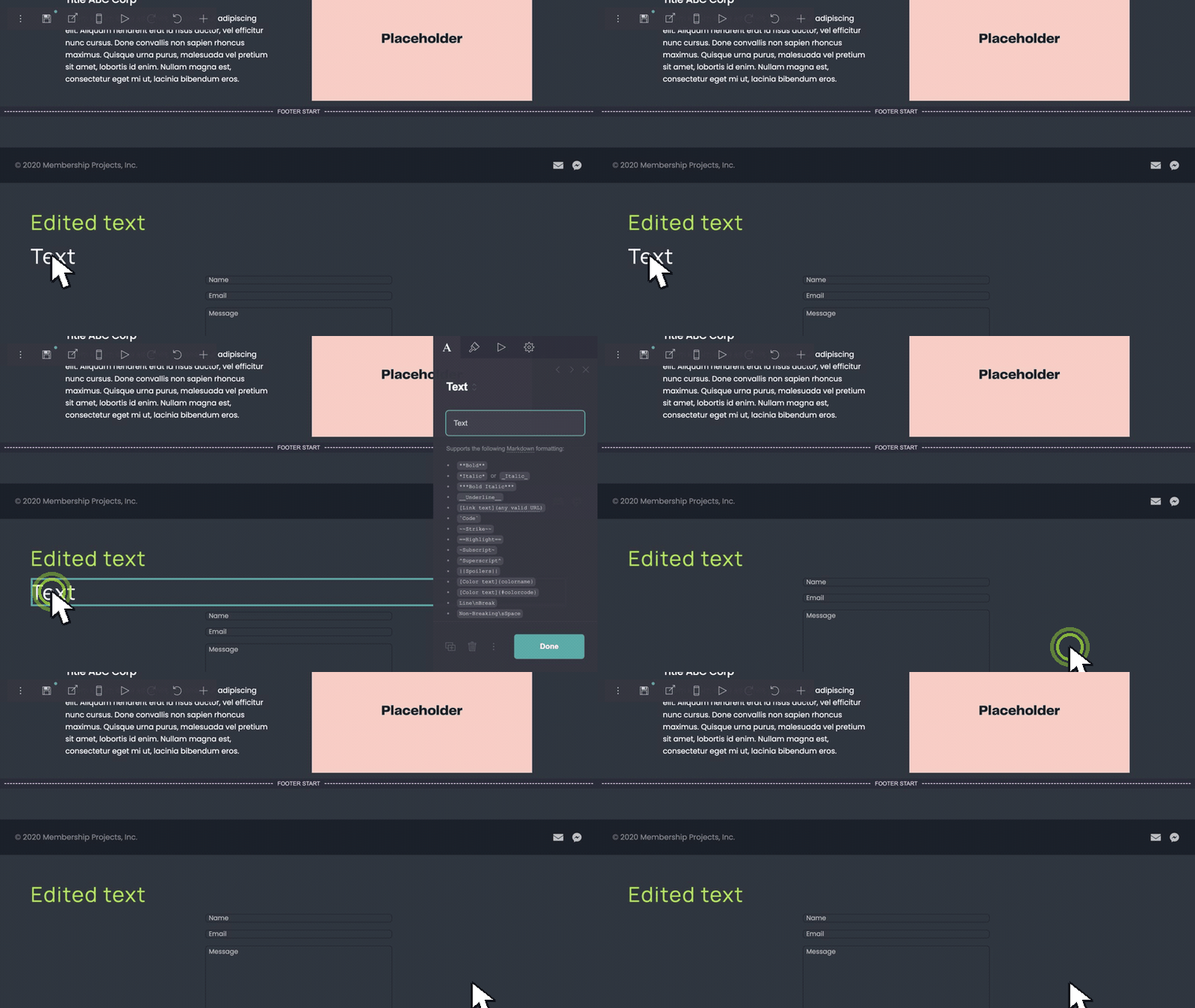
Remove sections you do not need.
Select a block or container you want gone — FAQ row, testimonial, or an extra feature column — and delete it. Start from the demo structure, then subtract until the page matches your launch scope.
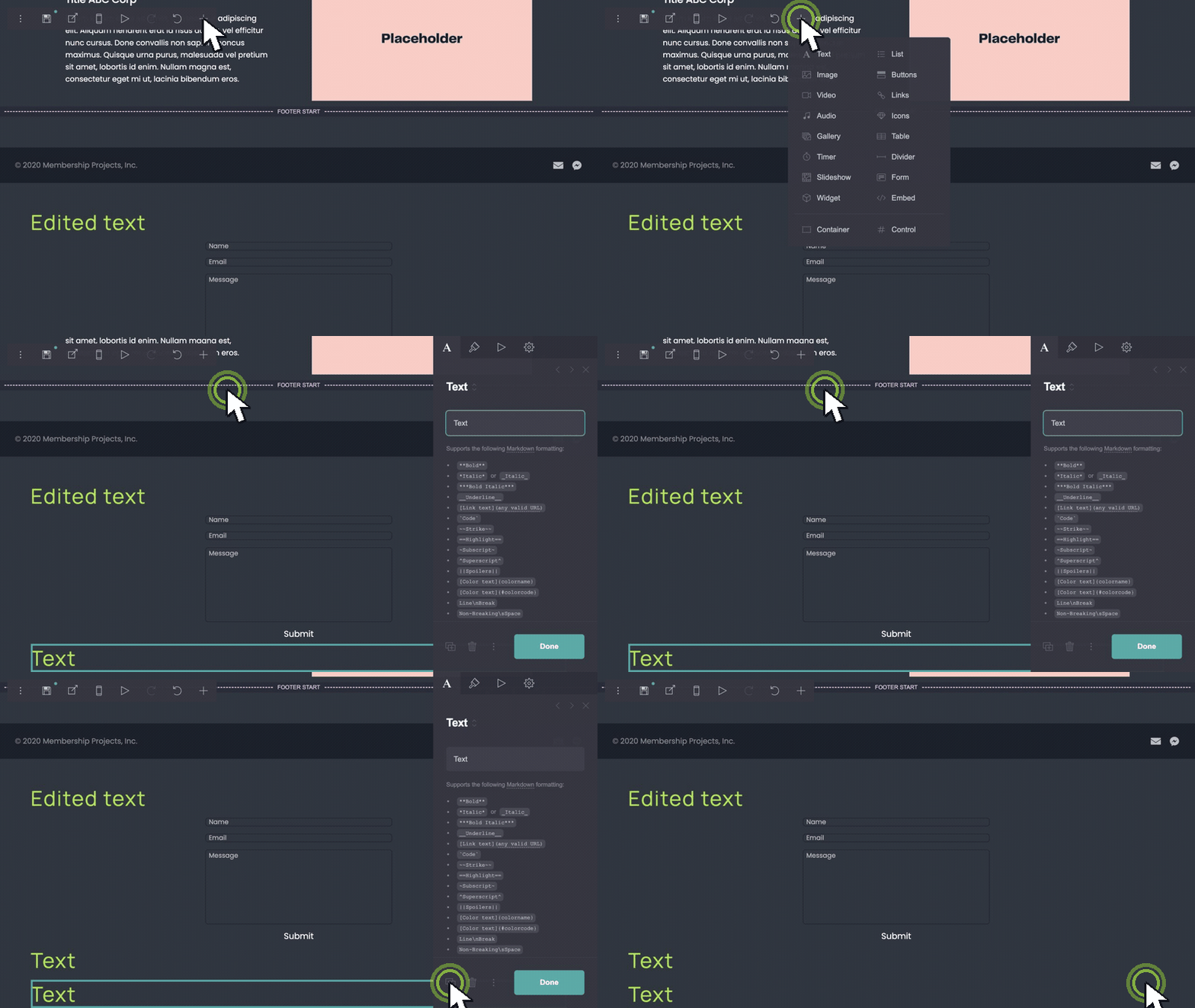
Duplicate blocks to add more items.
Need another feature row or testimonial? Select the row, duplicate it, then edit the copy and image. Carrd keeps spacing consistent so repeated sections still align.
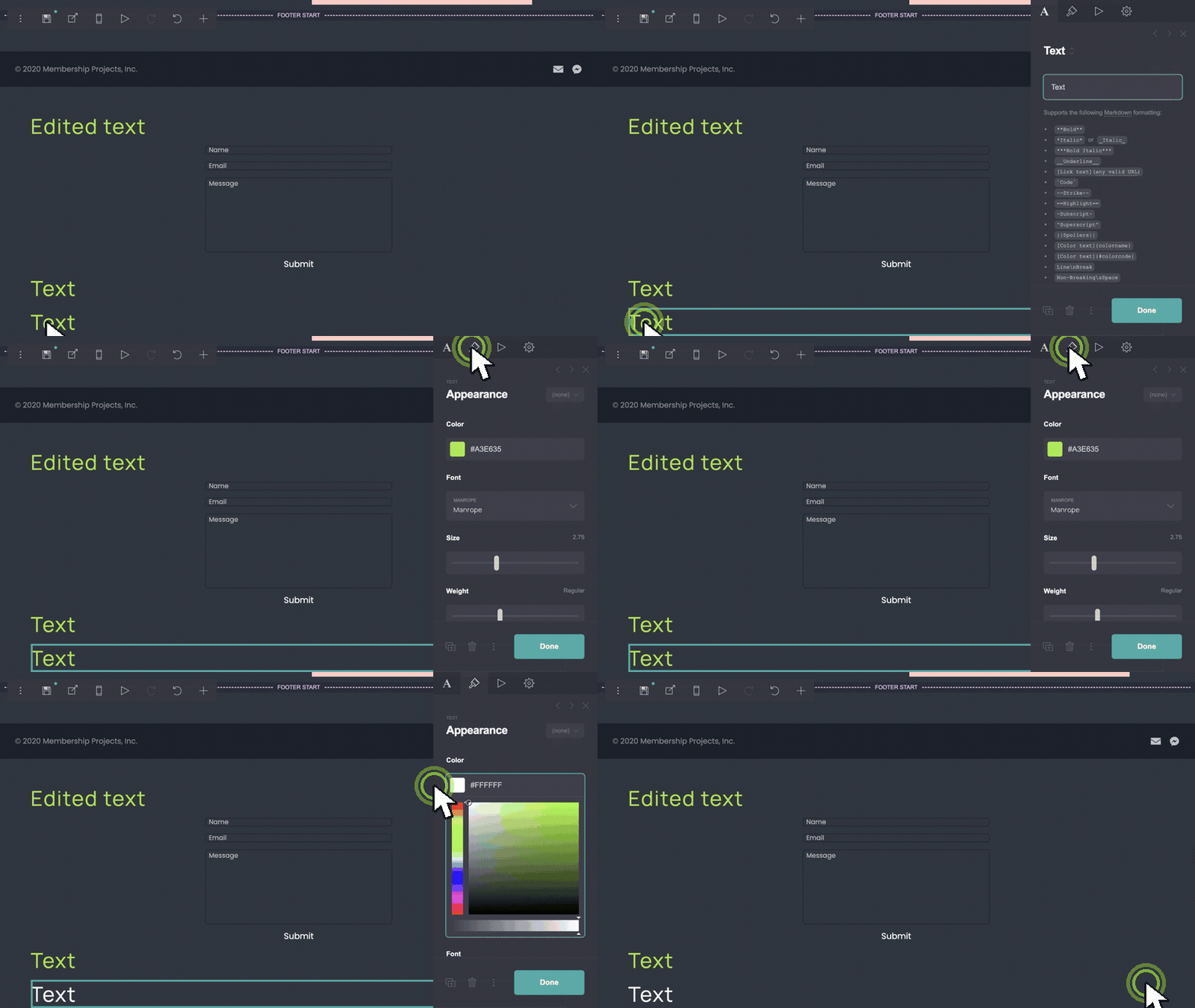
Match your brand colors.
Open the color controls for backgrounds, buttons, and text. Swap the default palette to your brand hex values. Update CTA button fill and link colors together so the page feels intentional.
Assets that pair well with this template.
- coolors.co — quick palette ideas before you enter hex values in Carrd.
- unsplash.com — hero and feature photography without a stock subscription.
- phosphoricons.com — simple icons if you replace default marks in image blocks.
Customize in four edits.
- Edit headline and body copy inline in the Carrd builder.
- Delete sections you do not need for v1.
- Duplicate feature or testimonial rows to add more items.
- Update background, button, and text colors to match your brand.