Turn messy table text into copy-ready markdown.
Markdown Table Fixer normalizes column counts, trims cell text, escapes pipe characters, and adds a valid separator row so GitHub, Notion, and most doc tools render the table correctly.
It accepts three common input shapes:
- Markdown tables copied from docs or AI output (pipe-delimited rows)
- CSV pasted from spreadsheets or exports
- TSV copied from Excel or Google Sheets (tab-separated)
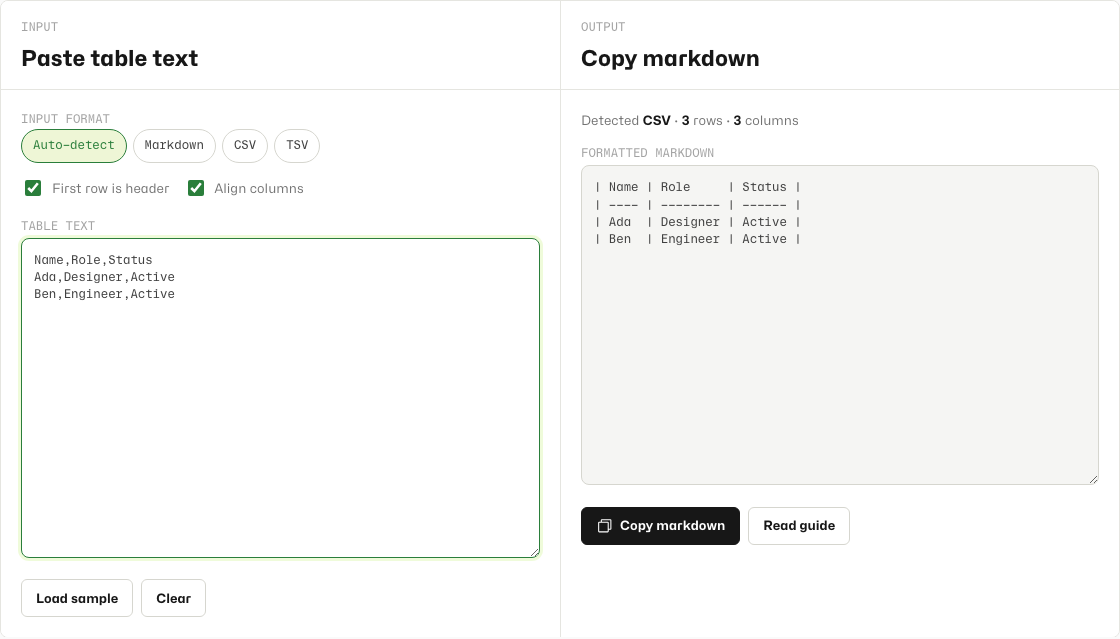
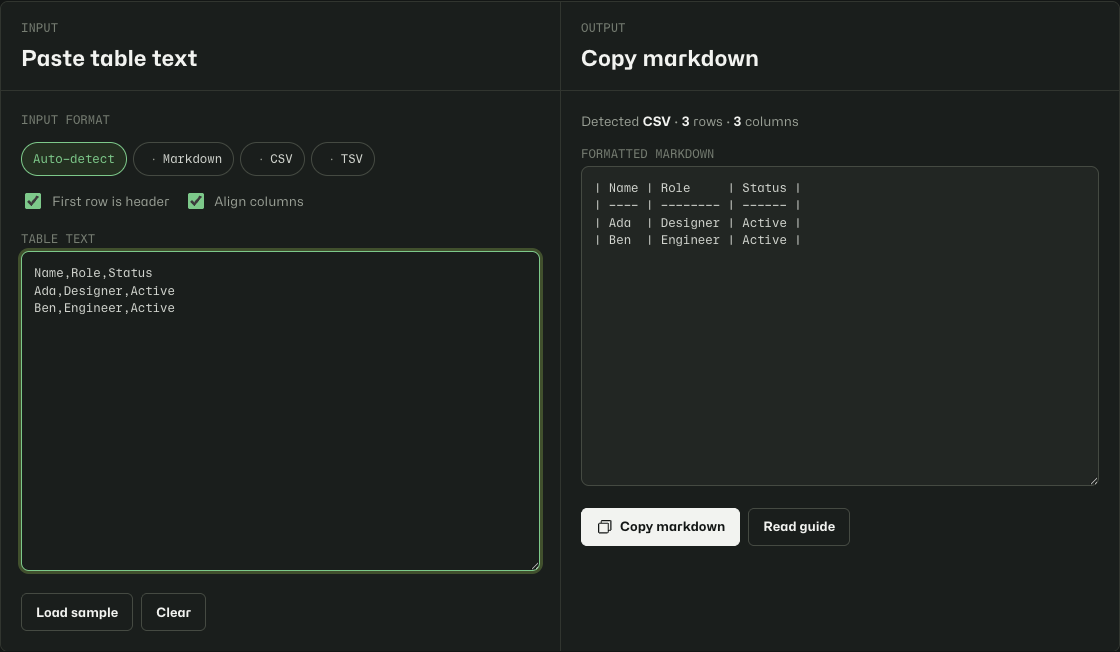
Format and copy in under a minute.
- Open Markdown Table Fixer.
- Paste your table into the input area.
- Leave Auto-detect on, or pick Markdown, CSV, or TSV if detection looks wrong.
- Toggle First row is header if your table has no header row.
- Toggle Align columns off if you want compact pipes without padding spaces.
- Click Copy markdown and paste into your doc, PR, or Notion page.
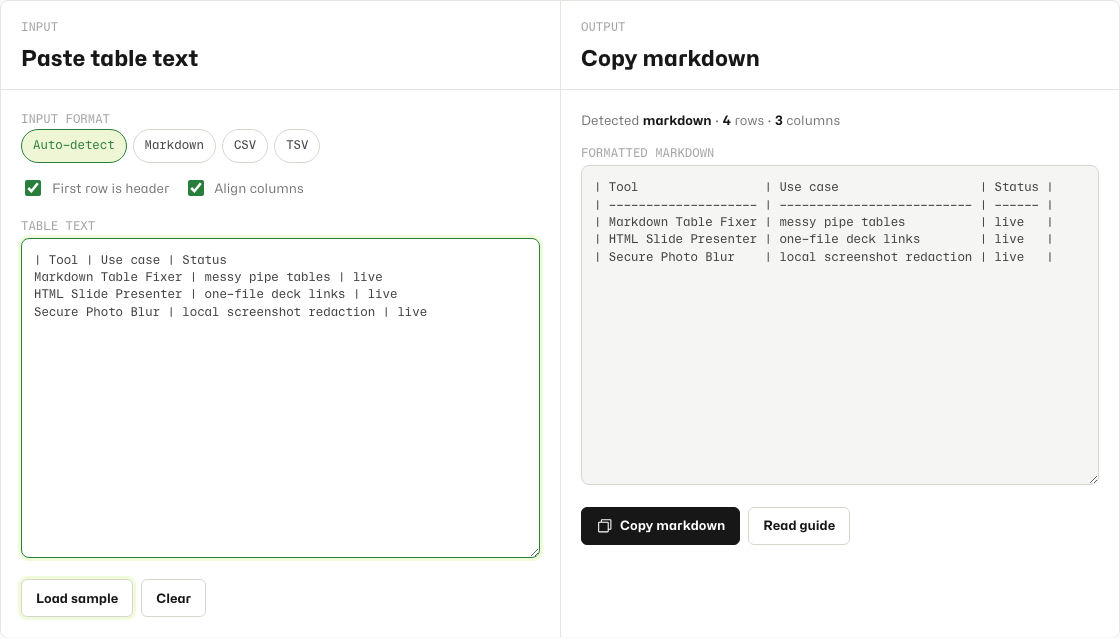
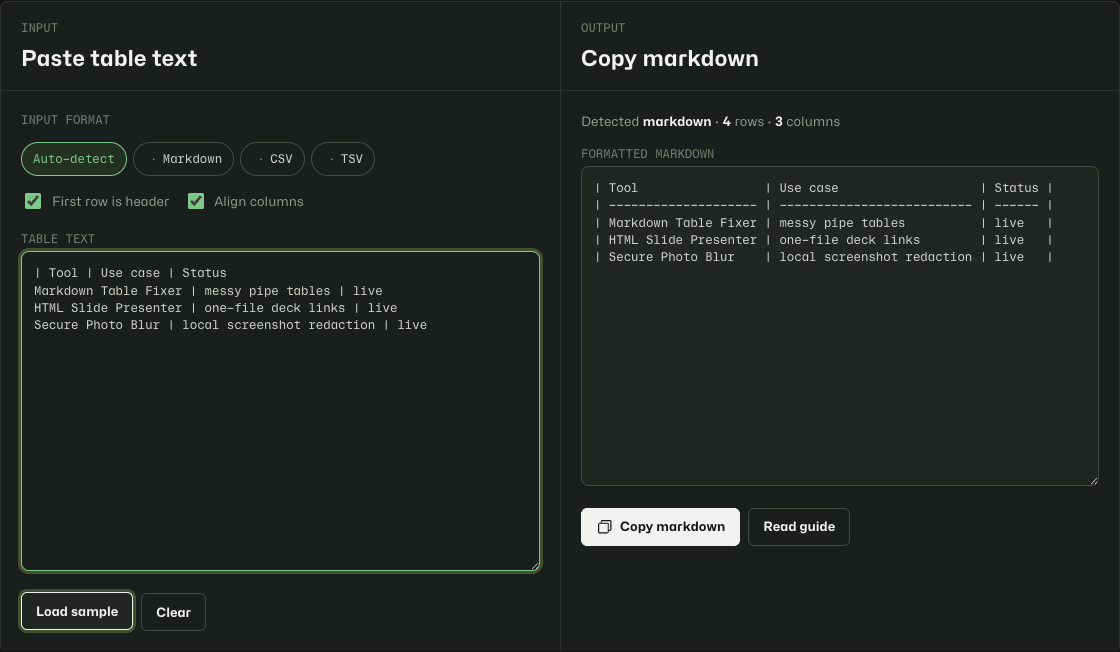
What to paste.
CSV works well for comma-separated exports:
Name,Role,Status
Ada,Designer,Active
Ben,Engineer,Active
TSV is what you get when copying rows directly from a spreadsheet.
Markdown is fine even when columns are misaligned or the separator row is missing. The tool rebuilds the separator for you.
If the output looks wrong.
- Switch off auto-detect and choose CSV or TSV manually.
- If a cell contains commas, wrap that field in quotes in the CSV source.
- If you only have body rows and no header, turn off First row is header.
- Pipe characters inside cell text are escaped automatically as
\|.
Browser-local only.
Your pasted table stays on your device. The tool saves your last input and format choice in local storage on this browser. Nothing is sent to Tiny Design Shop servers.