2 つのツール、1 つのスケルトン UI ワークフロー。
Ghost Wireframe Generator は、スケルトン UI およびゴースト ワイヤーフレーム用の無料のブラウザ ツールです。レイアウト ファミリ (ダッシュボード、分析、カンバン、CRM テーブル、設定) を選択し、Single または Combo (デスクトップ + モバイル) を選択し、Happy Hues スタイルの色の役割を調整して、--ghost-* CSS 変数を使用して PNG、SVG、または HTML をエクスポートします。すべてがブラウザ内に残り、何もアップロードされません。
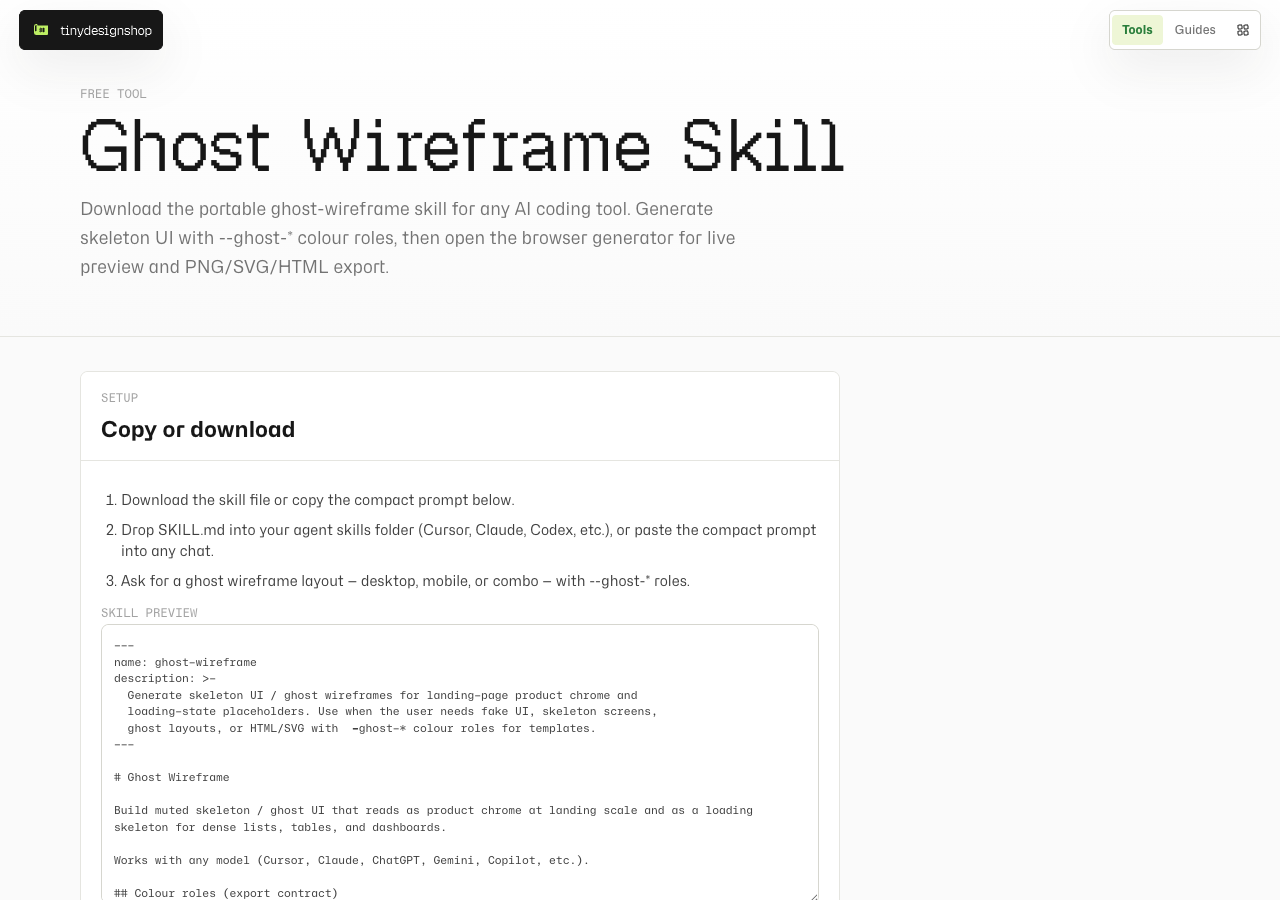
Ghost Wireframe Skill はポータブルなコンパニオンです。Cursor、Claude、Codex、ChatGPT、およびその他の AI コーディング ツール用のコンパクト プロンプトをコピーするか、SKILL.md をダウンロードしてください。このスキルを使用してチャットでゴーストをドラフトし、ライブ プレビューやファイルのエクスポートが必要なときにジェネレーターを開きます。
レイアウトを選択し、Single または Combo を選択します。
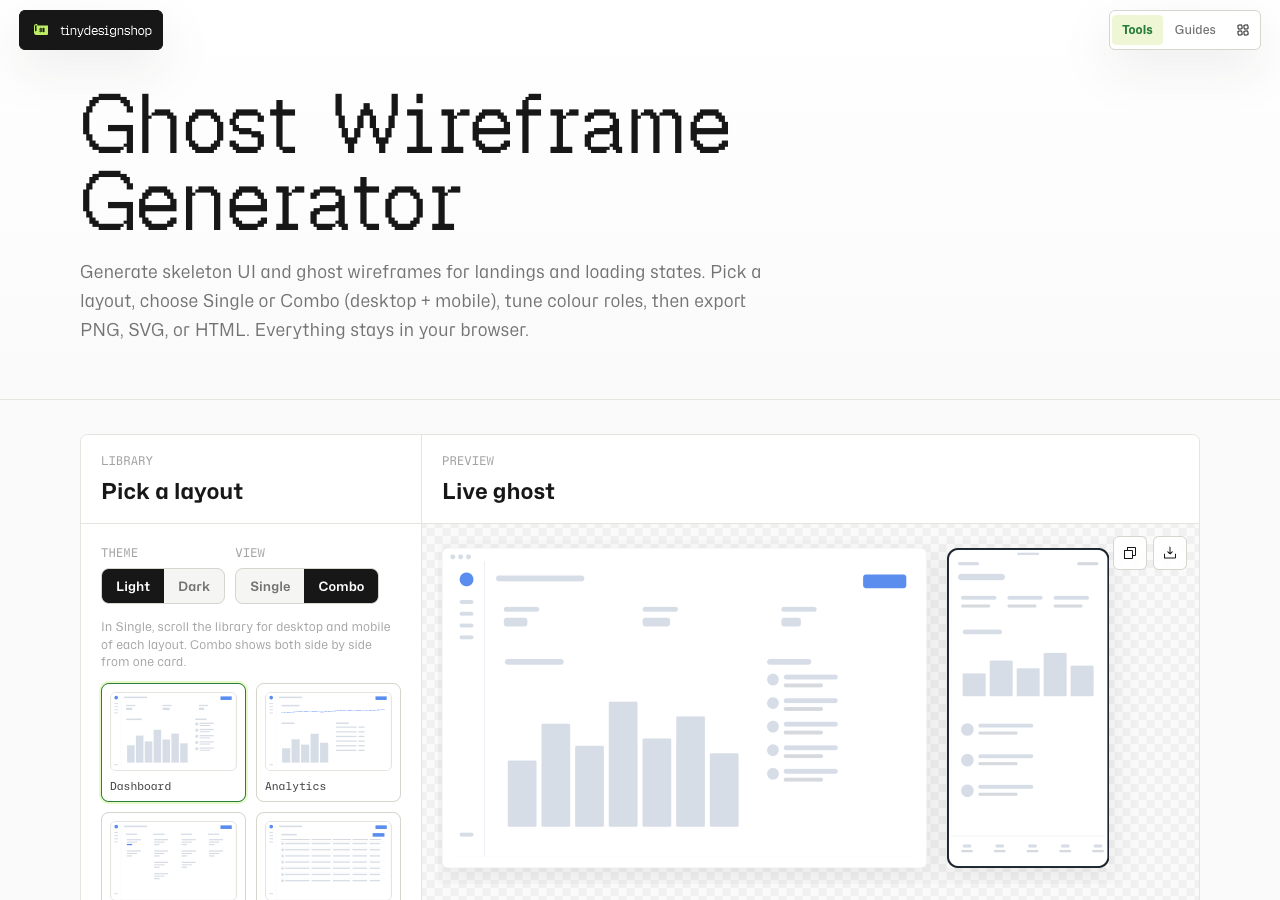
tinydesignshop.com/tools/ghost-wireframe-generator を開きます。ライブラリで、レイアウト カードをクリックします。 Light または Dark には Theme を使用し、Single または Combo には View を使用します。
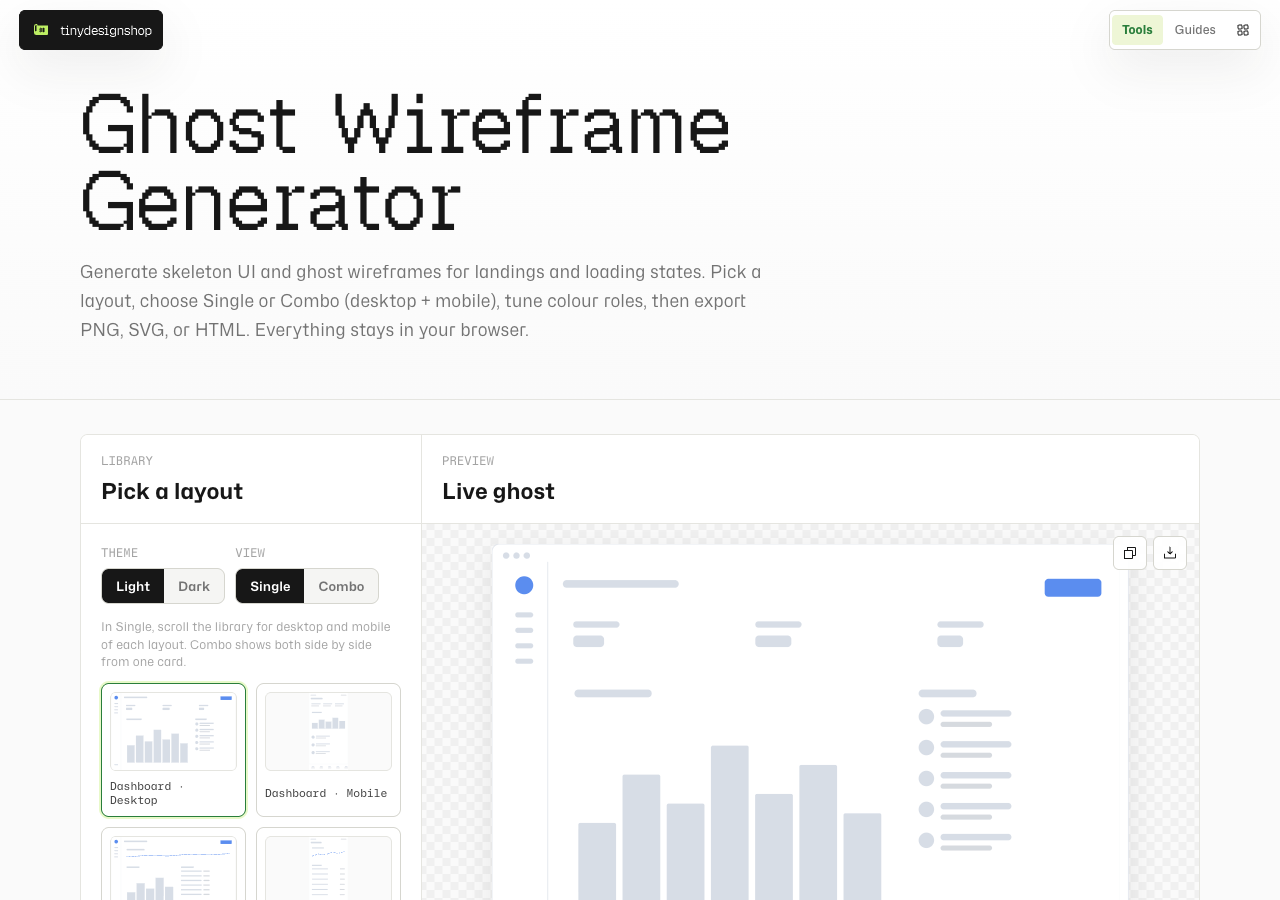
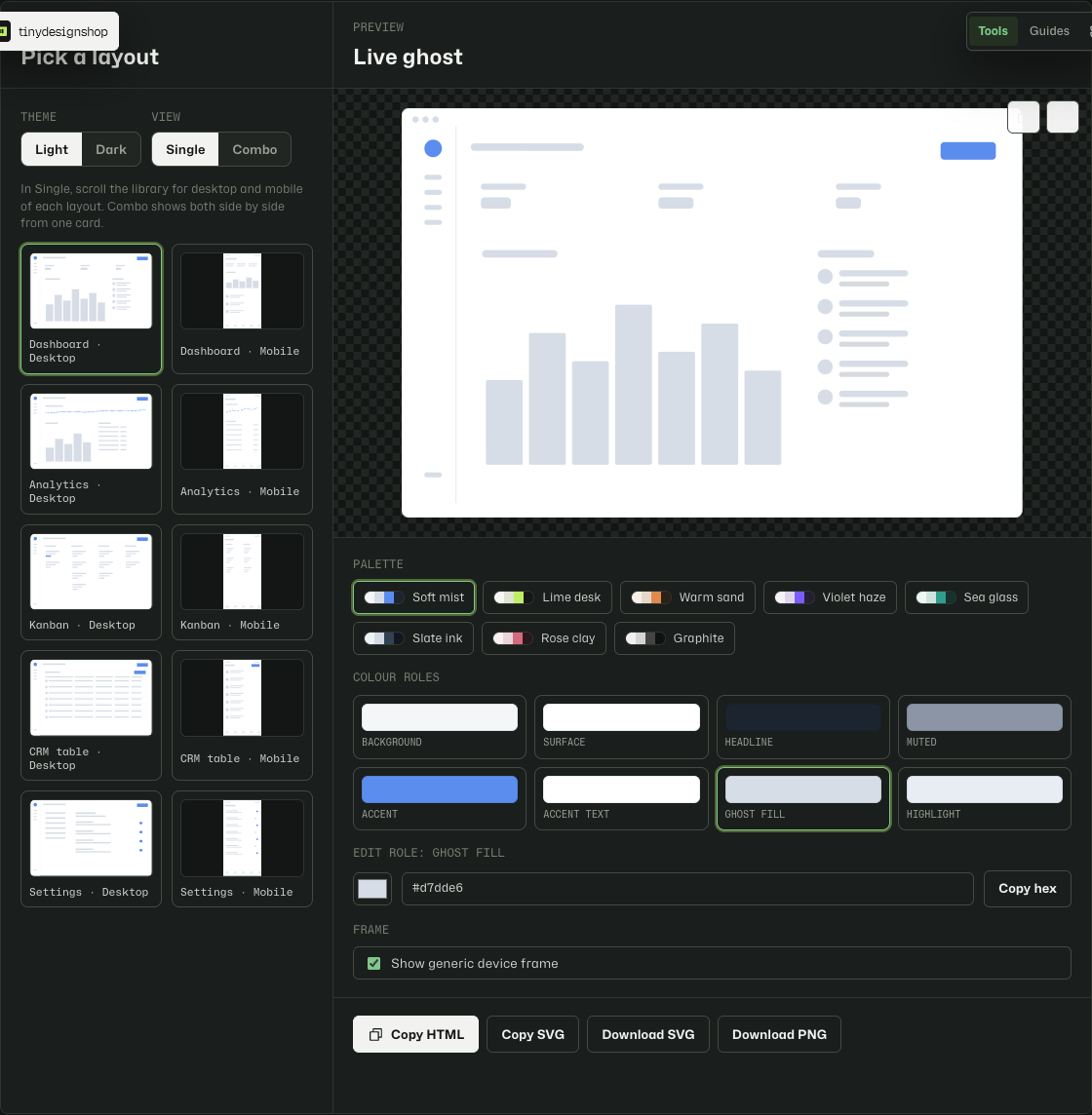
Single は一度に 1 つのデバイスを表示します。ライブラリをスクロールして、デスクトップ カードとモバイル カードを切り替えます。 Combo は、1 つのレイアウト カードからデスクトップとモバイルを並べて表示します。プレビューの高さは共有され、PNG の場合は Download both になります。
色の役割を調整してエクスポートします。
パレットのプリセットを選択するか、個々の役割 (背景、表面、アクセント、ミュートされたテキスト、友人) を編集します。オプションの汎用デバイス フレームを使用すると、Apple ブランドのベゼルなしでスクリーンショットを製品クロームとして読み取ることができます。
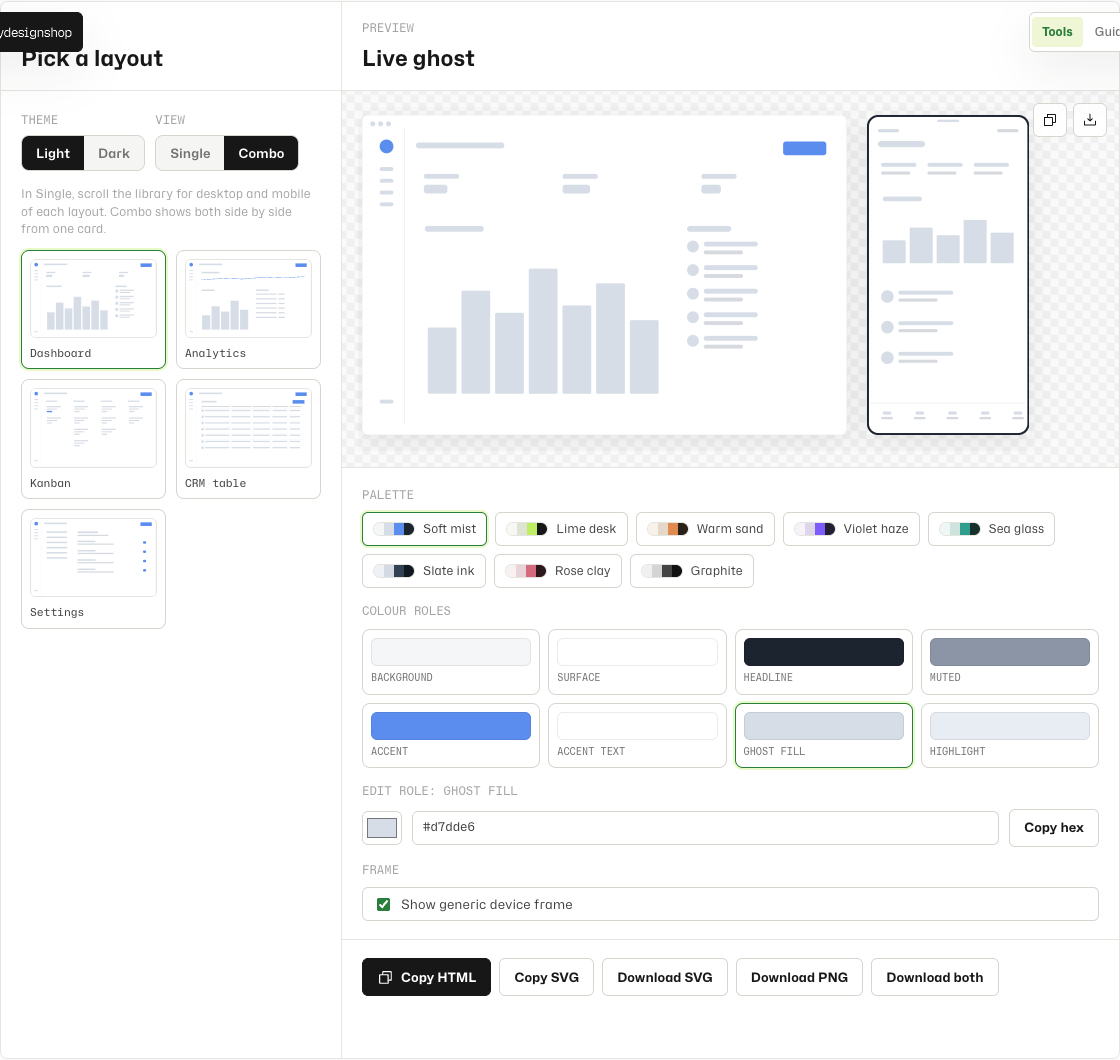
--ghost-* variables for templates and loading states.エクスポート パス: Download PNG (または Combo の Download both)、Download SVG / Copy SVG、および Copy HTML (Tiny Page Drops およびスケルトンの読み込み用)。輸出時に帰属表示は必要ありません。
あらゆる AI コーディング ツールのスキルとして使用します。
ジェネレーターから、全幅の黒の Get skill CTA によってコンパニオン ページが開きます。または、Ghost Wireframe Skill に直接アクセスしてください。
- スキル ページを開いてコンパクト プロンプトをコピーするか、
SKILL.mdをダウンロードします。 - スキルをエージェント スキル フォルダ (Cursor、Claude、Codex など) にドロップするか、コンパクト プロンプトをチャットに貼り付けます
--ghost-*ロールを使用してゴースト ワイヤーフレーム レイアウト (デスクトップ、モバイル、またはコンボ) を要求する- オプション: ブラウザー ジェネレーター を開いて、PNG/SVG/HTML をプレビューおよびエクスポートします。
ブラウザローカルジェネレーター、ローカルスキル。
ジェネレーターは完全にブラウザー内で実行されます。レイアウト、パレット、エクスポートがデバイスから離れることはありません。スキルは、独自の AI ツール セッションで実行するマークダウン ファイルです。 Tiny Design Shop はワイヤーフレームをアップロードしません。