Turn your own image into a repeating tile.
Pattern Generator can build backgrounds from 16 geometric presets — or from an image you upload. Use a texture swatch, brand mark, photo crop, or any PNG, JPEG, WebP, or SVG file as the repeat tile.
The tool runs entirely in your browser. Pick a file, tune background colour, tile scale, and opacity, then copy CSS or download an SVG or PNG. No account and no server upload.
Upload and export in five steps.
- Open Pattern Generator.
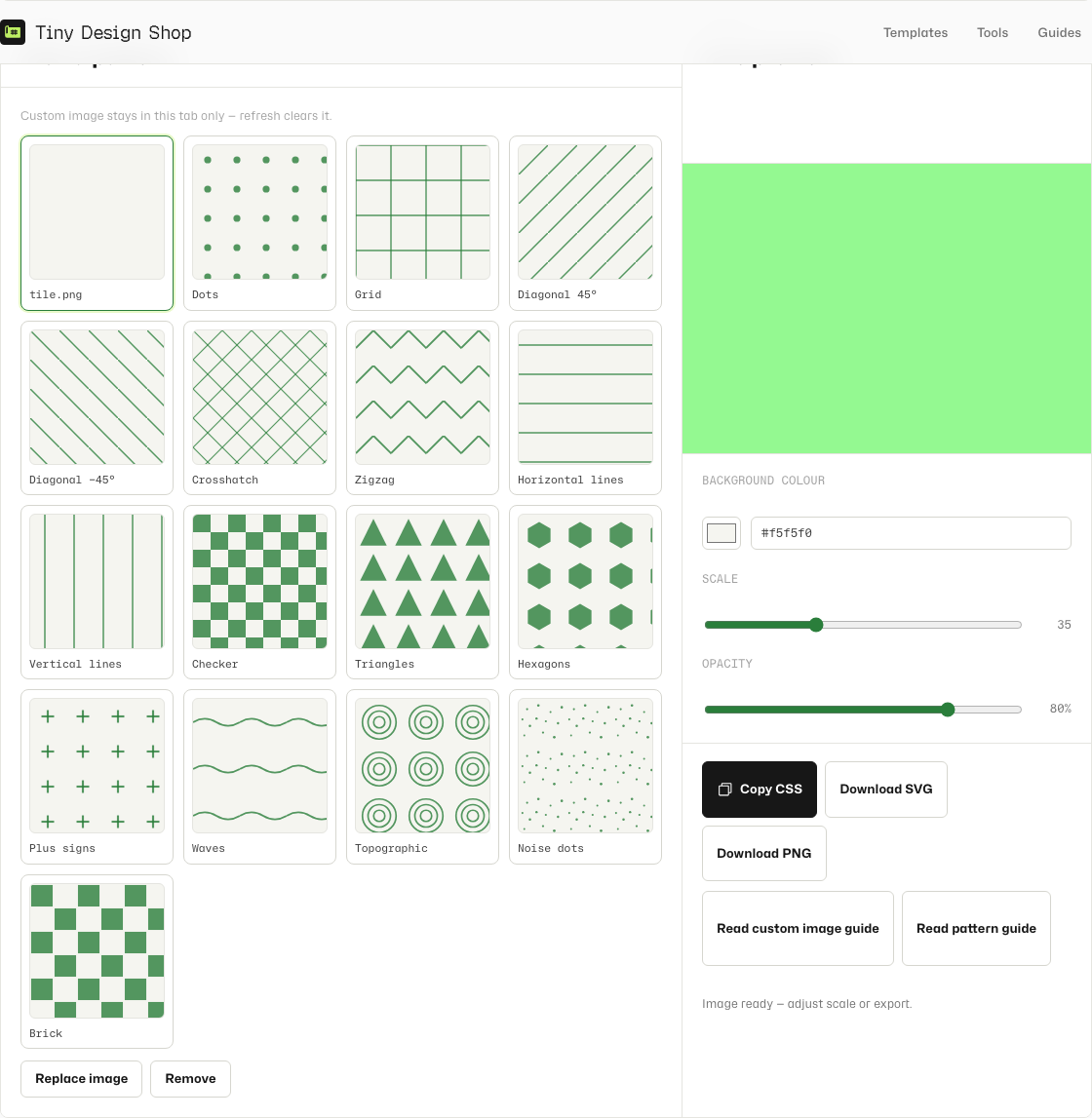
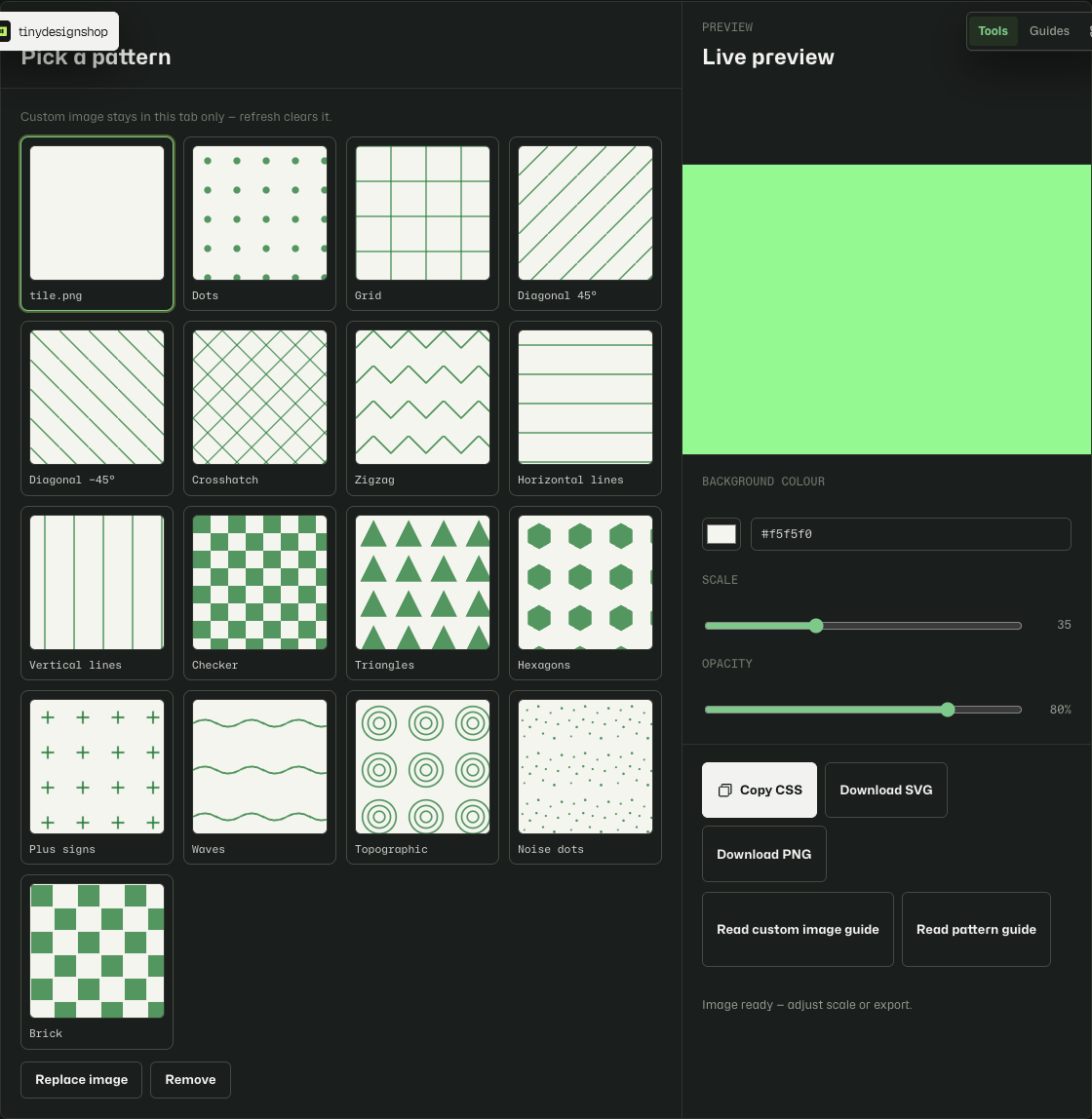
- In the pattern picker, click the Your image card — the upload tile first in the grid.
- Choose a PNG, JPEG, WebP, or SVG file from your device. The preview updates once the image loads.
- Adjust Background colour, Scale, and Opacity until the repeat looks right in the preview.
- Click Copy CSS, Download SVG, or Download PNG to use the pattern in your project.
What happens to your image.
Pattern Generator crops your image to a centre square — the middle of the file, using the shorter side as the crop size — then resizes that square to the tile dimensions for the current scale setting (up to 256 px).
All processing happens in memory on your device. The original file is never uploaded to Tiny Design Shop or any third-party server.
Transparent PNGs and background colour.
If your image has transparency — PNG, WebP with alpha, or SVG — Pattern Generator fills the tile with your chosen Background colour before drawing the image on top. Opaque areas of the image stay visible; transparent pixels show the background colour through.
Use this to control the gap colour between logo marks, soften edges on cut-out textures, or match a brand surface colour when the source file has no background of its own.
Copy CSS, SVG, or PNG.
Copy CSS gives you a ready-to-paste background-color, background-image, and background-size block with your tile embedded as a data URI. Paste it into a stylesheet or inline style on the element that should show the repeat.
Download SVG exports the tile as a standalone vector file — useful for Figma fills or design handoff. Download PNG exports a 1600×900 raster of the tiled preview — better for slides, social previews, or tools that do not accept data-URI backgrounds.
Custom images with lots of detail produce longer CSS snippets. If the tool warns that the CSS is large, prefer Download PNG or host the tile as a separate image file instead of an inline data URI.
File size, tile size, and session memory.
Uploads are limited to 8 MB. Accepted types are PNG, JPEG, WebP, and SVG. The tile is capped at 256 px on the longest side at maximum scale — enough for crisp CSS repeats without bloating your stylesheet.
Your custom image lives in this browser tab only. Refresh the page or close the tab and the upload is cleared — you will need to pick the file again. There is no cloud save or cross-device sync.
Your file never leaves your device.
Pattern Generator processes uploads locally in your browser. Crop, resize, preview, and export all run on your machine — nothing is sent to Tiny Design Shop servers. Close the tab when you are done; no copy of your image is retained.