Two tools, one skeleton UI workflow.
The Ghost Wireframe Generator is a free browser tool for skeleton UI and ghost wireframes. Pick a layout family (dashboard, analytics, kanban, CRM table, settings), choose Single or Combo (desktop + mobile), tune Happy Hues–style colour roles, then export PNG, SVG, or HTML with --ghost-* CSS variables. Everything stays in your browser — nothing is uploaded.
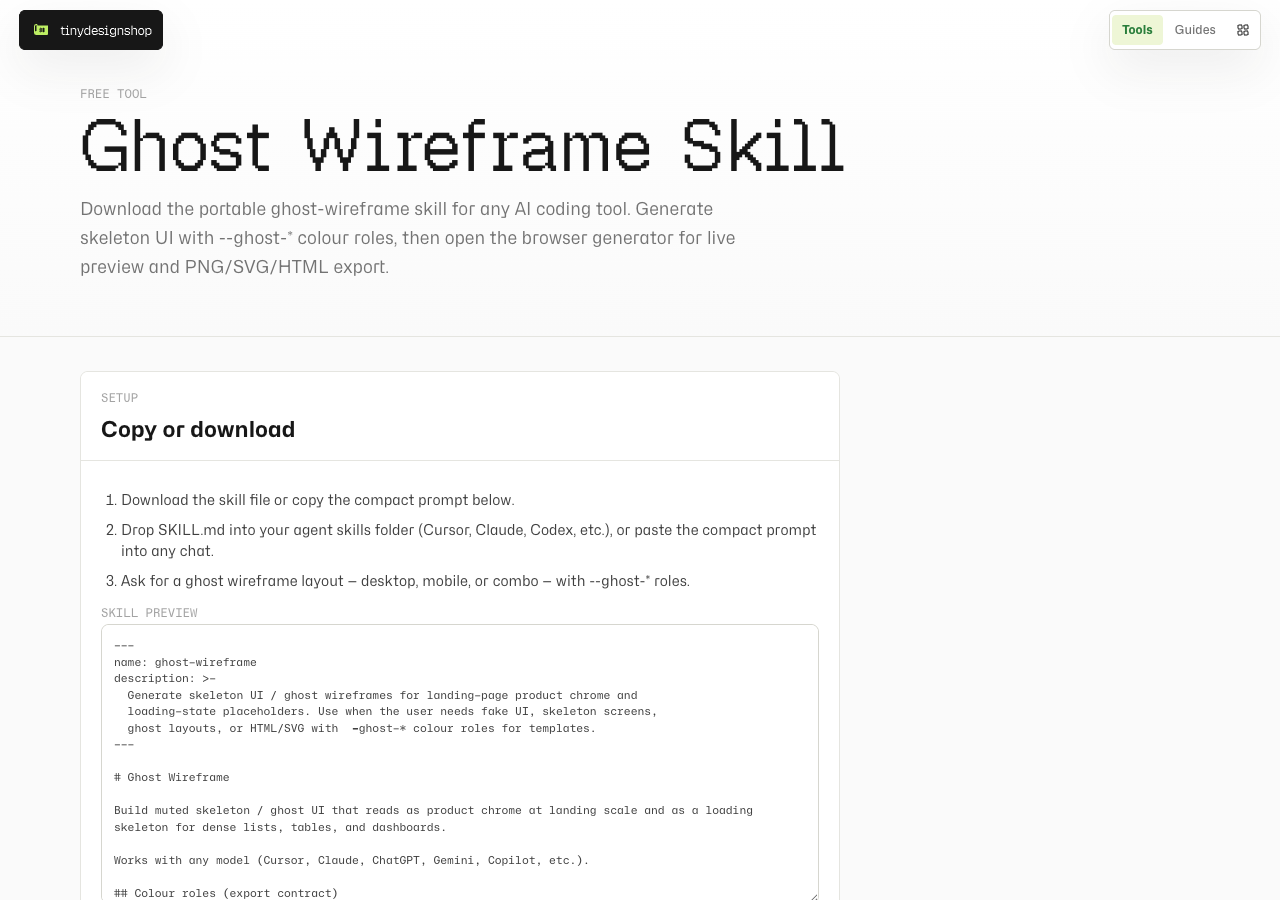
The Ghost Wireframe Skill is the portable companion: copy a compact prompt or download SKILL.md for Cursor, Claude, Codex, ChatGPT, and other AI coding tools. Use the skill to draft ghosts in chat, then open the generator when you want a live preview and file export.
Pick a layout, then Single or Combo.
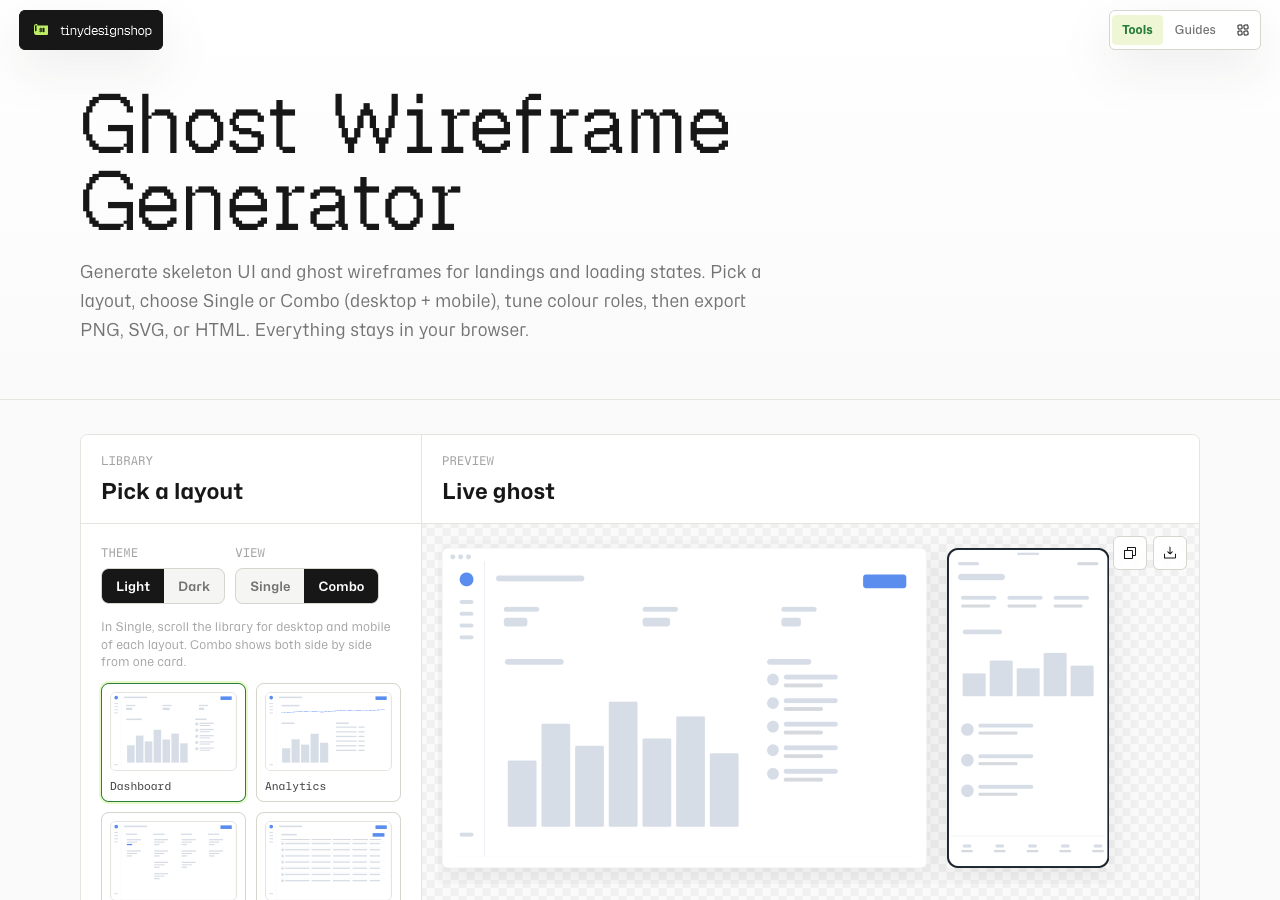
Open tinydesignshop.com/tools/ghost-wireframe-generator. In the library, click a layout card. Use Theme for Light or Dark, and View for Single or Combo.
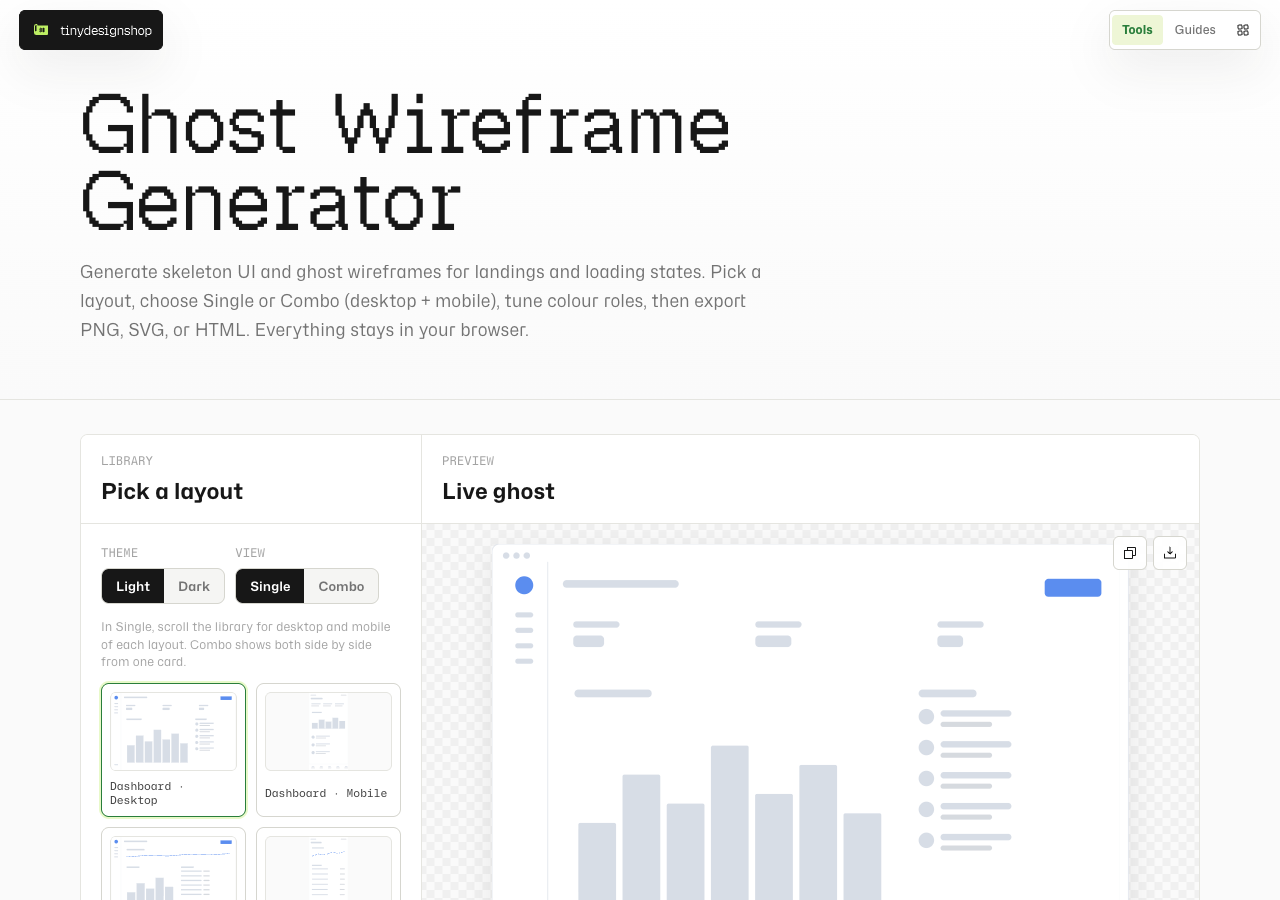
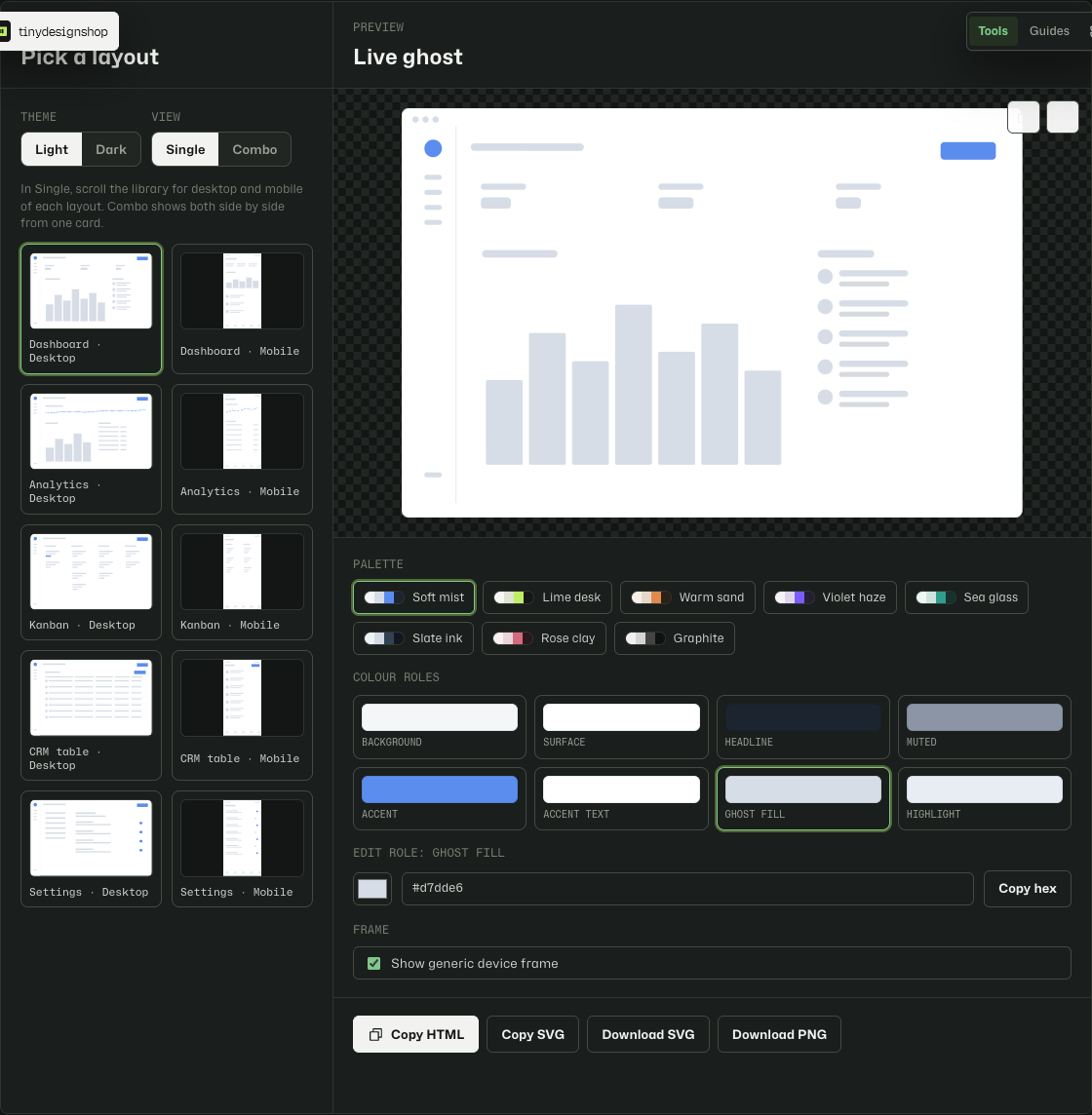
Single shows one device at a time; scroll the library to switch between desktop and mobile cards. Combo shows desktop and mobile side by side from one layout card, with a shared preview height and Download both for PNGs.
Tune colour roles and export.
Pick a palette preset or edit individual roles (background, surface, accent, muted text, and friends). Optional generic device frames help screenshots read as product chrome without Apple-branded bezels.
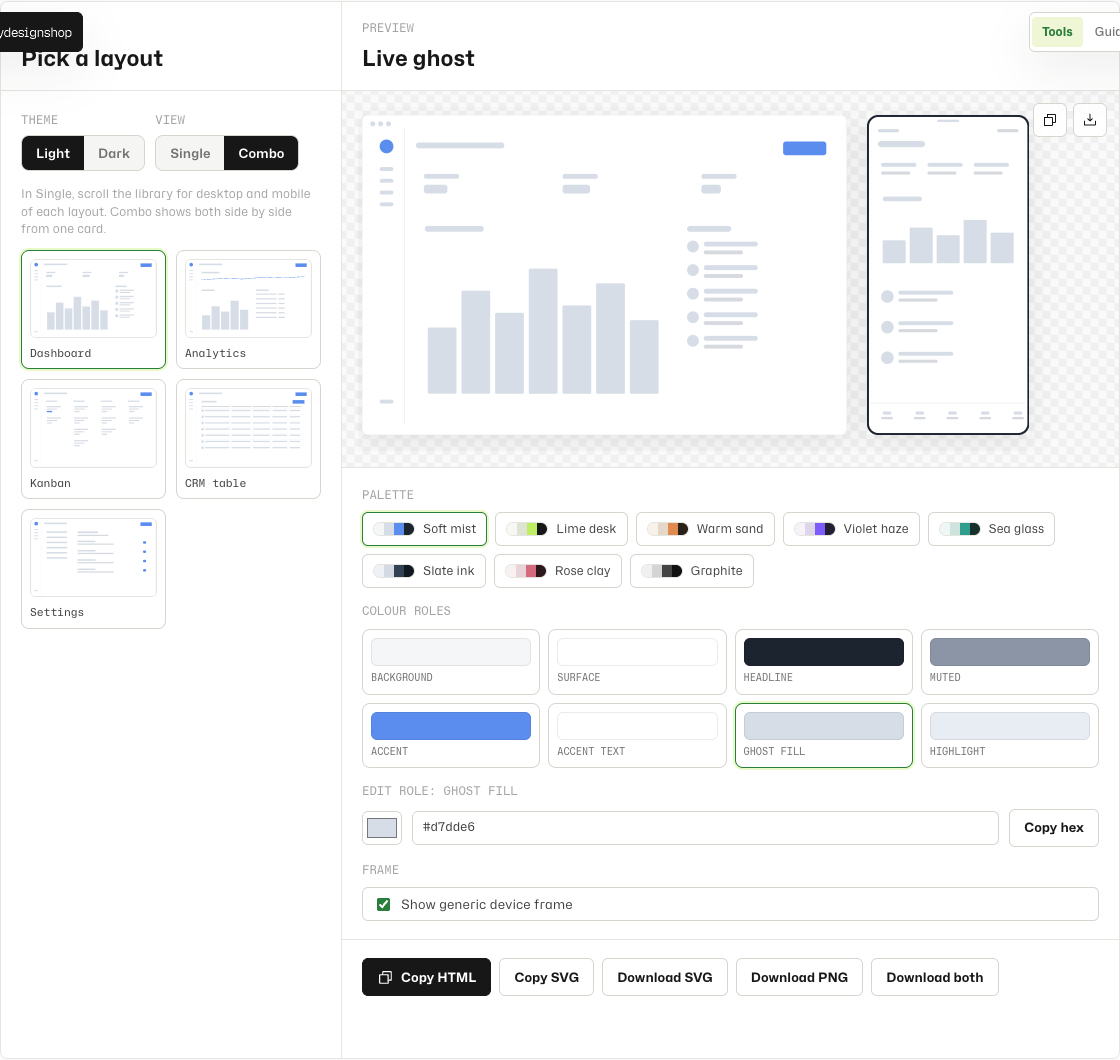
--ghost-* variables for templates and loading states.Export paths: Download PNG (or Download both in Combo), Download SVG / Copy SVG, and Copy HTML for Tiny Page Drops and loading skeletons. No attribution required on exports.
Use as a skill in any AI coding tool.
From the generator, the full-width black Get skill CTA opens the companion page. Or go straight to Ghost Wireframe Skill.
- Open the skill page and copy the compact prompt, or download
SKILL.md - Drop the skill into your agent skills folder (Cursor, Claude, Codex, etc.), or paste the compact prompt into any chat
- Ask for a ghost wireframe layout — desktop, mobile, or combo — with
--ghost-*roles - Optional: open the browser generator to preview and export PNG/SVG/HTML
Browser-local generator, local skill.
The generator runs entirely in your browser — layouts, palettes, and exports never leave your device. The skill is a markdown file you run in your own AI tool session. Tiny Design Shop does not upload your wireframes.