Spot changes between two text versions instantly.
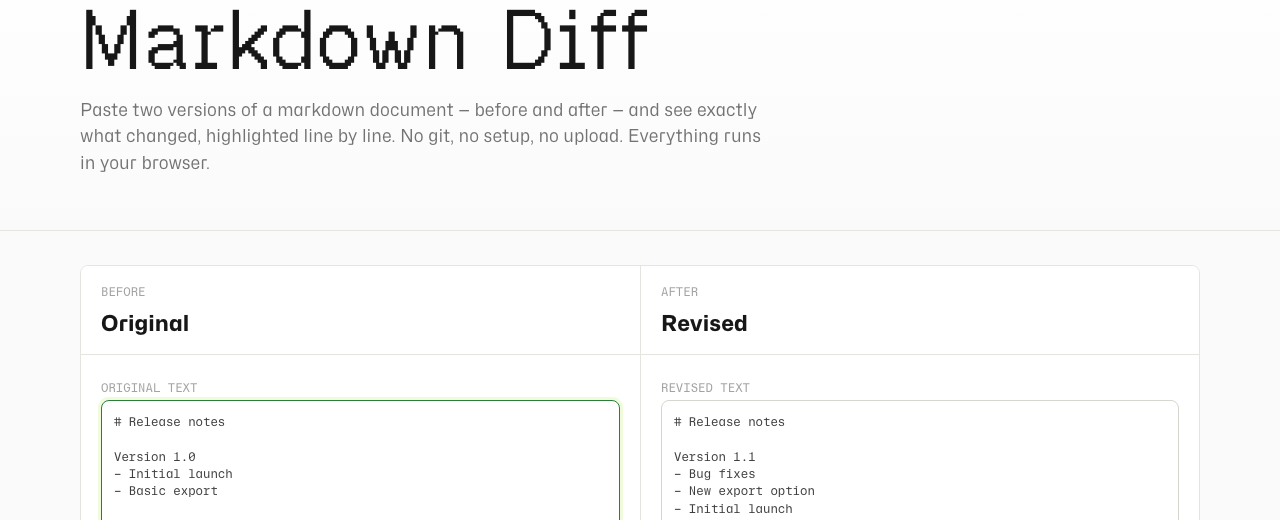
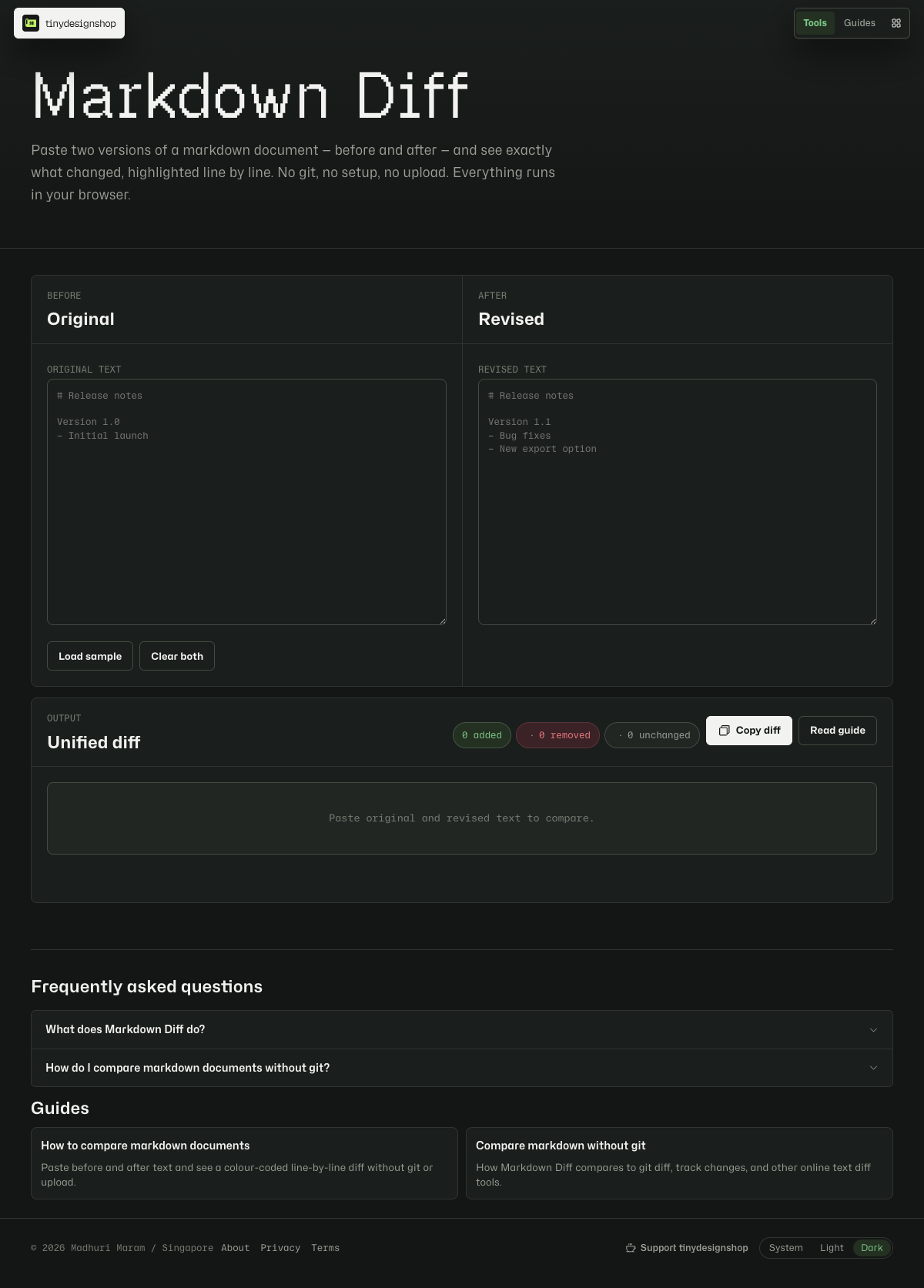
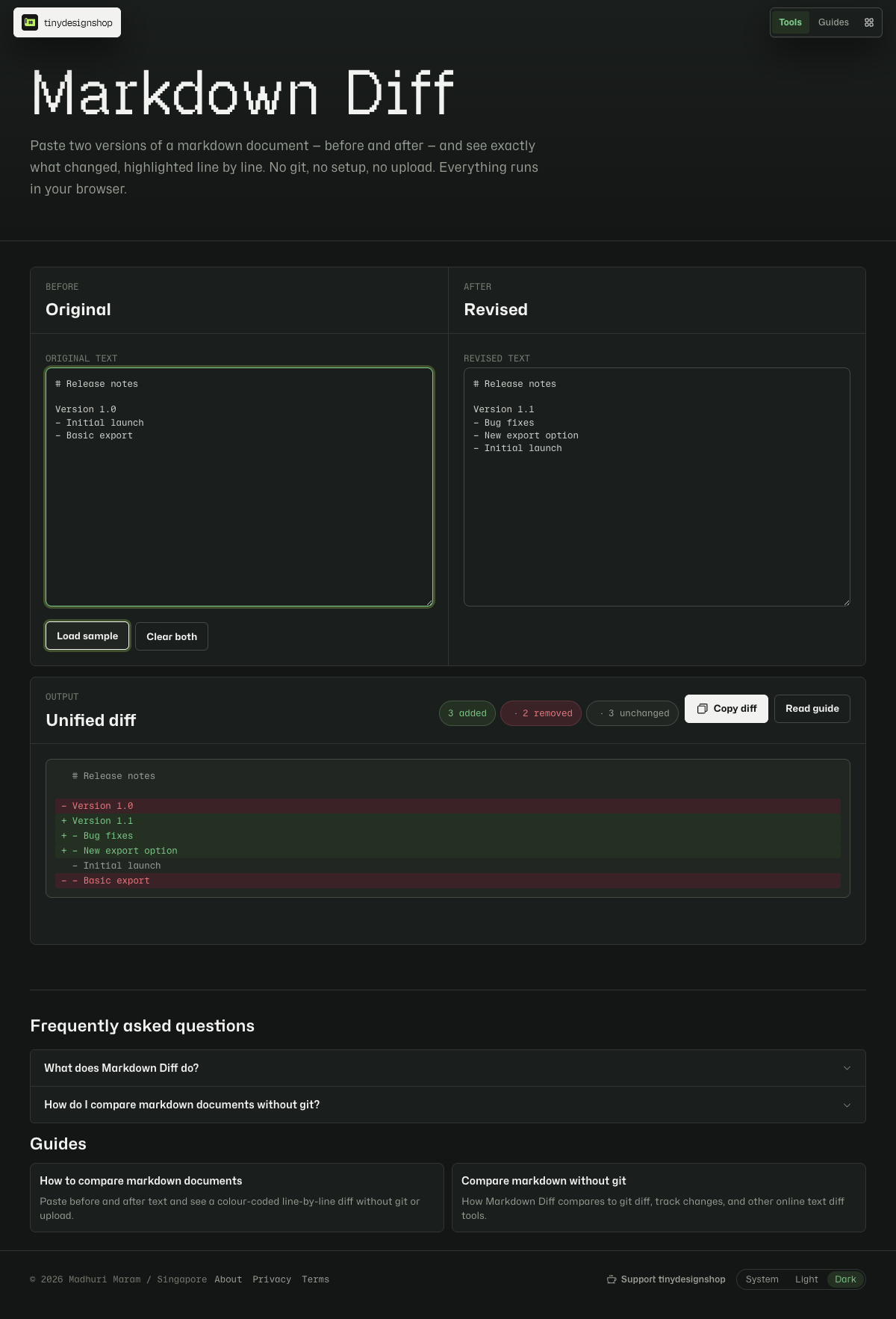
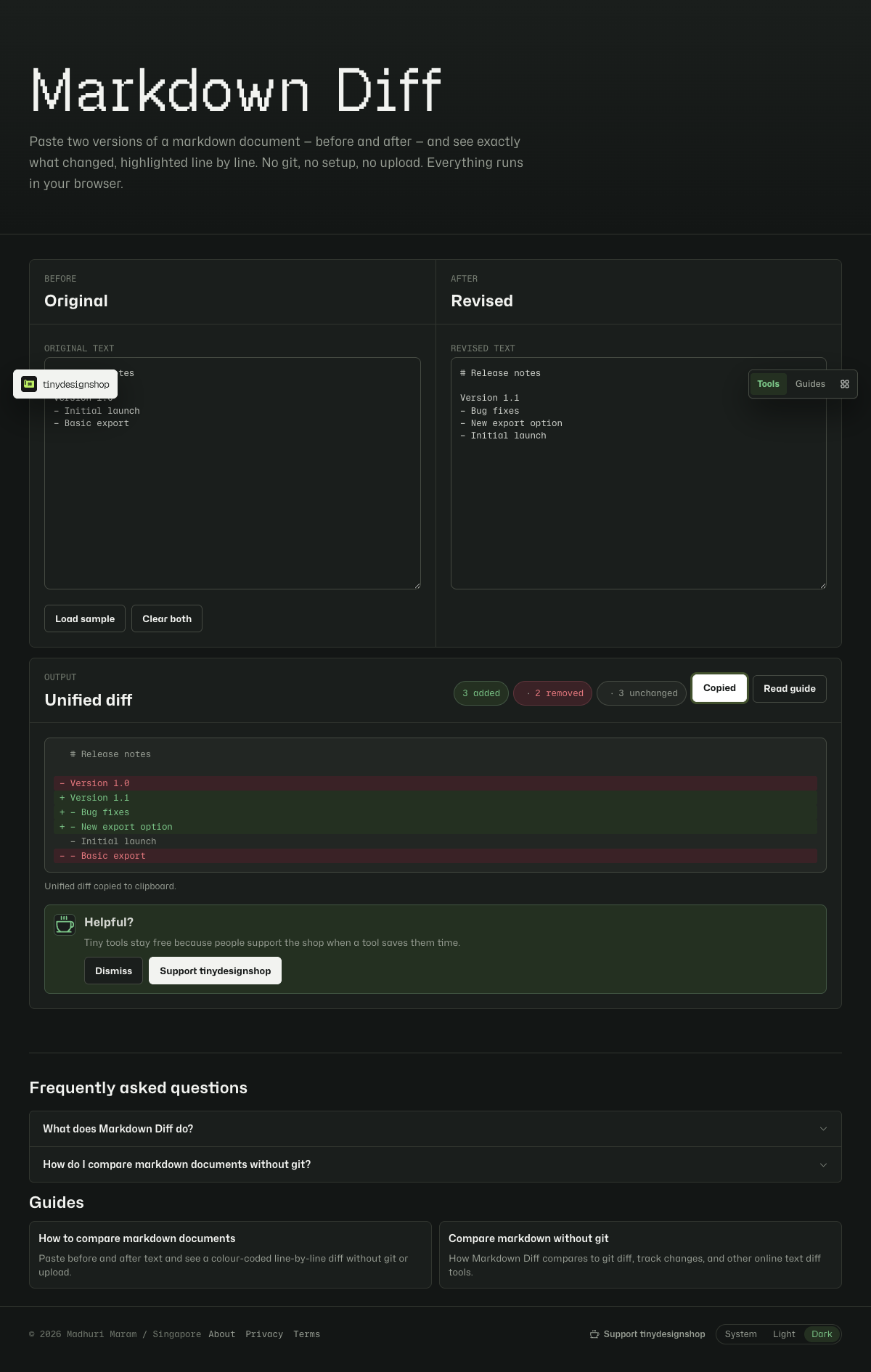
Markdown Diff compares raw text line by line and shows a unified diff: added lines in green, removed lines in red, and unchanged lines in neutral grey. A summary row counts how many lines changed.
Use it for release notes, proposal revisions, AI-edited drafts, or any document where you have two copies and need to see what moved without opening git or a word processor.
Compare two versions in under a minute.
- Open Markdown Diff.
- Paste the original text into the left panel.
- Paste the revised text into the right panel.
- Review the unified diff below — green for additions, red for removals.
- Click Copy diff to grab a plain-text unified diff for email, Slack, or a PR comment.
Good fits for a browser diff.
- Comparing a client’s edited proposal against your last draft.
- Checking what an AI rewrite changed before you publish.
- Reviewing changelog or release-note edits when the file is not in git.
- Spot-checking two exported markdown files from Notion, Docs, or a CMS.
The tool compares raw text lines — it does not render markdown formatting. That keeps the diff readable when pipes, hashes, and asterisks would otherwise add noise.
If the diff looks unexpected.
- Whitespace matters. A trailing space or extra blank line counts as a change.
- Line endings from Windows (
CRLF) vs Mac/Linux (LF) can show many small diffs — normalize in your editor first if needed. - Very long single-line blocks appear as one changed line. Word-level diff is planned for a future version.
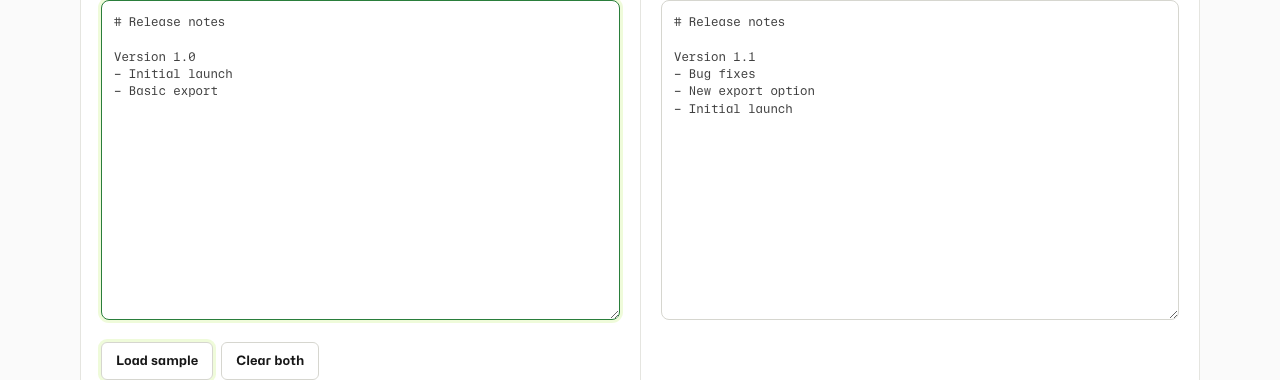
- Click Load sample to see a working example with one changed line and one addition.
Browser-local only.
Your pasted text stays on your device. Markdown Diff computes the diff in JavaScript inside your browser. Nothing is sent to Tiny Design Shop servers.