Go where startup roles are actually posted.
Many early-stage companies post jobs on their own applicant tracking system (ATS) career pages before — or instead of — listing on LinkedIn. Those listings are less crowded and often fresher.
The problem is fragmentation: each company uses a different ATS domain. Searching one board at a time is slow. Google site: search lets you query a specific domain from Google, and ATS Search Generator builds those queries for you across 11 common platforms.
What a site: search does.
A query like site:boards.greenhouse.io "product designer" remote tells Google to return results only from Greenhouse job pages that match your keywords and location.
ATS Search Generator wraps your keywords in quotes, adds an optional location suffix, and repeats the query for Ashby, Greenhouse, Lever, iCIMS, Jobvite, Workday, BambooHR, SmartRecruiters, JazzHR, Workable, and Gem.
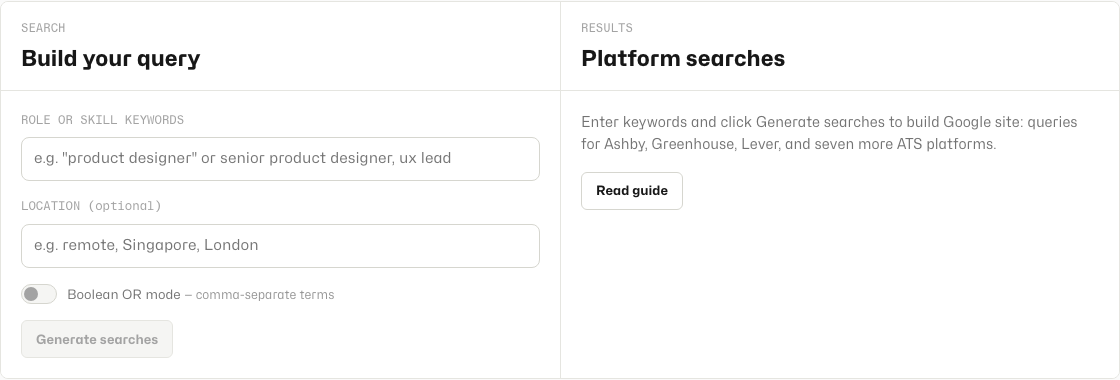
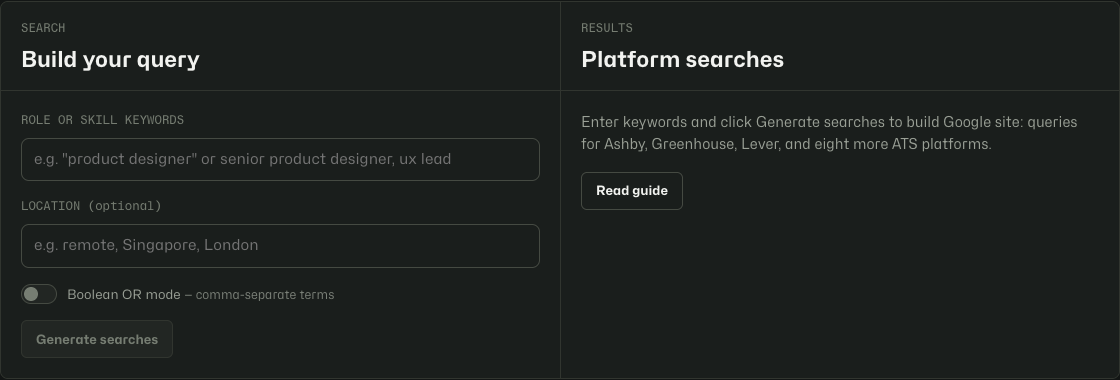
Generate searches in under a minute.
- Open ATS Search Generator.
- Enter role or skill keywords — e.g.
product designerorsenior product designer, ux lead. - Add an optional location such as
remote,Singapore, orLondon. - Turn on Boolean OR mode if you comma-separated multiple title variants.
- Click Generate searches.
- Click any platform row to open that Google search, or use Open all in tabs to search every ATS at once.
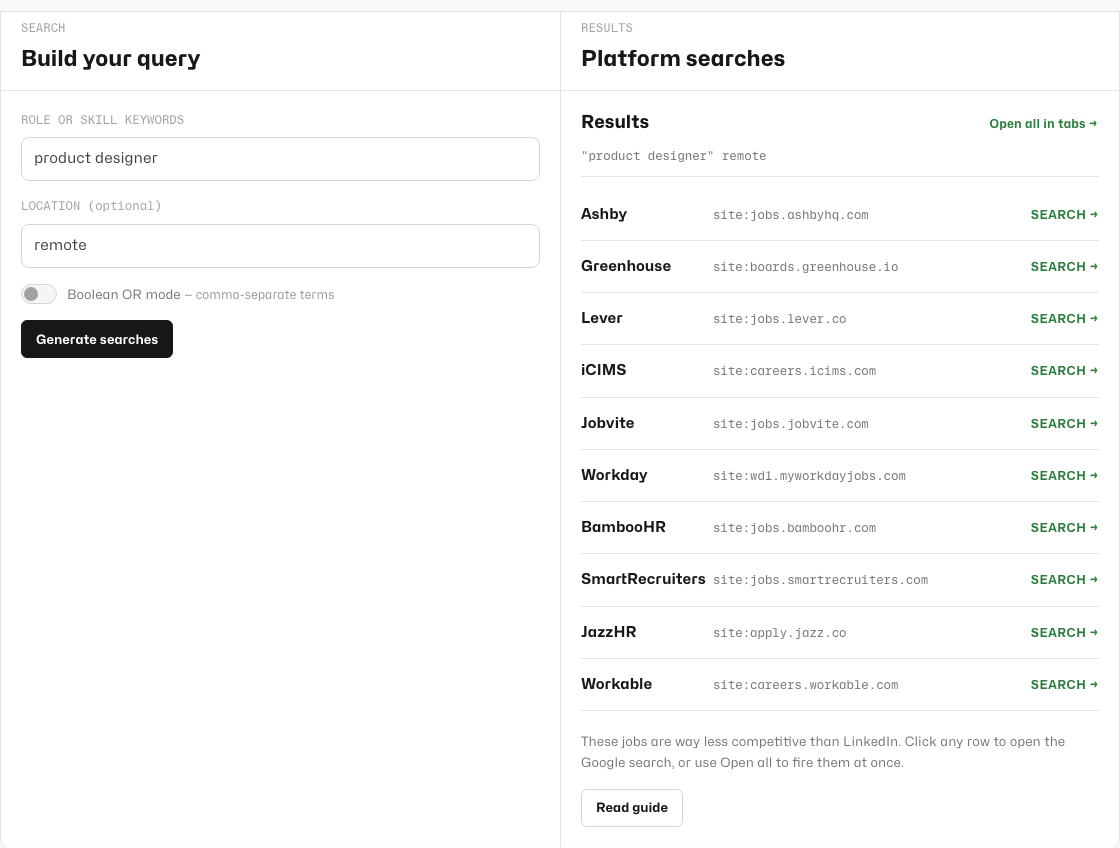
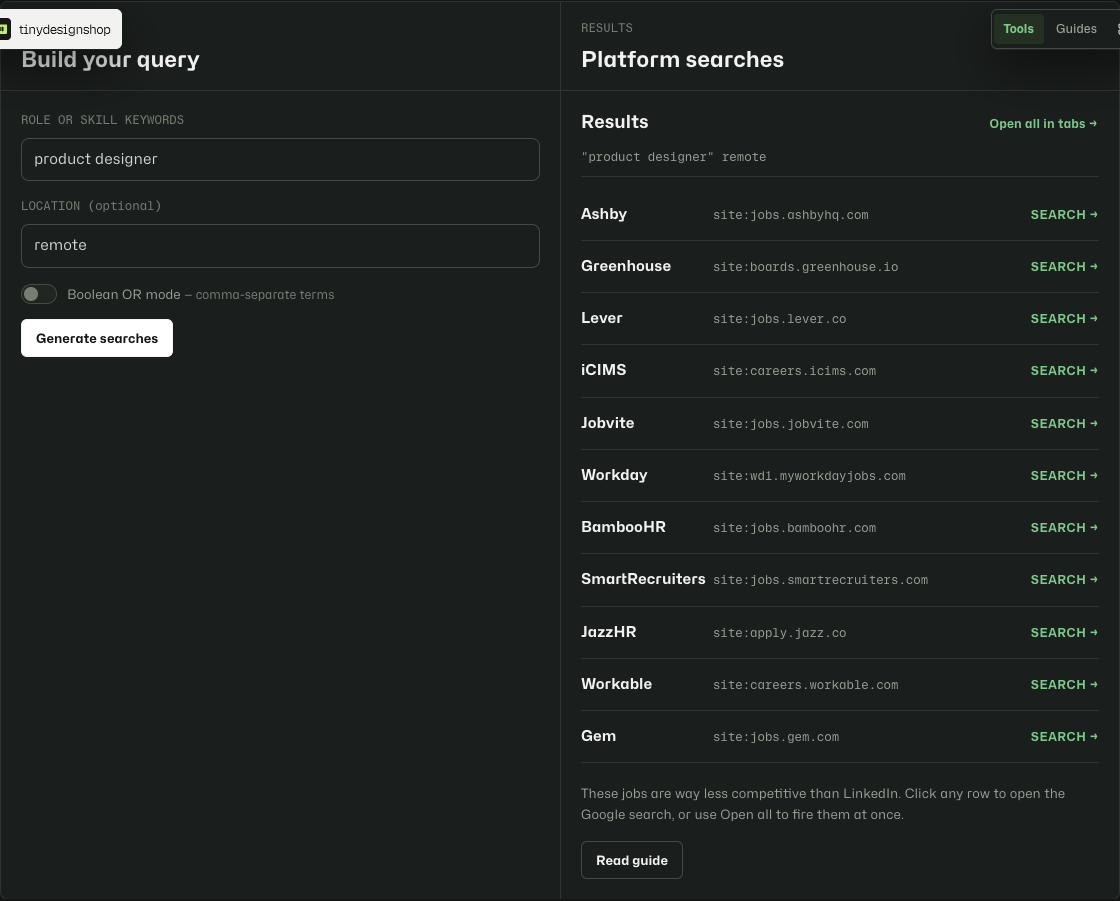
When to use Boolean OR mode.
With Boolean OR off, your entire keyword string is treated as one quoted phrase. That is best for exact titles like product designer.
Turn Boolean OR on when you want to search multiple title variants at once. Comma-separated terms like product designer, ux designer, design lead become a grouped OR query: ("product designer" OR "ux designer" OR "design lead").
Getting better results.
- Start broad, then narrow with location once you see volume.
- Use Open all when you are doing a weekly sweep; use single rows when you want to focus on one ATS.
- Some browsers block multiple pop-up tabs — allow pop-ups for tinydesignshop.com if Open all stops after the first tab.
- Results depend on what Google has indexed; very new postings may take a day to appear.
Browser-local only.
Your keywords never leave your device until you click a search link and open Google. ATS Search Generator does not store your queries on Tiny Design Shop servers.