Paste a URL, grab the assets.
Asset Extractor (Tiny Extract) is a free svg downloader and website image extractor. It finds inline SVG, linked SVG and raster files, CSS background images, and favicons from a public page — then shows them in a grouped catalog you can copy or download.
Use it when DevTools right-click save fails on inline SVGs, or when you want a trustworthy alternative to cloud SVG crawler sites with clearer privacy.
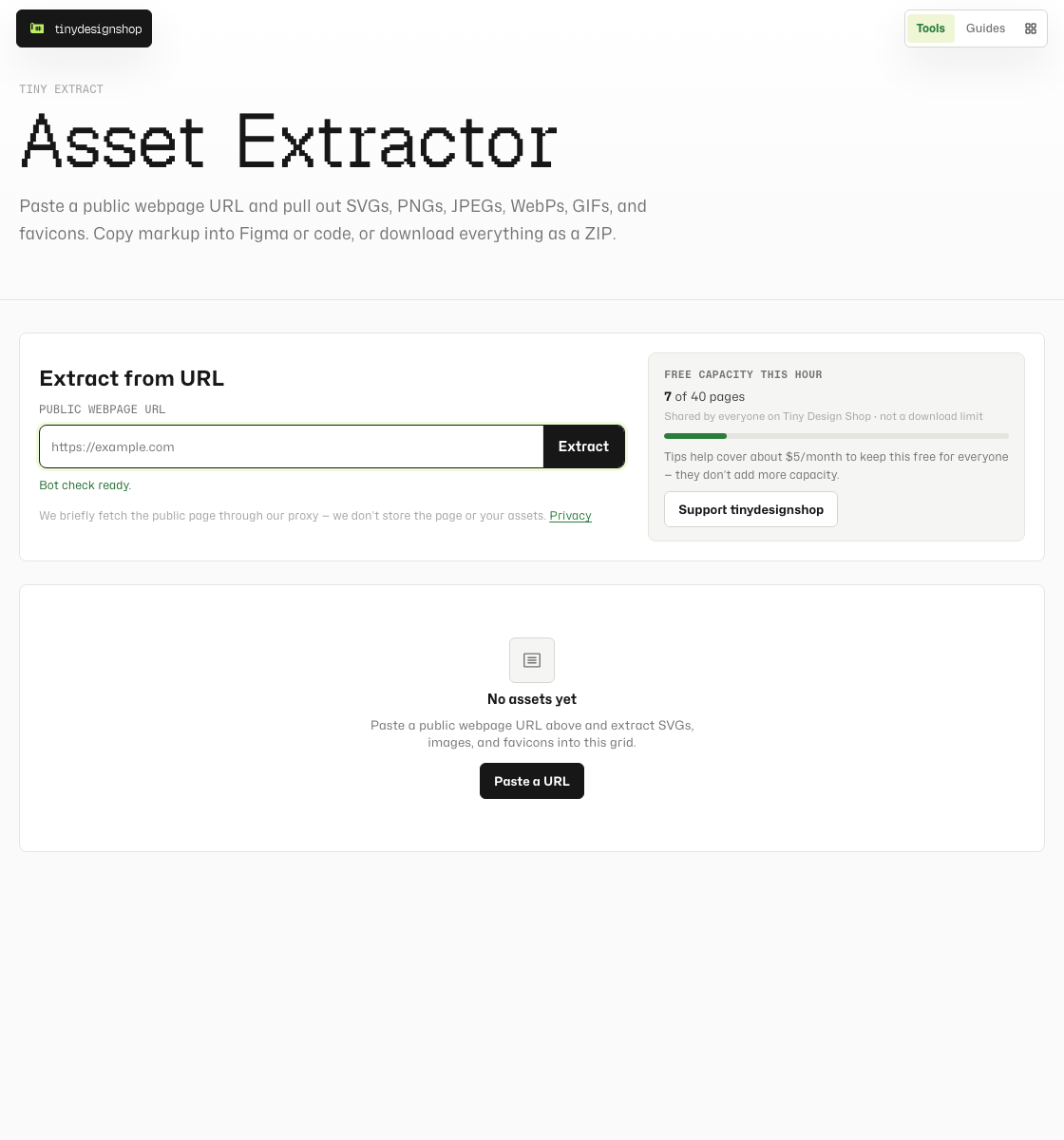
Extract in under a minute.
- Open Asset Extractor.
- Paste a public webpage URL (not a Google Drive or Dropbox share link).
- Complete the bot check and click Extract.
- Browse the results grid — copy SVG markup, download individual files, or Download All as a ZIP.
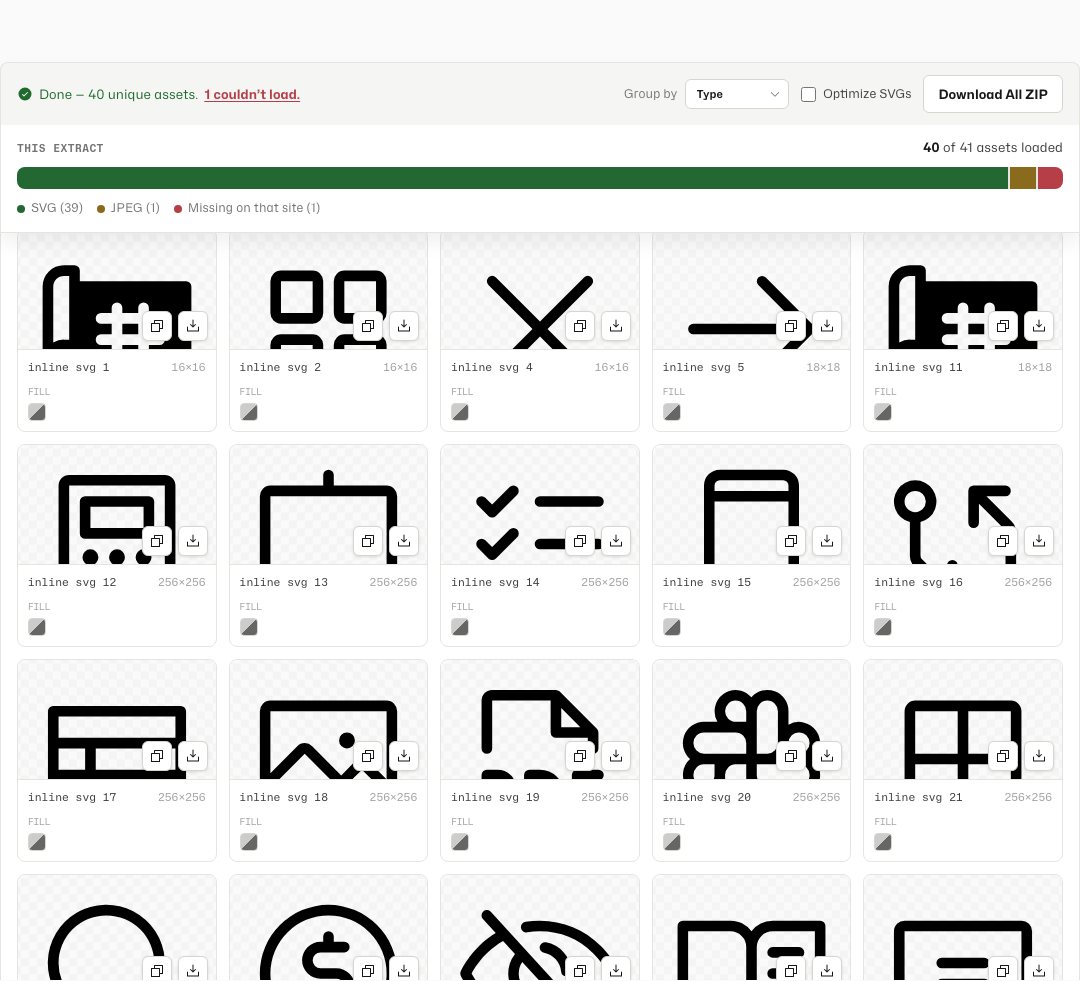
Group, copy, and download.
- Group by Type (default) — SVGS, PNGS, JPGS, WEBPS, GIFS, ICOS, and OTHER.
- Group by Size — exact pixel width sections for icon hunting.
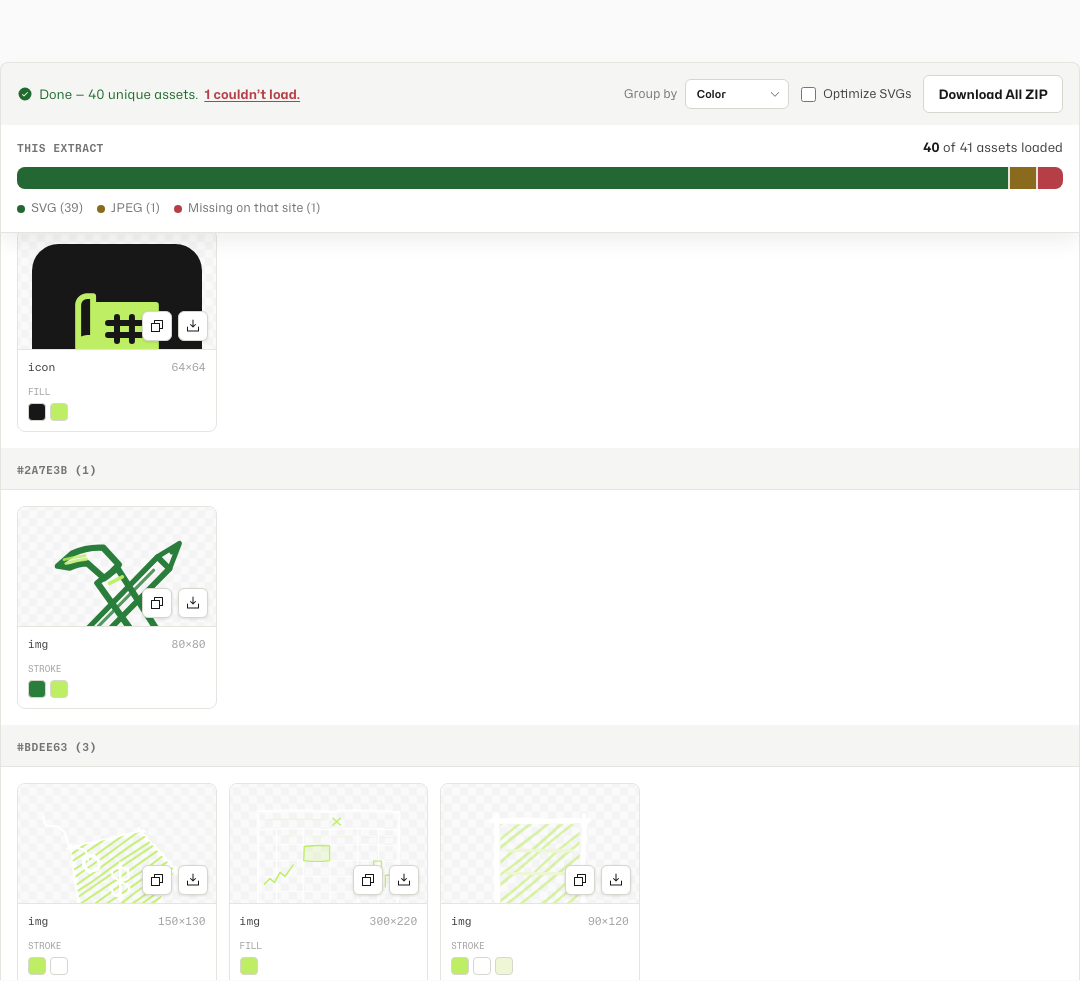
- Group by Color — SVGs sorted by primary fill or stroke hex; rasters stay in a trailing Non-SVG section.
- Each card shows exact W×H, fill/stroke swatches on SVGs, and icon Copy / Download actions.
- Optional Optimize runs SVGO on SVG downloads and shows a savings badge.
Favicons and touch icons.
Asset Extractor pulls favicons, apple-touch icons, and manifest icons already on a page — a different job from building a favicon pack from an upload. Icons land in the ICOS section with a chip like rel=apple-touch-icon.
What to expect.
- Public webpages only — login-walled or bot-blocked pages show a clear error, not a partial grid.
- File-hosting share links (Drive, Dropbox, WeTransfer, and similar) are blocked by design.
- Assets wider or taller than 2440px on either side are skipped with a warning count.
- Free page scans are rate-limited per hour to keep the shared proxy sustainable — tips do not unlock extra scans.
- SVG previews are sandboxed; scripted SVGs may show a light note on copy.
Hybrid proxy — honest disclosure.
Unlike browser-local tools on Tiny Design Shop, Asset Extractor sends the URL you paste to our Cloudflare Worker so it can fetch the public page and proxied assets. HTML and asset bytes pass through transiently — we do not store page contents or asset bodies, and analytics records that an extract happened (plus coarse country), not what you downloaded.
Read the full details on our Privacy policy.